Brand: NEC
Category: Other
Document Type: Manual
Language: EN
Brand: NEC
Category: Other
Document Type: Manual
Language: EN
Uploaded: Nov. 21, 2025, 7:24 p.m.
1. Insert the power cord into the wall outlet.
2. Press the Power button on the remote control.
3. The unit will be turned on and you will be ready to use its features.
When the unit is on, press the Power button on the remote control to switch to Stand-by.
1. With the power on, press the MENU button on the remote control. The main menu appears on the screen.
2. Use the MENU to select menu page. Use ▲/▼ to activate the menu page.
3. Use the ◄/► to select an item. Use ◄/► to adjust value or setting of each item. Use ESC to exit menu system.
OSD menu will disappear from the screen automatically after some seconds, or you can press the MENU button repeatedly to exit the menu system.
| Symptom | Possible Cause | Remedy |
|---|---|---|
| Dead. No Led lit | No power | Check all connections, ensure that all plugs are fitted and the mains supply is turned on. The led on the Power adaptor should be showing green |
| Dead Led lit RED | TV is in standby. | Press either the Power button on the TV or the Remote control |
| Screen Lit with message "No Signal" | No programme selected. | The TV may be in the wrong input mode. Select TV. |
| TV not tuned in | Refer to page 21 to tune in the TV. | |
| Poor Snowy, Ghosting picture | No signal from aerial. | Ensure the Tv is connected to a suitable aerial |
| Poor signal from aerial. | Check connections from aerial. If using an indoor aerial you may need an outdoor aerial. | |
| No Sound. | Mute selected. | Check settings. |
| Poor Picture in PC Mode | Not set to your PC correctly. | Enter the PC Menu and chose Auto Adjust. |
| No Picture in PC Mode. | PC settings incorrect. | Change the PC settings in Display mode to 60Hz refresh rate. |
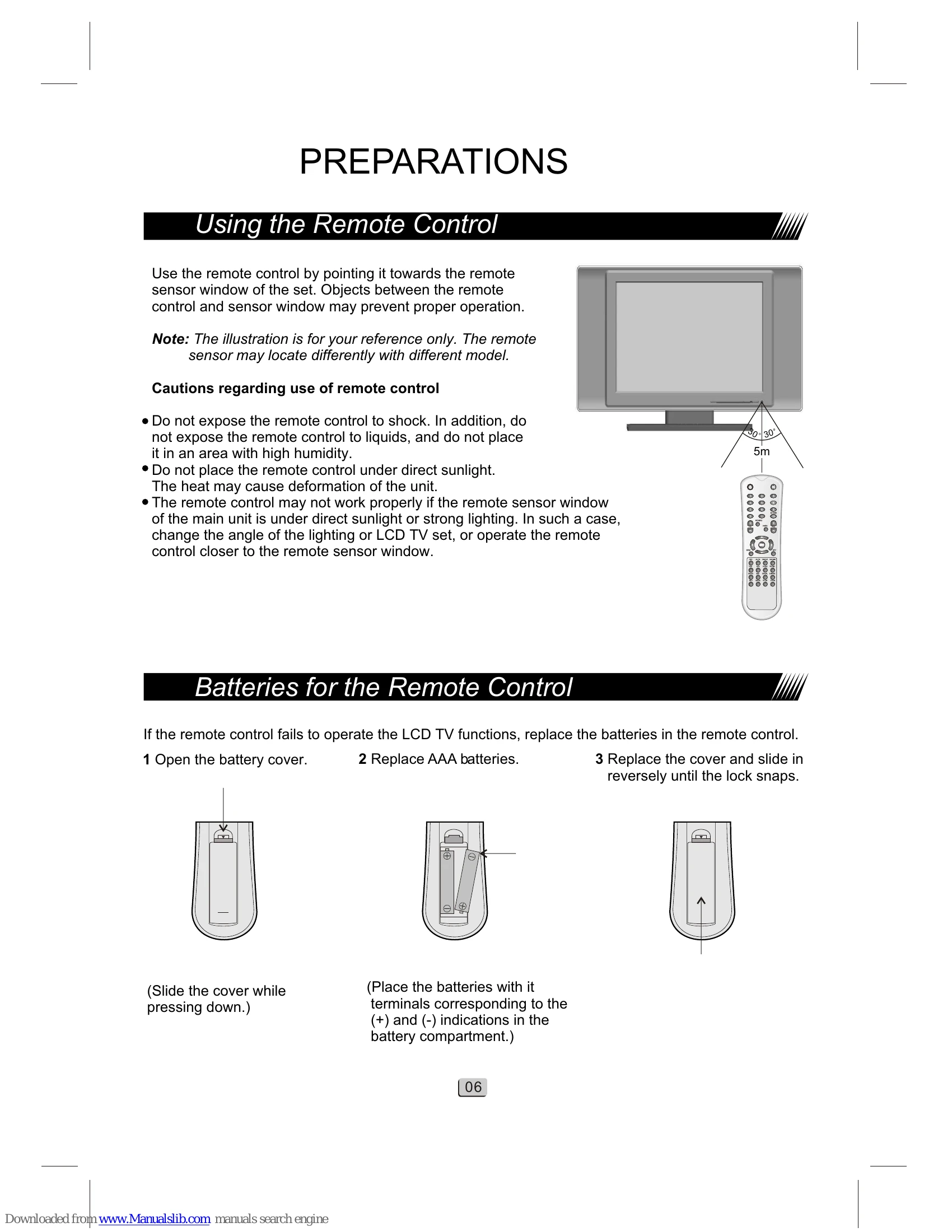
| No Remote control functions | Batteries worn out. | Replace batteries every 6 months. |
| Room ambient lighting too high. | Ensure no bright lights are shining onto the Remote sensor. |