Brand: NEC
Category: Other
Document Type: Manual
Language: EN
Brand: NEC
Category: Other
Document Type: Manual
Language: EN
Uploaded: Nov. 21, 2025, 7:29 p.m.
Manual Publish Date: 1995-03-01
No specific warranty information provided in this document.
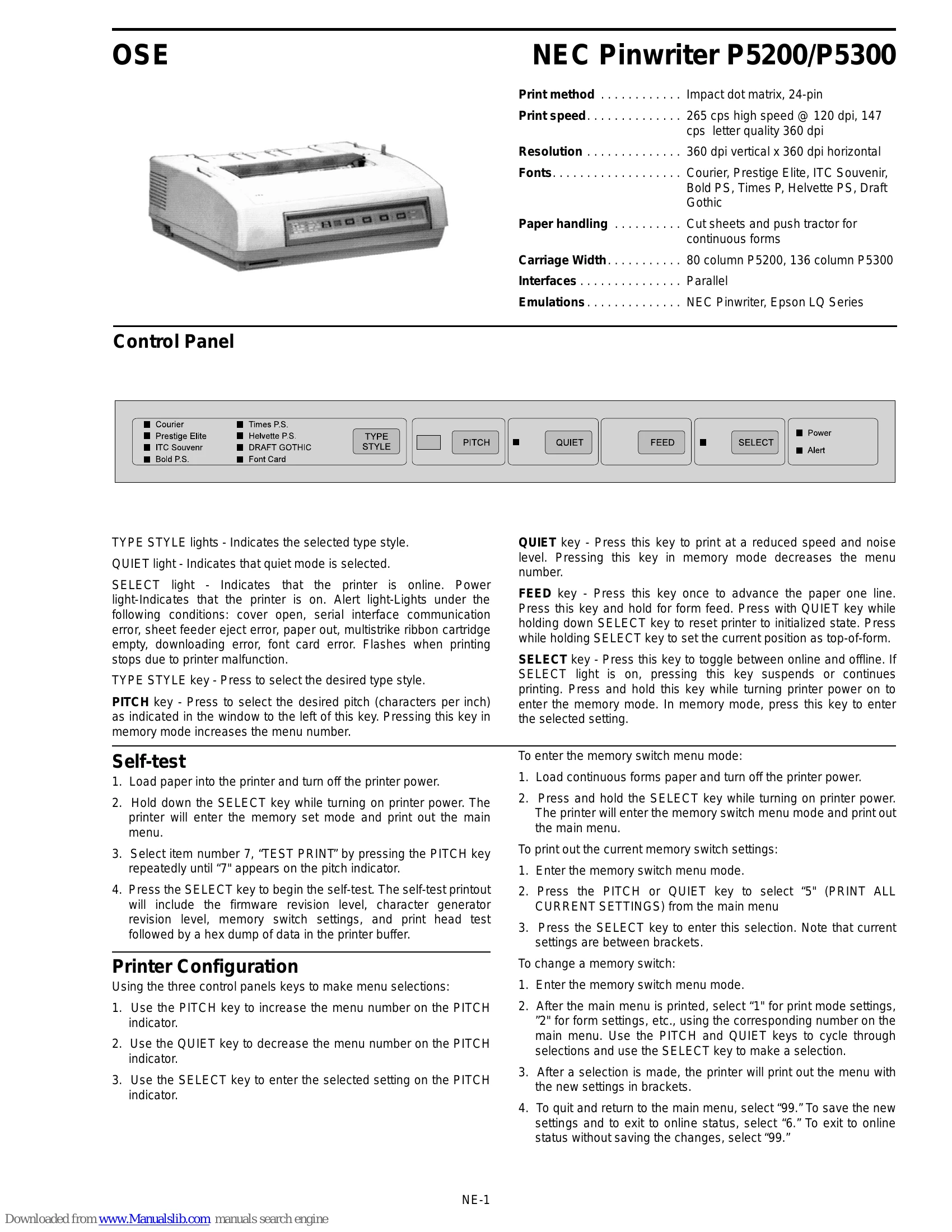
TYPE STYLE lights: Indicate selected type style.
QUIET light: Indicates quiet mode is selected.
SELECT light: Indicates printer is online. Power light: Indicates printer is on. Alert light: Illuminates for various error conditions (cover open, communication error, paper out, etc.) or flashes during printer malfunction.
TYPE STYLE key: Select desired type style.
PITCH key: Select desired pitch (characters per inch). Increases menu number in memory mode.
QUIET key: Prints at reduced speed/noise. Decreases menu number in memory mode.
FEED key: Advances paper one line; holds for form feed. Resets printer to initialized state with QUIET key. Sets top-of-form with SELECT key.
SELECT key: Toggles online/offline. Suspends/continues printing. Enters memory mode when held while turning power on.
| Error/Condition | PITCH Window Display | Possible Cause | Solution |
|---|---|---|---|
| Printer will not print and Power light is off | - | Printer not securely plugged in. | Check power connection to a working circuit. |
| Printer does not print and SELECT light is off | - | Printer is offline. | Press the SELECT key. |
| Printing does not start at the top of the page | - | Top-of-form not set correctly. | Move paper to top of page and re-set top-of-form. |
| Print is faded | - | Ribbon not installed correctly or needs replacement. | Reinstall or replace ribbon cartridge. |
| Printout is smudged | - | Copy control lever set incorrectly. | Adjust copy control lever. |
| Error Codes | Codes flashed in PITCH window | See reference card from underside of printer. | Consult reference card. |