Manual for SuperScript 660Plus

Manual for SuperScript 660Plus

Brand: NEC

Category: Other

Document Type: Manual

Language: EN
Uploaded: Nov. 21, 2025, 6:54 p.m.

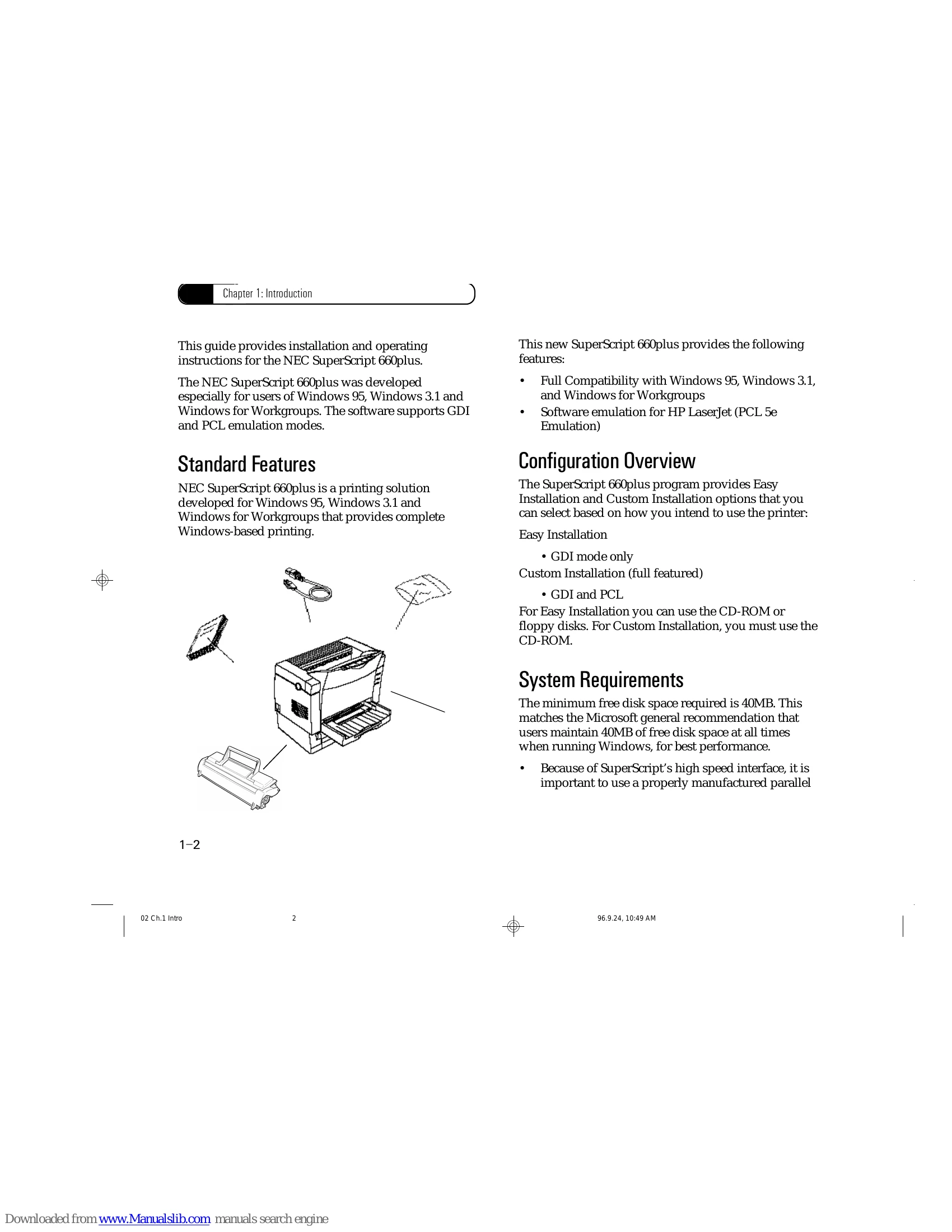
This chapter describes the standard features of the SuperScript 660plus printer. It has the details about unpacking the printer, system requirements for the printer, and general information about Easy and Custom installation. The guide provides installation and operating instructions for the NEC SuperScript 660plus, developed especially for users of Windows 95, Windows 3.1 and Windows for Workgroups, supporting GDI and PCL emulation modes. It details standard features, configuration options (Easy and Custom Installation), and system requirements including disk space and hardware connections. It also covers unpacking the printer, locating items, and setting up the printer, including installation precautions, power source, grounding, printer dimensions, operating environment, and external and internal printer parts.

Troubleshooting and error codes

Error Message Page
incomplete page A-5
Power Off or Cable Problem 5-4
Engine Error 5-4
Cover Open or Toner Cartridge Missing 5-4
Paper Out 5-4
Paper Jam 5-4
Duplex Printing 5-4
Engine is Warming Up 5-4
streaked page A-4
light page A-3
blank page A-3
solid white vertical lines A-5
Privacy Policy