Search
Manual for PF51T31
Brand:
NEC
Category:
Television
Document Type:
Manual
Language:
EN
Uploaded:
Nov. 21, 2025, 9 p.m.
Download Manual
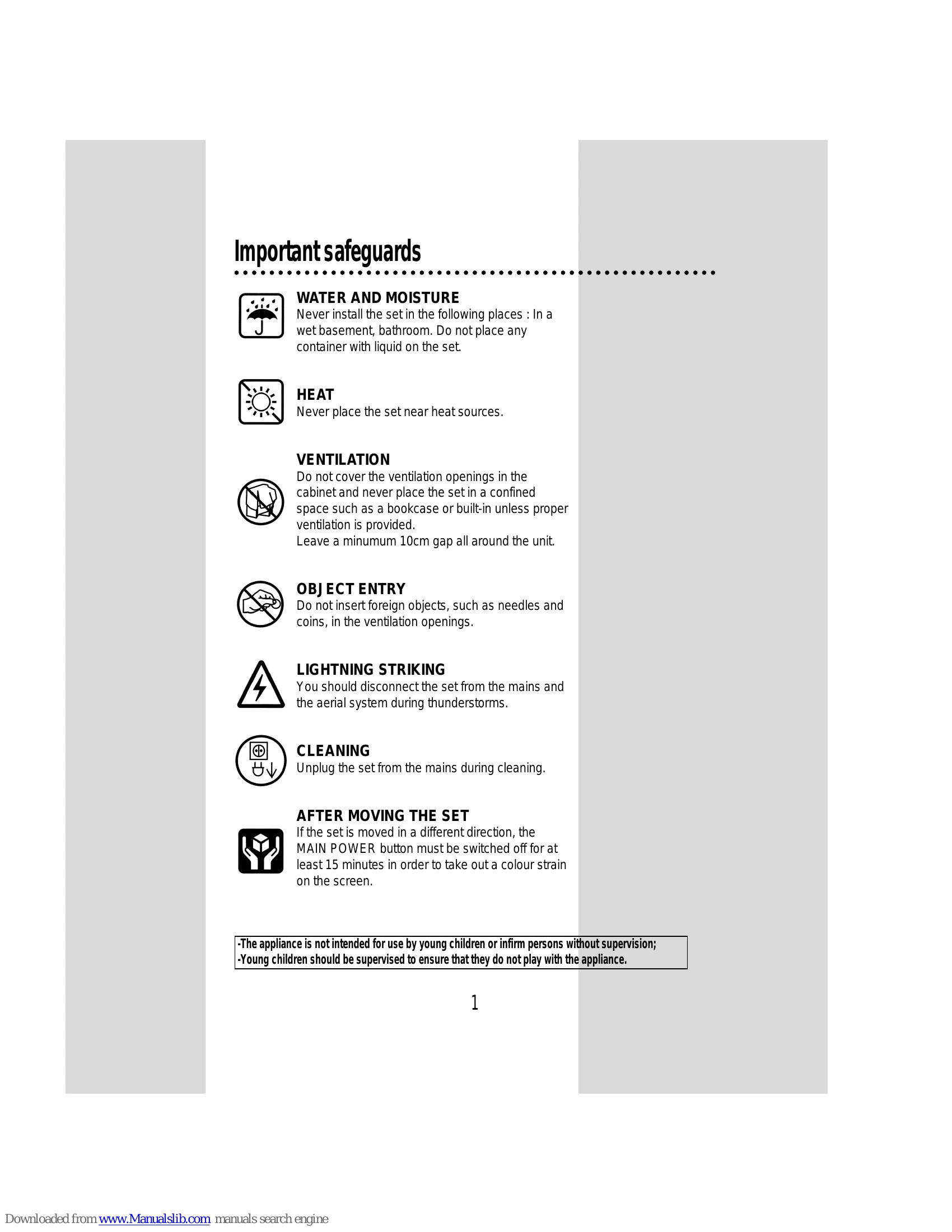
Important Safeguards
Avoid water and moisture, heat sources, and ensure proper ventilation.
Do not insert foreign objects into ventilation openings.
Disconnect during thunderstorms.
Unplug before cleaning.
Allow 15 minutes after moving before turning on to prevent color strain.
Before Operation
Insert two 1.5V AA batteries into the remote control.
Connect the mains cable to a 240V/50Hz AC power socket.
Connect the aerial (75 ohm).
Switching On and Off
To switch on:
Use the MAIN POWER button on the set, or the OPERATE, CH UP/DOWN, or NUMBER buttons on the remote.
To switch off:
Press the OPERATE button on the remote to return to standby. For extended periods, use the MAIN POWER button on the set.
Connecting External Equipment
Use the TV/VIDEO button to select AV1 or AV2 input.
Refer to diagrams for connecting Stereo VCR, Mono VCR, camcorders, or video games.
Audio output is available via RCA jack.
Headphone jack is available; sound from speakers will be cut off.
Identification of Controls
Front:
Power, AV IN 2, Audio Input, Headphone, Remote Sensor, Menu, Volume, Channel, TV/Video buttons.
Back:
Aerial Terminal, AV IN, AV OUT RCA sockets.
Remote Control
TV Mode functions include Operate, Number, Picture/OK, TV/Video, Channel/Cursor, Volume, Mute, Recall, Sleep, etc.
Teletext Mode functions include Operate, Number, Index, Mix, Sleep, Subpage, Hold, Reveal, etc.
Daily Use
Programme Selection:
Direct selection using number buttons or Up/Down controls.
Sound Control:
Volume adjustment using Volume buttons.
Mute:
Press MUTE button to turn sound off/on.
Forced Mono/Bilingual:
Use MODE button to select mono or bilingual audio.
Picture Control
Select from three picture settings (Normal I, Normal II, Favourite) using PICTURE/OK button.
Picture menu allows adjustment of brightness, contrast, colour, sharpness.
Sleep Function
Set TV to switch to standby after a chosen period (OFF, 30, 60, 90, 120 min).
Remaining time is displayed.
Programme Status Display
Shows programme number, channel name, sound mode (NICAM STEREO or forced Mono), clock, and sleep timer.
Menus
Access MAIN MENU with MENU button.
Navigate sub-menus using CURSOR buttons.
Adjust settings using CURSOR LEFT/RIGHT buttons and confirm with PICTURE/OK.
Picture Menu
Adjust BRIGHT, CONTRAST, COLOUR, SHARP.
Sound Menu
Adjust VOLUME, BASS, TREBLE, BALANCE, EFFECT.
Features Menu
Format:
Select 4/3, 16/9, or Zoom.
Child Lock:
Turn ON/OFF to prevent unauthorized use.
Clock:
Set TV clock.
Wake Time:
Set TV to turn on at a specific time/programme.
Wake PR:
Select TV turn-on programme number.
Install Menu
Auto Setup:
Automatic Tuning system.
Edit:
Programme list edition (channel skipping, deleting, reordering).
Manual Channel Settings:
Choose starting point, channel searching, fine tuning.
Enter station name, store programme.
Teletext
Switch Teletext ON/OFF with TELETEXT button.
Select pages directly with number buttons or sequentially with PAGE UP/DOWN.
Useful functions: INDEX, SUBPAGE, PAGE HOLD, REVEAL.
Teletext format, picture, sound control: adjust character size, volume, brightness.
Superimpose teletext with MIX button.
Watch TV and Teletext simultaneously using CANCEL button.
Specifications
TV Standard: PAL/SECAM-B/G,H, NTSC(AV ONLY)
Main Voltage: 240V~, 50Hz
Power Consumption: 95W
Sound Output Power: 3W+3W
Dimensions: 590 x 471 x 465mm
Weight: 24.2Kg
NEC Service Centres
Contact information for various states in Australia.
Privacy Policy