Quick Start Guide for KeyMission 360

Quick Start Guide for KeyMission 360

Brand: Nikon

Category: Camera

Document Type: Quick Start Guide

Language: EN
Uploaded: Aug. 10, 2025, 12:14 a.m.

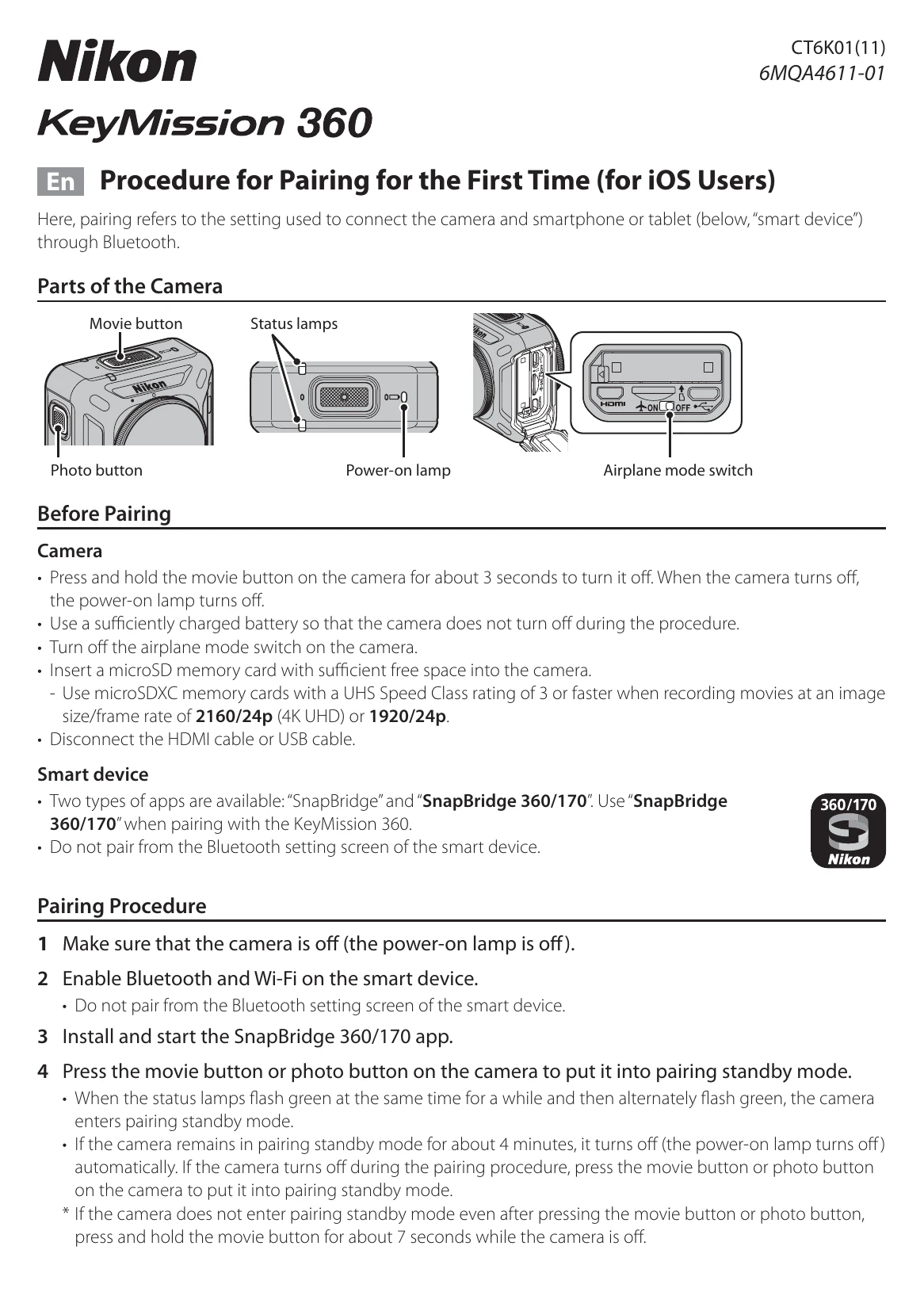
Before Pairing

Camera:

  • Press and hold the movie button for about 3 seconds to turn off the camera.
  • Ensure the battery is sufficiently charged.
  • Turn off the airplane mode switch.
  • Insert a microSD memory card with sufficient free space.
  • Disconnect any HDMI or USB cables.

Smart device:

  • Install and use the "SnapBridge 360/170" app.
  • Do not pair from the smart device's Bluetooth settings screen.

Pairing Procedure

  1. Ensure the camera is off.
  2. Enable Bluetooth and Wi-Fi on your smart device.
  3. Install and start the SnapBridge 360/170 app.
  4. Press the movie button or photo button on the camera to enter pairing standby mode (status lamps flash green).
  5. When the camera name appears on the smart device, tap it to connect.
  6. Follow on-screen instructions to complete pairing.

When You Cannot Pair

  • Turn off the camera.
  • Close the SnapBridge 360/170 app.
  • Remove the camera from the smart device's Bluetooth settings.
  • Repeat the pairing procedure.

Auto Off

The camera turns off automatically after 30 seconds of inactivity. It is recommended to set "Auto off" to 5 minutes in the app settings.

Troubleshooting and error codes

Problem Solution
Cannot pair the camera and smart device.
  • Turn off the camera.
  • Close the SnapBridge 360/170 app.
  • Remove the camera from the Bluetooth settings of the smart device.
  • Repeat the pairing procedure.
Camera turns off during pairing.
  • Ensure the battery is sufficiently charged.
  • Press the movie button or photo button to re-enter pairing standby mode.
Privacy Policy