Quick Start Guide for KeyMission 170

Quick Start Guide for KeyMission 170

Brand: Nikon

Category: Digital Camera

Document Type: Quick Start Guide

Language: EN
Uploaded: Aug. 10, 2025, 12:15 a.m.

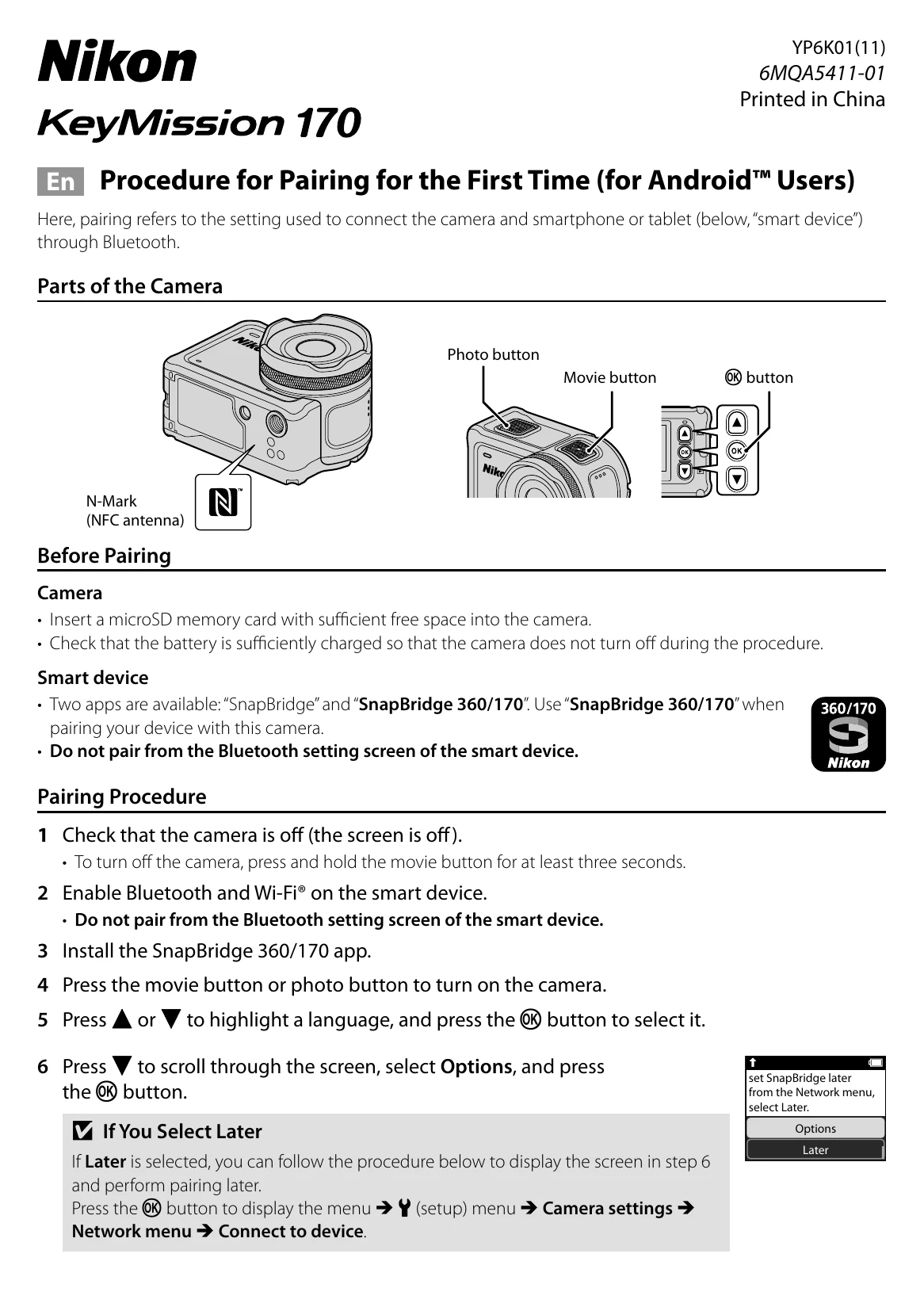
Procedure for Pairing for the First Time (for Androidâ„¢ Users)

Pairing is the process of connecting the camera to a smartphone or tablet via Bluetooth.

Before Pairing:

  • Camera: Insert a microSD card and ensure the battery is sufficiently charged.
  • Smart device: Install the "SnapBridge 360/170" app. Do not pair from the smart device's Bluetooth settings.

Pairing Procedure:

  1. Ensure the camera is off.
  2. Enable Bluetooth and Wi-Fi on your smart device.
  3. Install the SnapBridge 360/170 app.
  4. Turn on the camera by pressing the movie or photo button.
  5. Select a language and press OK.
  6. Navigate to Options and press OK. (If you select 'Later', you can pair later via the setup menu.)
  7. Press Next and then OK. The camera will display a pairing screen and status lamps will flash.
  8. Optional (NFC): Touch the smart device's NFC antenna to the camera's N-Mark before selecting Next. The app will launch, and you can proceed to step 10 after confirming 'Camera name acquired. Connect?'.
  9. Launch the SnapBridge 360/170 app on your smart device.
  10. Confirm the authentication code matches on both devices. On the camera, select OK. On the smart device, tap 'Pairing'.
  11. Follow the on-screen instructions on both devices to complete pairing.

When You Cannot Pair:

  • Turn off the camera by holding the movie button for at least three seconds.
  • Close the SnapBridge 360/170 app.
  • If the language selection dialog does not appear, follow the 'If You Select Later' procedure.
Privacy Policy