Manual for Digital Cameras

Manual for Digital Cameras

Brand: OLYMPUS

Category: Digital Camera

Document Type:

Language: EN
Uploaded: Aug. 9, 2025, 11:44 p.m.

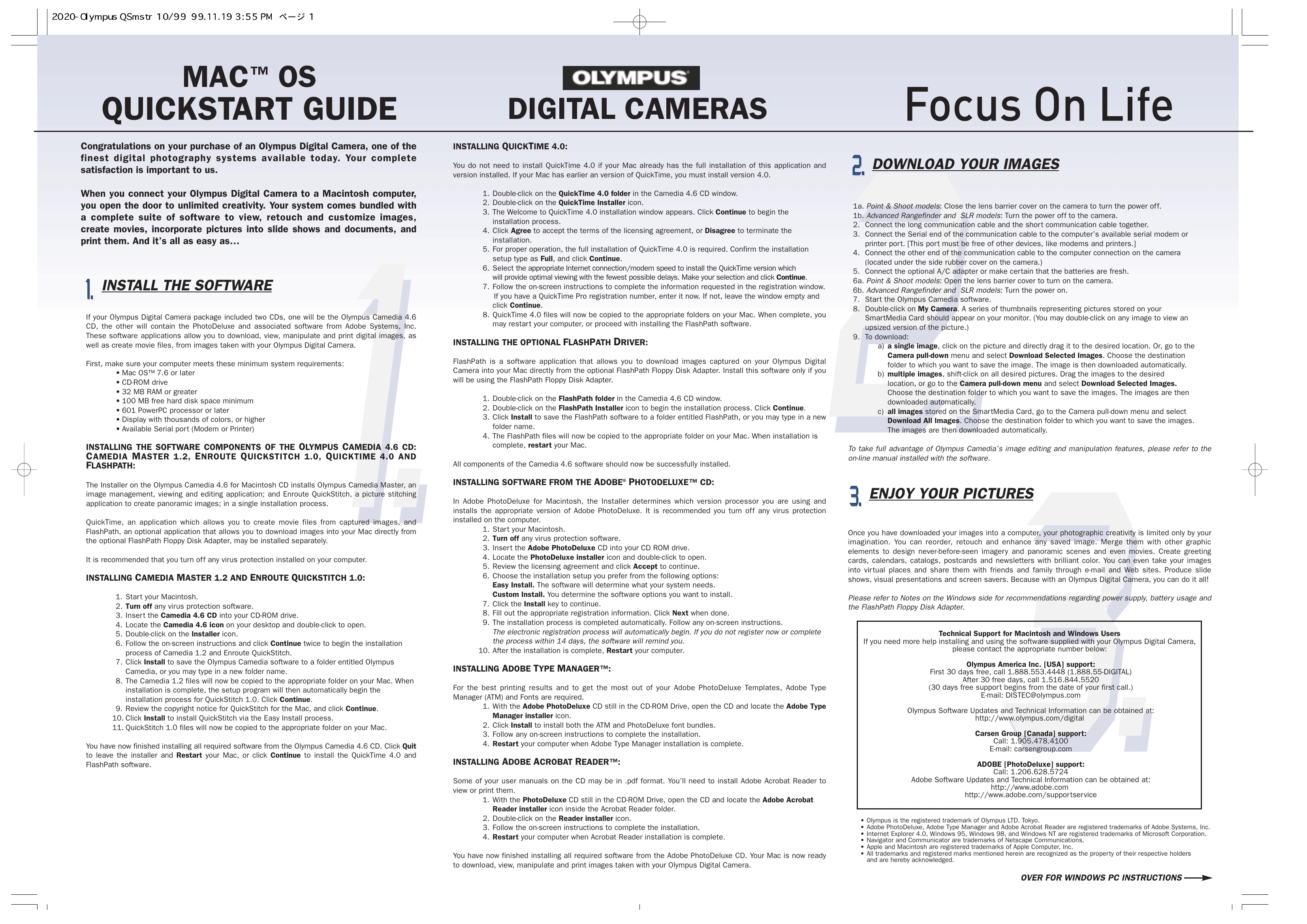
QuickStart Guide

Installing Software

  1. Insert the Olympus Camedia 4.6 CD or the Adobe PhotoDeluxe CD.
  2. Follow the on-screen instructions to install Camedia Master, QuickTime, Enroute QuickStitch, FlashPath, Adobe PhotoDeluxe, Adobe Type Manager, and Adobe Acrobat Reader.
  3. Turn off any virus protection software during installation.
  4. Restart your computer after installation is complete.

Downloading Images

  1. Connect the camera to your computer using the provided cable.
  2. Turn on the camera.
  3. Start the Olympus Camedia Master software.
  4. Double-click 'My Camera' to view images on the SmartMedia Card.
  5. Select images by clicking on them (Shift-click for multiple images).
  6. Go to the 'Camera' menu and select 'Download Selected Images' or 'Download All Images'.
  7. Choose a destination folder and click 'OK'.

Enjoying Your Pictures

Edit, retouch, and enhance your images. Create slideshows, movies, and more.

Privacy Policy