Brand: Panasonic
Category: Automotive Electronics
Document Type: Manual
Language: EN
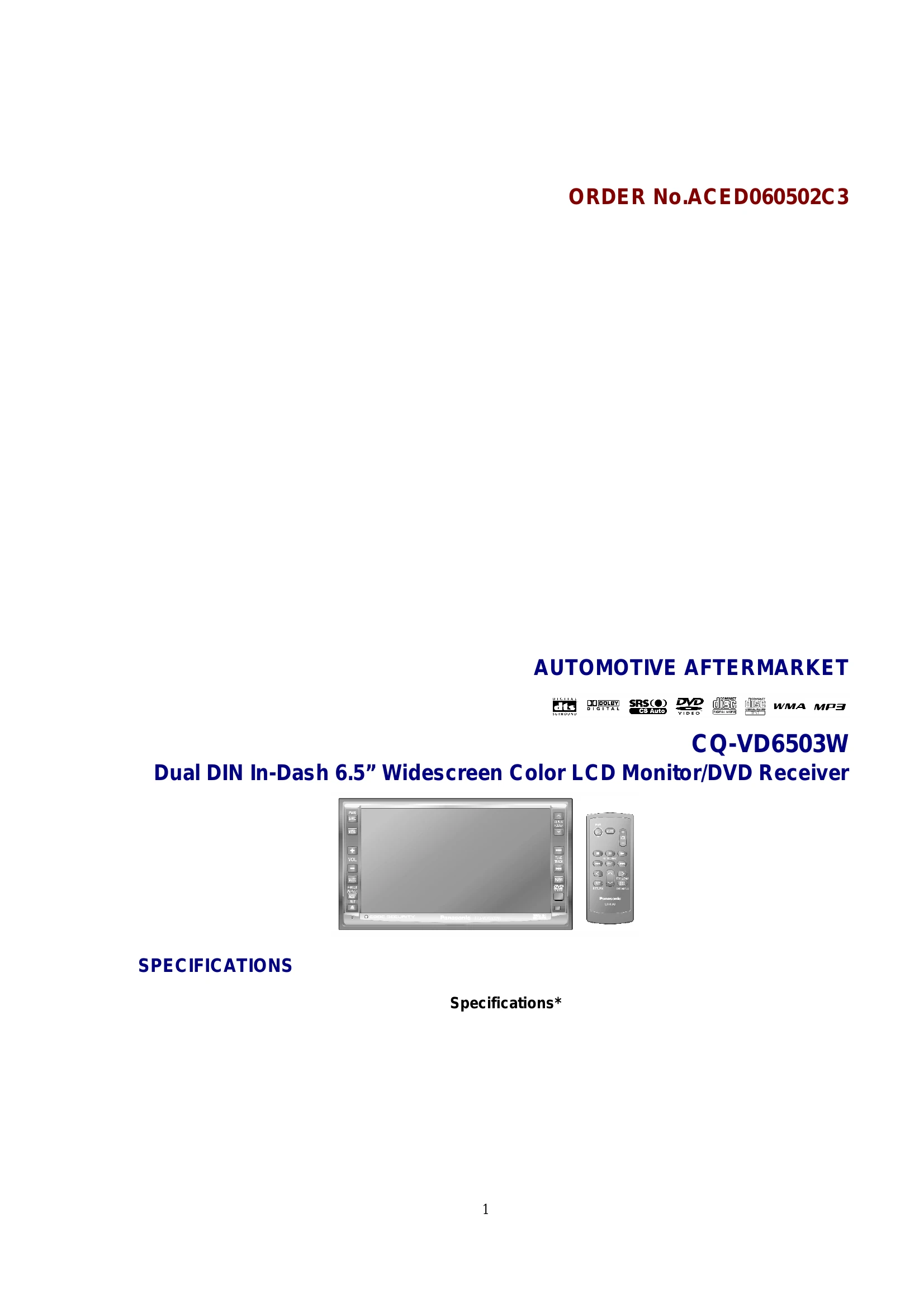
Brand: Panasonic
Category: Automotive Electronics
Document Type: Manual
Language: EN
Uploaded: Nov. 21, 2025, 8:14 p.m.
Manual Publish Date: 2006-01-01
This product comes with a 24-month warranty against manufacturing defects.
| Problem | Possible Cause | Solution |
|---|---|---|
| Unit does not turn on | Power cable not connected properly. | Check all power connections. |
| No sound | Volume is set to minimum or muted. | Increase volume or un-mute. |
| Audio cables are not connected properly. | Check audio cable connections. | |
| DVD/CD not playing | Disc is dirty or inserted incorrectly. | Clean the disc and re-insert it correctly. |
| Disc format is not supported. | Use a compatible disc format (DVD, Video CD, CD, MP3, WMA). | |
| Screen is blank | Screen brightness is set too low. | Adjust screen brightness in the settings menu. |
| Unit is in standby mode. | Press the power button to turn the unit ON. | |
| Touch panel not responding | Screen is dirty. | Clean the touch screen with a soft cloth. |
| Touch panel requires calibration. | Refer to the settings menu for touch panel calibration instructions. |