Brand: Panasonic
Category: Camcorder
Document Type: Manual
Language: EN
Brand: Panasonic
Category: Camcorder
Document Type: Manual
Language: EN
Uploaded: Aug. 10, 2025, 12:43 a.m.
Manual Publish Date: 2013-10-01
Offers 1-year parts and labor warranty for the wearable camera in the USA and Puerto Rico.
| Symptom | Possible Cause | Remedy |
|---|---|---|
| Wi-Fi mode lamp flashes during charging | USB terminals dirty or covered; high/low temperature environment | Check and clean USB terminals; ensure unit is at appropriate temperature. |
| Charging does not start or is slow | PC in power saving mode; USB hubs or extension cables used | Cancel power saving mode; connect directly to PC; avoid hubs/extensions. |
| Cannot connect to smartphone via Wi-Fi | Incorrect SSID/password; too far apart; unknown access point | Verify SSID/password; move devices closer; use known access points. |
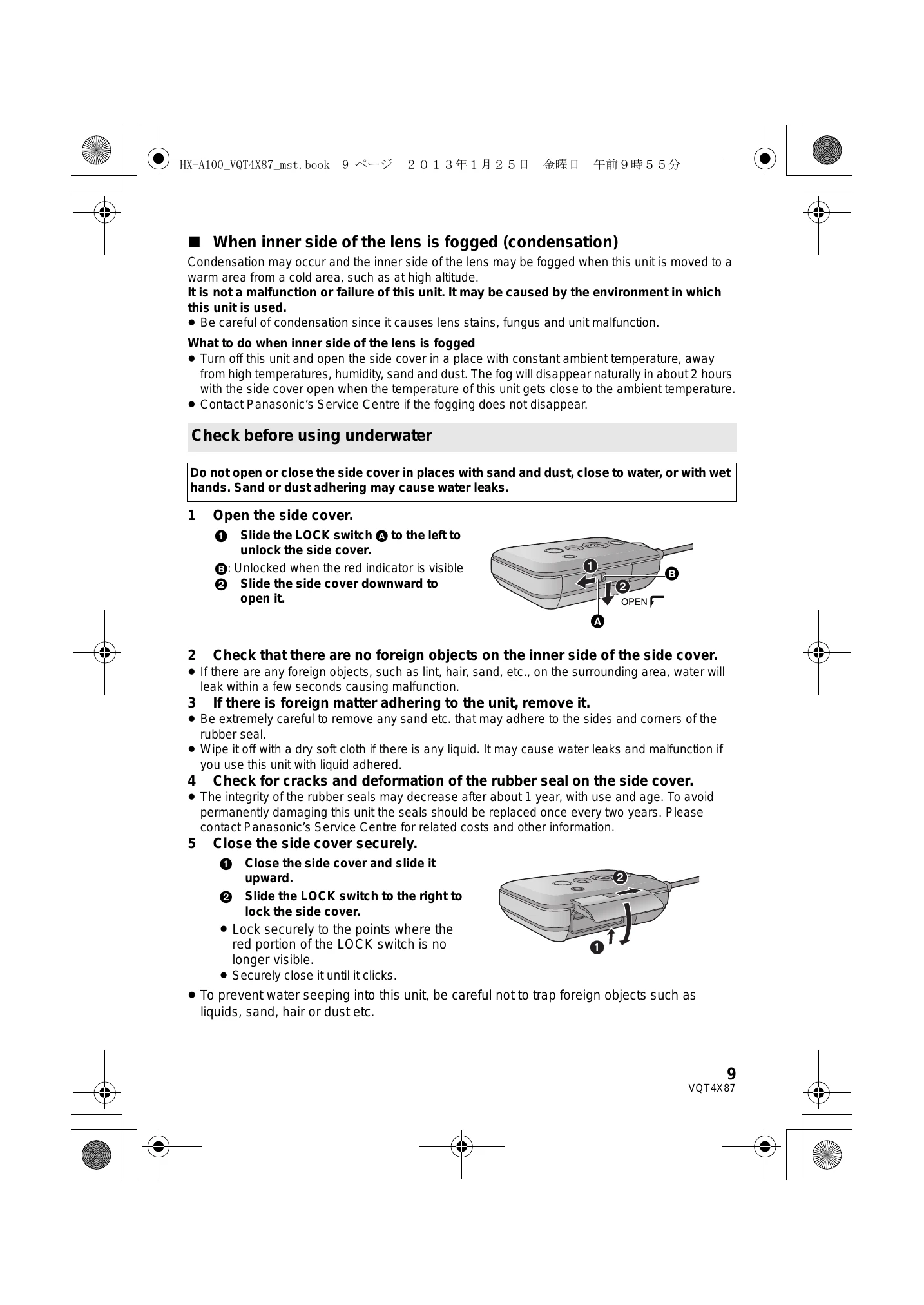
| Lens fogging (condensation) | Sudden temperature change | Turn off unit, open side cover in a stable environment; fog should dissipate naturally. |