Brand: Panasonic
Category: Digital Camera
Document Type:
Language: EN
Brand: Panasonic
Category: Digital Camera
Document Type:
Language: EN
Uploaded: Aug. 9, 2025, 11:35 p.m.
Panasonic offers a limited warranty covering defects in materials and workmanship for one year on the digital camera.
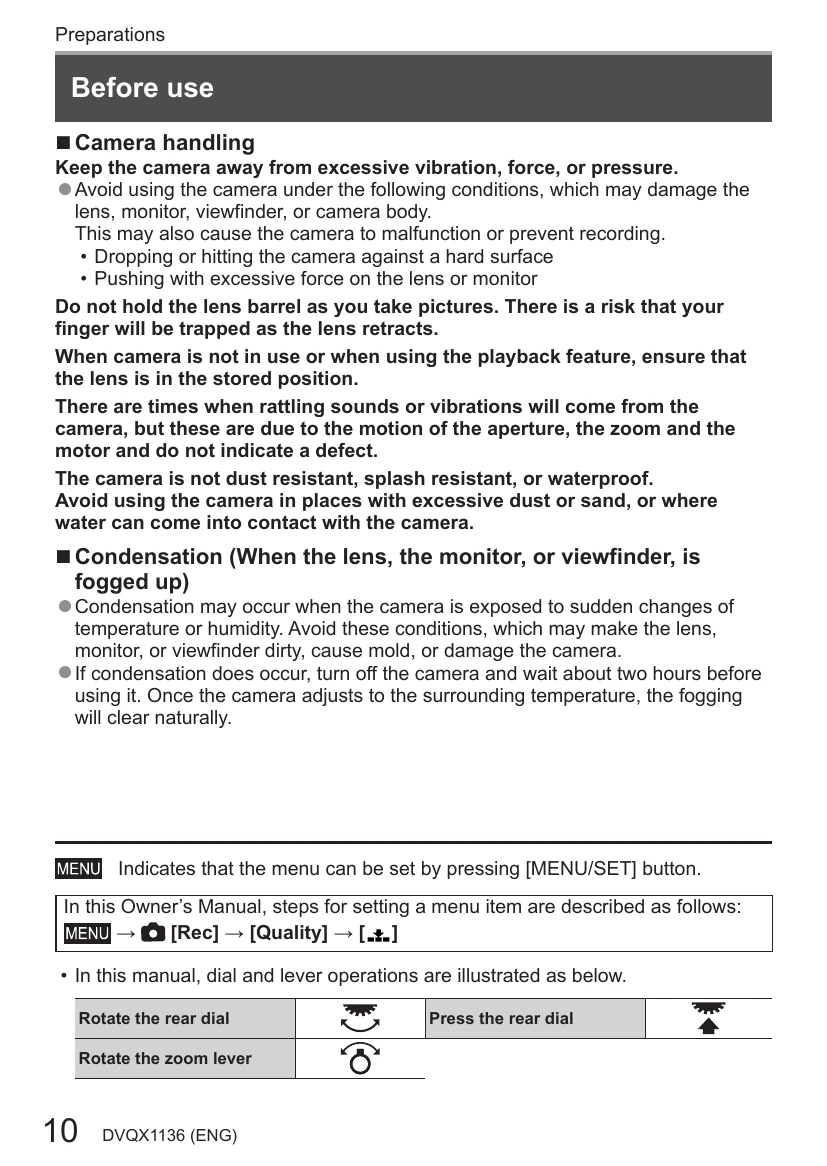
Keep the camera away from vibration, force, and pressure. Avoid using it in dusty or wet conditions. If condensation occurs, turn off the camera and wait for it to adjust to the surrounding temperature.
Follow the instructions for attaching the lens cap and shoulder strap. Ensure the lens cap is removed before turning the camera on and that the strap is securely attached to prevent dropping.
Make sure the camera is turned off. Slide the release lever to open the door, insert the battery/card correctly, and close the door. To remove, move the battery lever or push and pull the card.
Use the supplied USB connection cable or AC adapter. Ensure the camera is turned off before charging. Charging time is approximately 170 minutes.
Turn on the camera, access the menu, and follow the prompts to set the language, date, time, and home area.
Use the zoom lever to capture a wider area or enlarge the subject. Press the shutter button halfway to focus, and fully to take the picture. Check recorded pictures using the playback button.
Rotate the mode dial to select the desired recording mode, such as Intelligent Auto, Program AE, Aperture-Priority, Shutter-Priority, Manual Exposure, Creative Video, Custom, Panorama, Scene Guide, or Creative Control.