Manual for SL-CT490 / SL-CT495J

Manual for SL-CT490 / SL-CT495J

Brand: Panasonic

Category: Portable Electronics

Document Type: Manual

Language: EN
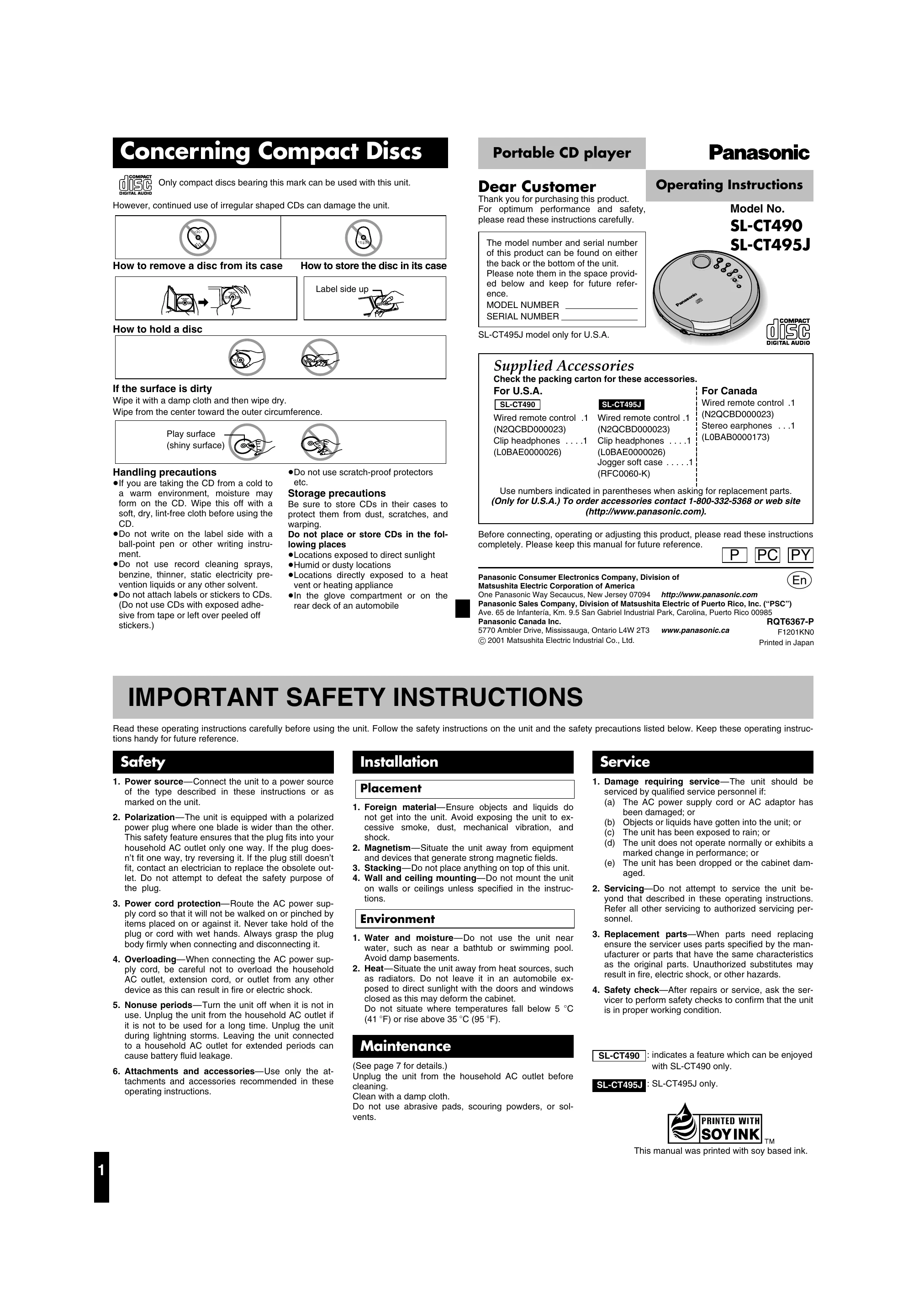
Uploaded: Nov. 21, 2025, 7:22 p.m.

Warranty Information

Provides a one-year limited warranty for parts and labor, excluding non-rechargeable batteries.

  • Powering the Unit: Use the AC adaptor (not included) or batteries (rechargeable or dry cell). Ensure batteries are inserted correctly and recharge rechargeable batteries before use.
  • Basic Playback: Insert a CD with the label side up, close the lid, and press Play (/¦). Use the volume controls and skip buttons to navigate tracks.
  • HOLD Function: Activate HOLD to prevent accidental button presses during play or to conserve battery when not in use.
  • Anti-Skip System: Automatically engages to prevent playback interruptions from bumps or vibrations.
  • Other Play Modes: Explore skip play, program play, repeat play, and random play options.
  • Sound Quality: Adjust sound with the EQ button (S-XBS for bass, TRAIN for reduced noise).
  • Using Accessories: Connect headphones, earphones, or wired remote controls. Can also be connected to audio or car systems.

Troubleshooting and error codes

Problem Check this
Cannot close the lid. Is the disc properly secured in place?
Cannot play discs.
  • Is the unit in HOLD mode?
  • Is the disc properly secured in place?
  • Is there condensation on the lens? (Wait for about an hour and then try again.)
  • Is the disc dirty or scratched?
Tracks on disc do not play in order, starting with the first track.
  • Is the random play mode on?
  • Did you stop play in the middle of the disc last time?
Cannot hear music—too noisy.
  • Have the headphone/earphone and wired remote control plugs been inserted firmly?
  • Are the plugs dirty? (Wipe away dirt on plug.)
  • Separate the unit from mobile phones.
TV picture is distorted. Radio reception is noisy. Are you using the unit too near a TV or tuner? (Keep the unit away from the TV or tuner.)
Privacy Policy