Brand: Panasonic
Category: Portable Electronics
Document Type: Manual
Language: EN
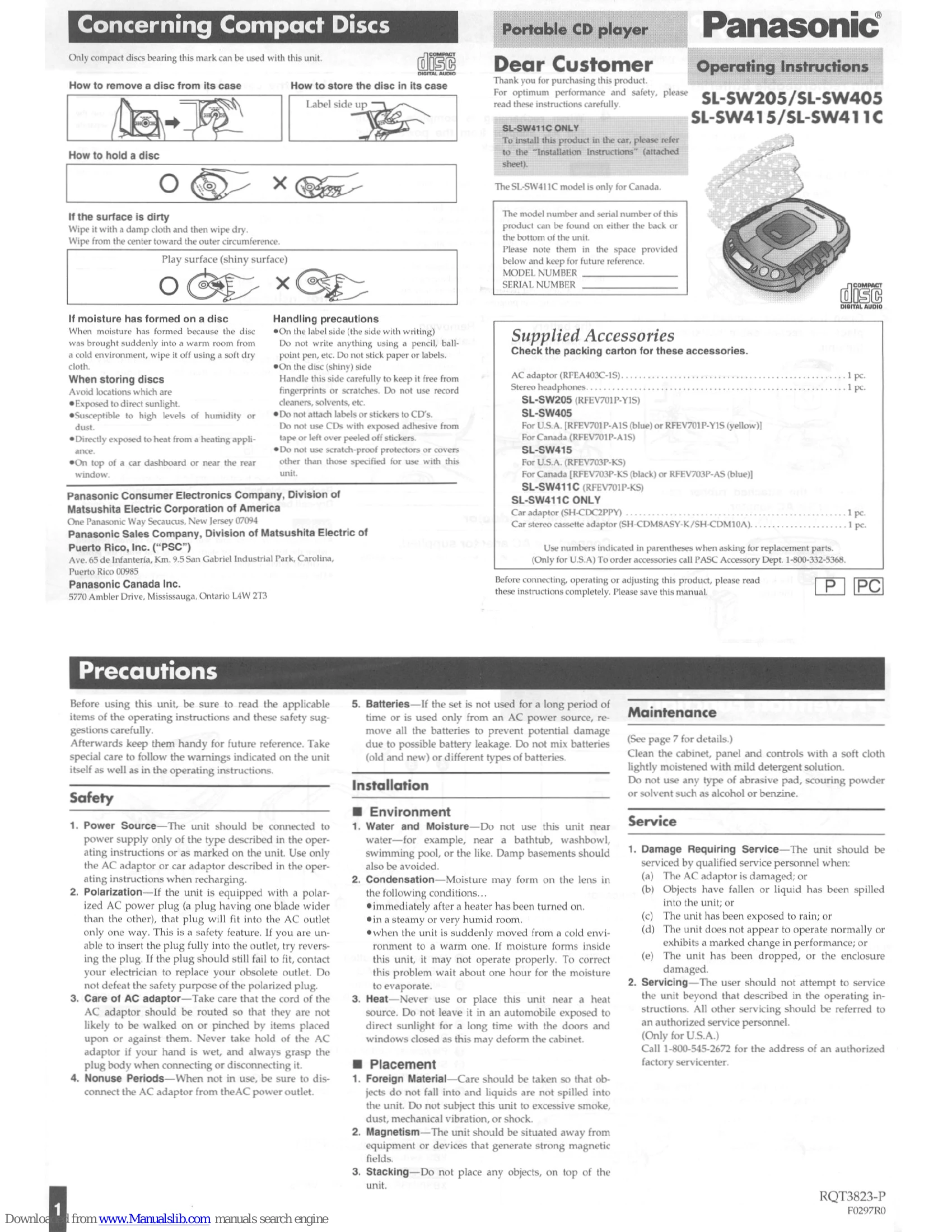
Brand: Panasonic
Category: Portable Electronics
Document Type: Manual
Language: EN
Uploaded: Nov. 21, 2025, 6:26 p.m.
Offers a one-year warranty for audio components and a 90-day warranty for accessories and rechargeable battery packs.
Powering the Unit: This unit can be powered by AC adaptor or dry-cell batteries. Rechargeable batteries are also supported and can be recharged using the AC adaptor.
Disc Handling: Learn how to remove, hold, store, and clean discs to prevent damage. Avoid storing discs in direct sunlight, high humidity, or dusty environments.
Basic Playback: Insert a disc with the label side up. Use the play/pause (►II) and stop/power off (■ POWER OFF) buttons for playback control. The unit features an "Auto power off function" to conserve battery.
Advanced Playback Modes: Explore Skip Play, Program Play (up to 24 tracks), Random Play, Resume Play, and Repeat Function (1-track or all-track repeat).
Sound Quality: Adjust the XBS (Extra Bass System) and VMSS (Virtual Multi Stage Surround) for enhanced sound.
Anti-Shock Function: Minimizes sound interruption during vibrations by storing audio data ahead of time.
Connections: Connect headphones to the "jack. Optional accessories like stereo connection cables for audio systems and car adaptors are available.
| Problem | Check this |
|---|---|
| Cannot close cover | Is the disc properly secured in place? |
| Cannot play discs | Is the unit in hold status? Is the disc properly secured in place? Is there moisture condensation on the lens? (Wait for about an hour and then try again) |
| Cannot remove disc | Did you press the PUSH button to release the disc? |
| Tracks on disc do not play in order, starting with the first track | Is the MODE (play mode) slider in the NORMAL position? |
| Cannot hear music–too noisy | Is the headphones plug inserted all the way? Is the plug dirty? (Wipe away dirt on plug) |
| TV picture is distorted | Are you using the unit body too near a TV or tuner? (If the TV or tuner is connected to a simple indoor antenna, connect it to an outdoor antenna) |
| Radio reception is noisy | N/A |