Manual for 6x7

Manual for 6x7

Brand: PENTAX

Category: Camera

Document Type:

Language: EN
Uploaded: Aug. 9, 2025, 11:47 p.m.

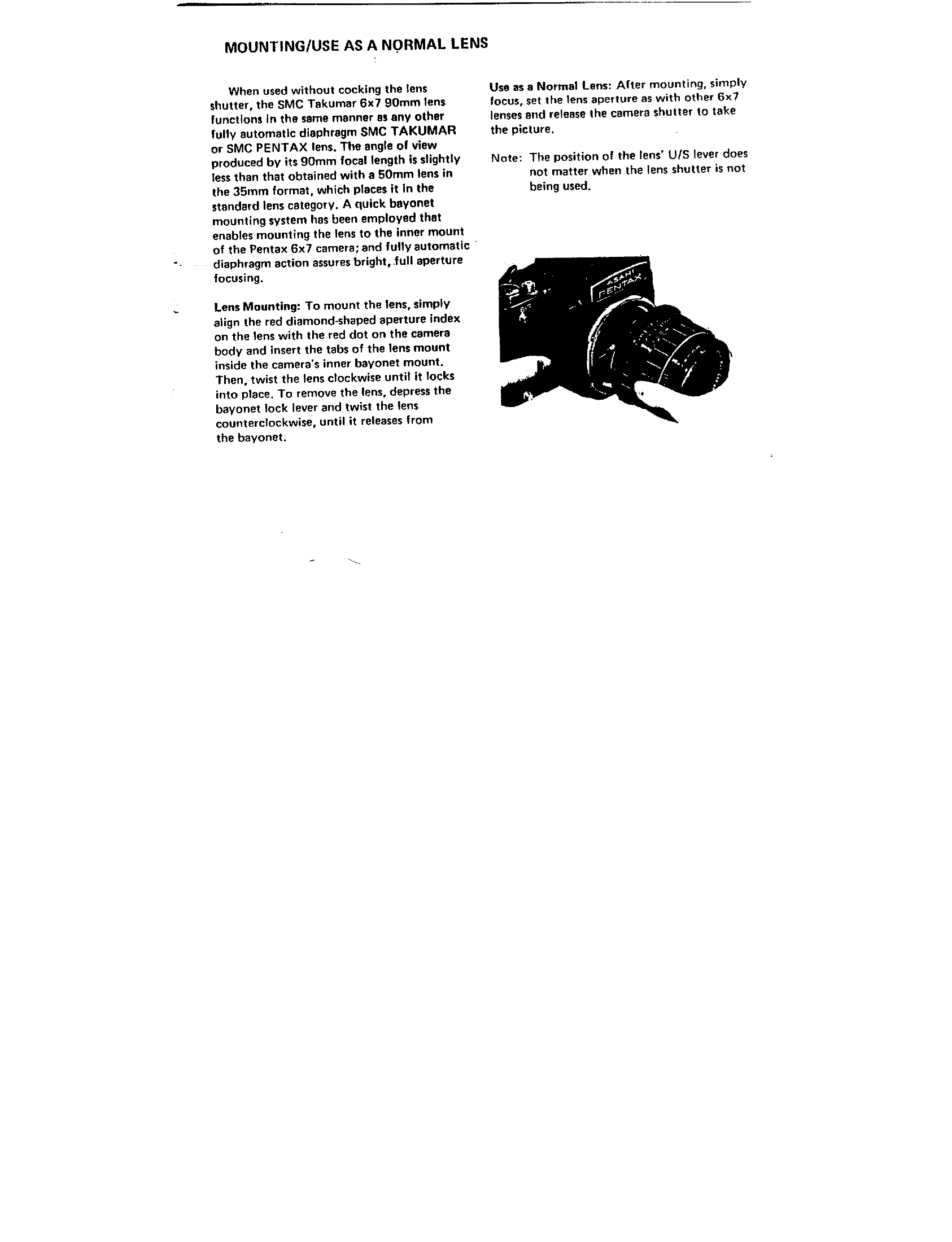
Mounting the Lens

Align the red diamond-shaped aperture index on the lens with the red dot on the camera body. Insert the lens mount tabs into the camera's inner bayonet mount and twist clockwise until it locks. To remove, depress the bayonet lock lever and twist counterclockwise.

Using as a Normal Lens

Without cocking the lens shutter, the lens functions like any other automatic diaphragm lens. Focus, set the aperture, and press the camera shutter.

High Speed Flash Synch

To use the lens shutter for flash synchronization (1/30 to 1/500 sec.):

  1. Set lens U/S lever to U.
  2. Set camera shutter to 1/8 sec. or slower.
  3. Plug flash cord into the lens' Flash Terminal.
  4. Set lens shutter speed and aperture. Cock the lens shutter.
  5. Advance film and focus.
  6. Compose and release the camera shutter.

Multiple Exposures/Reduced Camera Shake

To make multiple exposures or reduce camera shake:

  1. Set lens U/S lever to S.
  2. Set camera shutter speed to the special "time" setting.
  3. Set lens shutter speed.
  4. Advance film and focus.
  5. Press the camera shutter release button (locks camera shutter open, closes lens shutter).
  6. Release the lens shutter via cable release or by sliding the U/S lever to U.
  7. Repeat steps 3 and 6 for additional exposures.
  8. Release the camera shutter from the "time" position when finished.
Privacy Policy