Brand: PENTAX
Category: Digital Camera
Document Type:
Language: EN
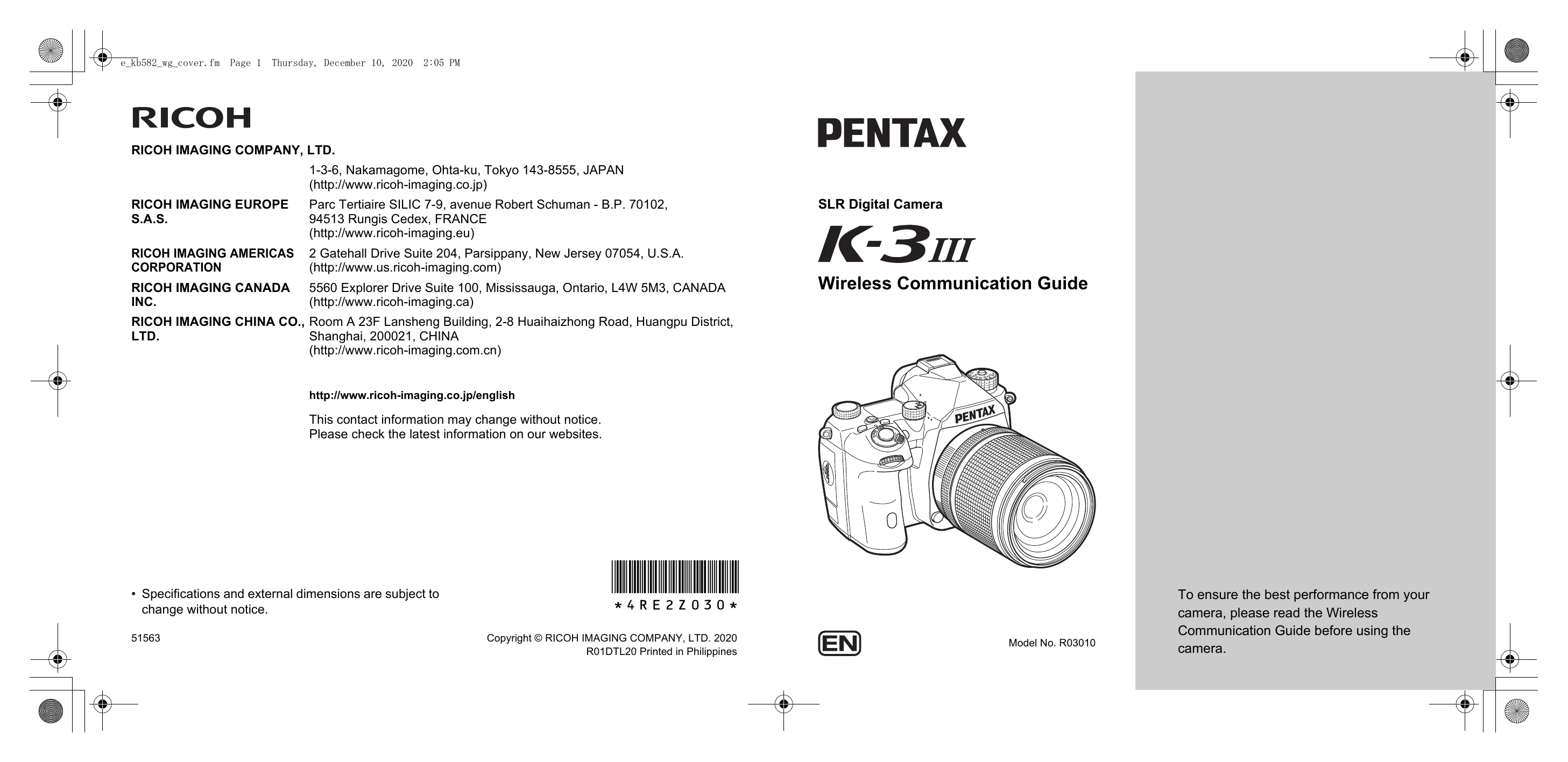
Brand: PENTAX
Category: Digital Camera
Document Type:
Language: EN
Uploaded: Aug. 9, 2025, 11:57 p.m.
Using the Camera with a Communication Device:
Connect the camera wirelessly via Bluetooth® or wireless LAN to a communication device using the "Image Sync" app. This allows remote operation of the camera, including exposure settings, and transfer of images from the camera to the device. Images can be transferred automatically after shooting.
Connecting via Bluetooth®:
Connecting via Wireless LAN:
Enable the wireless LAN function through the menu, by pressing a specific button while turning the camera on, or by using the Fx button. The wireless LAN connection status is indicated by an icon on the camera's screen.