Brand: PENTAX
Category: Digital Camera
Document Type:
Language: EN
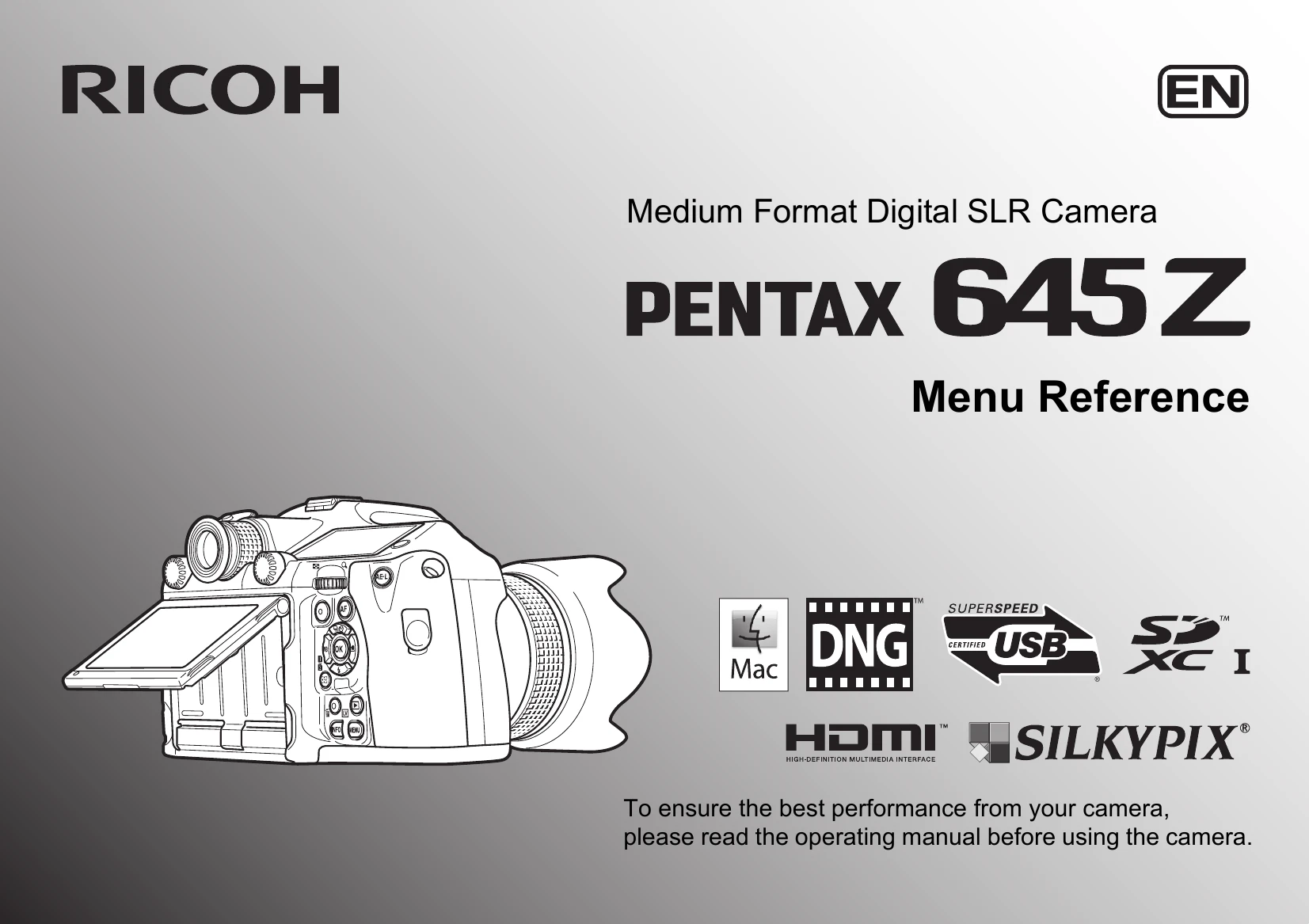
Brand: PENTAX
Category: Digital Camera
Document Type:
Language: EN
Uploaded: Aug. 9, 2025, 11:57 p.m.
Manual Publish Date: 2014
The camera is guaranteed against defects for twelve months from the date of purchase.
| Problem/Symptom | Possible Cause | Solution |
|---|---|---|
| Camera does not turn on. | Battery depleted. | Insert a fully charged battery or connect the AC adapter. |
| No image recorded. | Memory card full or not inserted. | Insert a memory card or format the current one (after backing up data). |
| Blurry images. | Camera shake or incorrect focus. | Use a tripod, steady your grip, or ensure proper focus lock. Enable Shake Reduction. |
| Underexposed/Overexposed images. | Incorrect exposure settings. | Adjust Exposure Mode, Exposure Compensation, ISO, or White Balance. |
| Cannot connect to computer. | USB cable issue or driver problem. | Check USB cable connection, install correct drivers, or try a different USB port. |