Brand: PHILIPS
Category: Audio
Document Type: Manual
Language: EN
Brand: PHILIPS
Category: Audio
Document Type: Manual
Language: EN
Uploaded: Nov. 21, 2025, 6:10 p.m.
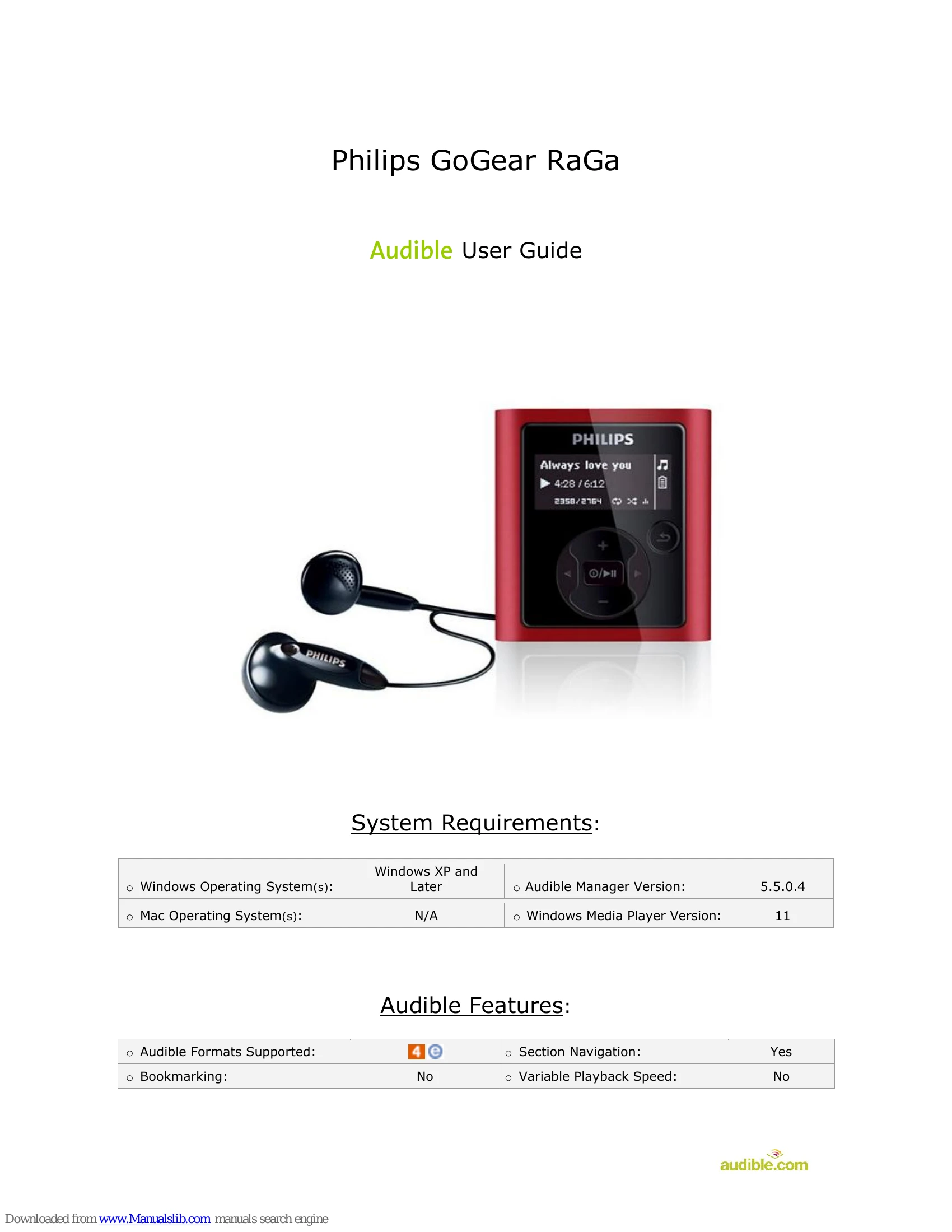
On the main menu, scroll and select Music. Press the Play/Pause button. On the next screen, scroll to and select Audiobooks by pressing the Play/Pause button. Select the title to play then press the Play/Pause button to start playback.
Rewind: During playback, press and hold the rewind < button.
Fast-Forward: During playback, press and hold the fast-forward > button.
During playback, single press the > to section forward.
During playback, single press the < to section back.
On the main menu, scroll down to Settings, then press the Play/Pause button to select. On the next screen, scroll to Information, then press the Play/Pause button to select. On the next screen, select Firmware by pressing the Play/Pause button. The firmware version will display on the screen.