Manual for TAT3508

Manual for TAT3508

Brand: PHILIPS

Category: Audio

Document Type: Manual

Language: EN
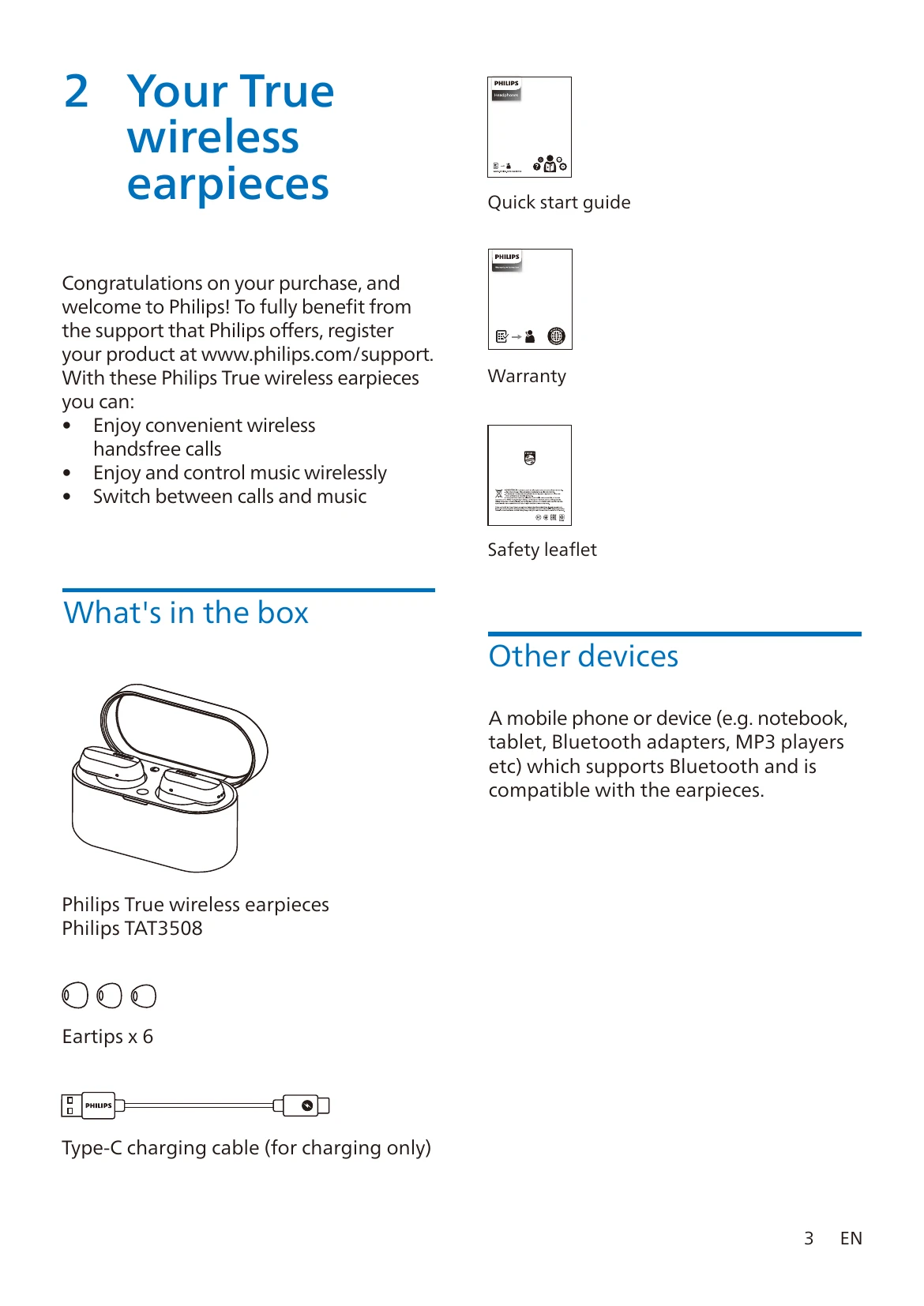
Uploaded: Nov. 21, 2025, 9:03 p.m.

Warranty Information

Refer to www.philips.com/support for detailed warranty information and support.

Charging the Earpieces and Charging Box

  • Place earpieces in the charging box. White LED on earpieces indicates charging, and turns off when fully charged.
  • Plug one end of the USB-C cable into the charging box and the other into a power source.
  • A full charge for earpieces or charging box takes approximately 2 hours.
  • The charging box can recharge the earpieces up to 2 times when fully charged.

Wearing the Earpieces

  • Select the correct size of silicone ear tips for a secure fit and optimal sound quality.
  • Ensure correct left/right orientation.
  • Insert and twist slightly for a secure fit.

Pairing with a Bluetooth Device

  • Ensure earpieces are charged and powered off.
  • Open the charging box cover to enter pairing mode (LEDs flash white and blue alternately).
  • Turn on Bluetooth on your device and select 'Philips TAT3508'. Enter '0000' if prompted.
  • To pair with another device, press the button on the box for 3 seconds with earpieces inside and cover open.

Using ANC and Awareness Mode

  • Double tap the left earpiece to toggle ANC modes: ANC ON, Awareness mode, ANC OFF.
  • ANC is automatically activated when earpiece is placed in ear.

Controlling Music, Calls, and Voice Assistant

  • Double tap right earpiece to play/pause music.
  • Triple tap right earpiece for next track, left earpiece for previous track.
  • Tap right earpiece once then long touch for volume up, left earpiece for volume down.
  • Single tap right/left earpiece to pick up/hang up calls. Double tap to reject calls.
  • Continue touching right earpiece after beep to trigger Voice Assistant.

Resetting Earpieces

  • Remove 'Philips TAT3508' from your Bluetooth device list and turn off Bluetooth.
  • Return earpieces to the charging box, open lid, and press the button on the box twice.
  • Re-pair the earpieces with your Bluetooth device.
  • For hardware reset, press and hold the button on the box for more than 10 seconds.

Troubleshooting and error codes

Problem Solution
My Bluetooth earpieces do not turn on. The battery level is low. Charge the earpieces.
I cannot pair my Bluetooth earpieces with my Bluetooth device. The Bluetooth is disabled. Enable the Bluetooth feature on your Bluetooth device and turn on the Bluetooth device before you turn on the earpieces.
Pairing does not work.
  • Put both earpieces into charging box.
  • Make sure you have disabled the Bluetooth function of any previously connected Bluetooth devices.
  • On your Bluetooth device, delete "Philips TAT3508" from the Bluetooth list.
  • Pair your earpieces (see ‘Pair the earpieces with your Bluetooth device for the first time' on page 6).
The Bluetooth device cannot find the earpieces.
  • The earpieces may be connected to a previously paired device. Turn off the connected device or move it out of range.
  • Pairing may have been reset or the earpieces have been previously paired with another device. Pair the earpieces with the Bluetooth device again as described in the user manual. (see 'Pair the earpieces with your Bluetooth device for the first time' on page 6).
My Bluetooth earpieces are connected to a Bluetooth stereo-enabled mobile phone, but music only plays on the mobile phone speaker. Refer to the user manual of your mobile phone. Select to listen to music through the earpieces.
The audio quality is poor and a crackling noise can be heard.
  • The Bluetooth device is out of range. Reduce the distance between your earpieces and Bluetooth device, or remove obstacles between them.
  • Charge your earpieces.
The audio quality is poor when streaming from a mobile phone is very slow or streaming does not work at all. Make sure your mobile phone not only supports (mono) HFP but also supports A2DP and is BT4.0x (or higher) compatible (see 'Technical data' on page 11).
Privacy Policy