Brand: PHILIPS
Category: Electronics
Document Type: Manual
Language: EN
Brand: PHILIPS
Category: Electronics
Document Type: Manual
Language: EN
Uploaded: Nov. 21, 2025, 6:34 p.m.
None
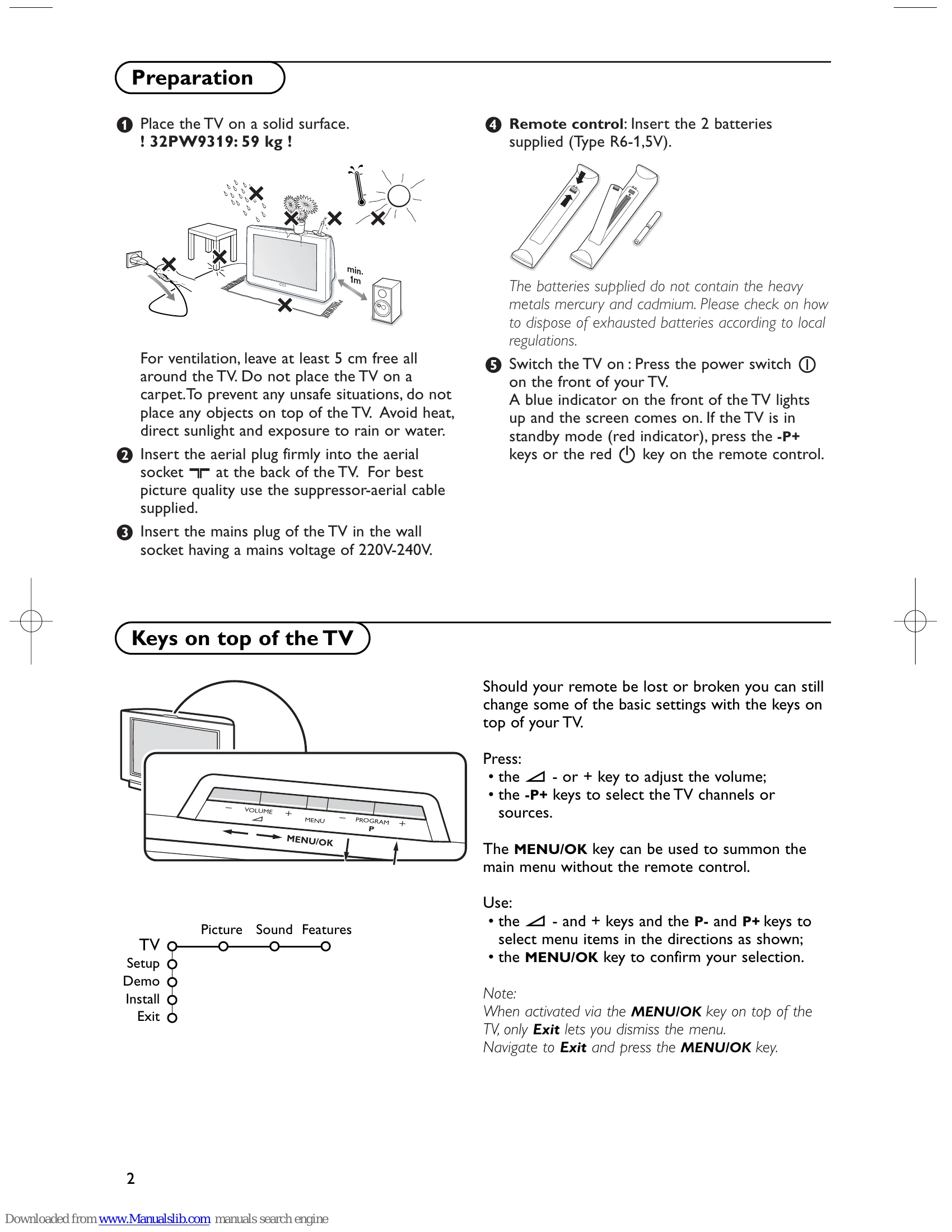
Preparation: Place TV on a solid surface, ensure ventilation, connect aerial and mains plug.
Keys on top of TV: Use for volume, channel selection, and menu navigation.
Installation Menu: Select language, country, and store TV channels (Automatic or Manual Installation).
TV Setup: Adjust General settings, Source, and Decoder options.
TV Menu: Access Picture, Sound, and Features menus for adjustments.
Teletext: Access teletext pages, guide, and functions.
Connect VCR, DVD, decoder, audio equipment, camera, or camcorder using appropriate cables.
EasyLink: Enables one-touch operation with compatible devices.
| Care of the screen | Do not touch, push or rub or strike the screen with anything hard as this may scratch, mar or damage the screen permanently. And please do not rub with dust clothes with chemical treatment. Do not touch the surface with bare hands or greasy cloth (some cosmetics are detrimental to the screen). Unplug the TV before cleaning the screen. When the surface becomes dusty, please wipe gently with absorbent cotton or other soft materials like chamois soaks. Do not use acetone, toluene and alcohol because they cause chemical damage. Do not use liquid cleaners or aerosol cleaners. Wipe off saliva or water drops as soon as possible. Their long time contact with the screen causes deformations and colour fading. |
|---|---|
| Poor Picture |
|
| No picture |
|
| No sound |
|
| No solution found for your picture or sound problem ? | Switch your TV off and then on again once. Never attempt to repair a defective TV yourself. Check with your dealer or call a TV technician. |
| Remote control |
|
| Menu | Have you selected the wrong menu? Press the MENU key again to exit from the menu. |
| Standby | Your TV consumes energy in the standby mode. Energy consumption contributes to air and water pollution. Power consumption: 1 W. |