Quick Start Guide for 6900

Quick Start Guide for 6900

Brand: PHILIPS

Category: Electronics

Document Type: Quick Start Guide

Language: EN
Uploaded: Nov. 21, 2025, 7:57 p.m.

Manual Publish Date: 2010-10-01

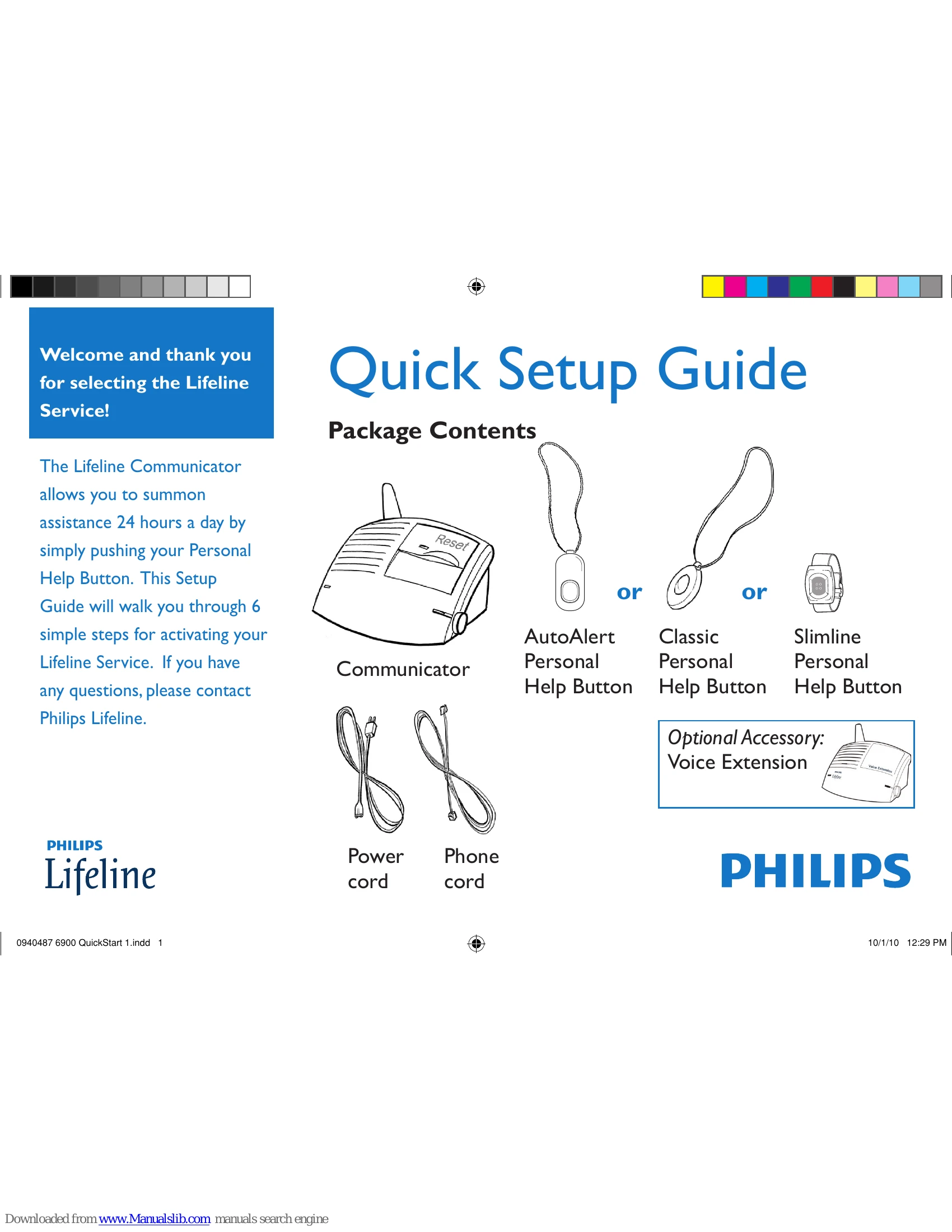
Setup Overview: This guide walks you through 6 simple steps to activate your Lifeline Service.

  1. Voice Extension Setup: Plug in the power and phone cords for the Voice Extension. Turn it on.
  2. Communicator Installation: Turn on the Communicator and adjust volume if needed.
  3. Communicator Location: Place the Communicator in a central area, near an outlet and phone jack, away from noise.
  4. Communicator Power: Plug in the Communicator's power cord and listen for confirmation.
  5. Communicator Phone Connection: Plug the Communicator's phone cord into a wall jack. Connect your phone to the Communicator's auxiliary jack if desired.
  6. Range Test: Conduct a range test with the Personal Help Button to ensure coverage.
  7. Test Call: Make a test call to Lifeline to confirm the system is working properly.

Follow the prerecorded voice prompts and press the blinking Reset Bar to advance through the steps.

Privacy Policy