Brand: PHILIPS
Category: Electronics
Document Type: Manual
Language: EN
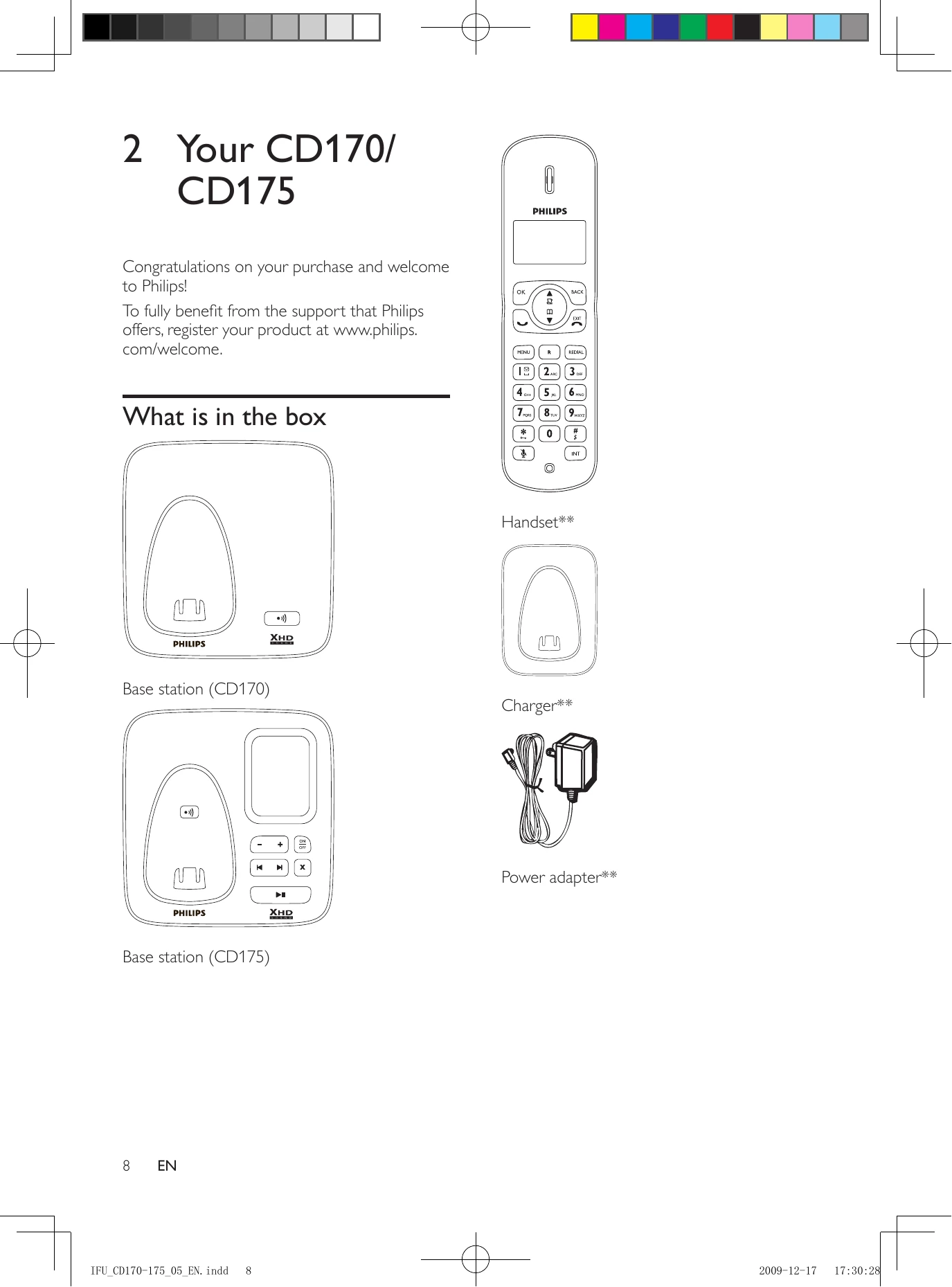
Brand: PHILIPS
Category: Electronics
Document Type: Manual
Language: EN
Uploaded: Nov. 21, 2025, 7:41 p.m.
Manual Publish Date: 2009-01-01
Consult the warranty card provided with the product for detailed warranty information.
Connect the base station and charger: Ensure the correct voltage is used and plug the power adapter into the base station and a wall socket. If you have DSL, install a DSL filter.
Install the handset: Insert batteries, ensuring correct polarity. Charge the handset for 16 hours before first use.
Set country, date, and time: Follow on-screen prompts to select your country, then set the date and time.
Quick Call: Press the dial key, then enter the number.
Dial before you call: Enter the number, then press the dial key.
Redial: Press REDIAL to access the list of recent calls.
Phonebook: Access stored contacts via the MENU.
Call Log: View missed or received calls.
Press the answer key when the phone rings.
Intercom: Call another handset on the same base station using the INT key.
Conference Calls: Combine internal and external calls.
Answering Machine: Manage messages, record announcements, and set preferences via the menu.
| Problem | Possible Cause | Solution |
|---|---|---|
| No signal bar displays on the screen. | The handset is out of range. | Move it closer to the base station. |
| The handset is [UNREGISTERED]. | Register the handset. | |
| I fail to register the additional handsets to the base station, what do I do? | Your base memory is full. | Unregister the unused handsets and try again. |
| No dialing tone | Check your phone connections. | Ensure all connections are secure. |
| The handset is out of range. | Move it closer to the base station. | |
| No docking tone | The handset is not placed properly on the base station/charger. | Ensure the handset is placed correctly. |
| The docking tone setting is off. | Check the settings in the menu. | |
| The charging contacts are dirty. | Disconnect power and clean contacts with a damp cloth. | |
| I cannot change the settings of my voice mail, what do I do? | Voice mail is managed by your service provider. | Contact your service provider to change settings. |
| The handset on the charger does not charge. | Batteries are not inserted correctly. | Ensure batteries are inserted correctly. |
| The handset is not placed properly on the charger. | Ensure the handset is placed correctly. | |
| Batteries are defective. | Purchase new batteries. | |
| No display | Batteries are not charged. | Ensure batteries are charged. |
| No power or phone connections. | Ensure power and phone connections are secure. | |
| Bad audio (crackles, echo, etc.) | The handset is nearly out of range. | Move it closer to the base station. |
| Interference from nearby electrical appliances. | Move the base station away from them. | |
| The phone is at a location with thick walls. | Move the base away from them. | |
| The handset does not ring. | The handset ringtone is turned on. | Ensure the ringtone is activated. |
| The caller ID does not display. | The service is not activated. | Check with your service provider. |
| The caller's information is withheld or unavailable. | This is dependent on the caller's settings. | |
| When I see [WAITING...] on the screen, what is happening with the phone? | The phone is recalling memory. | The handset retrieves data from the base station. |
| The handset loses connection with the base or the sound is distorted during a call. | ECO mode is activated. | Turn off ECO mode. |