Brand: PHILIPS
Category: Electronics
Document Type: Manual
Language: EN
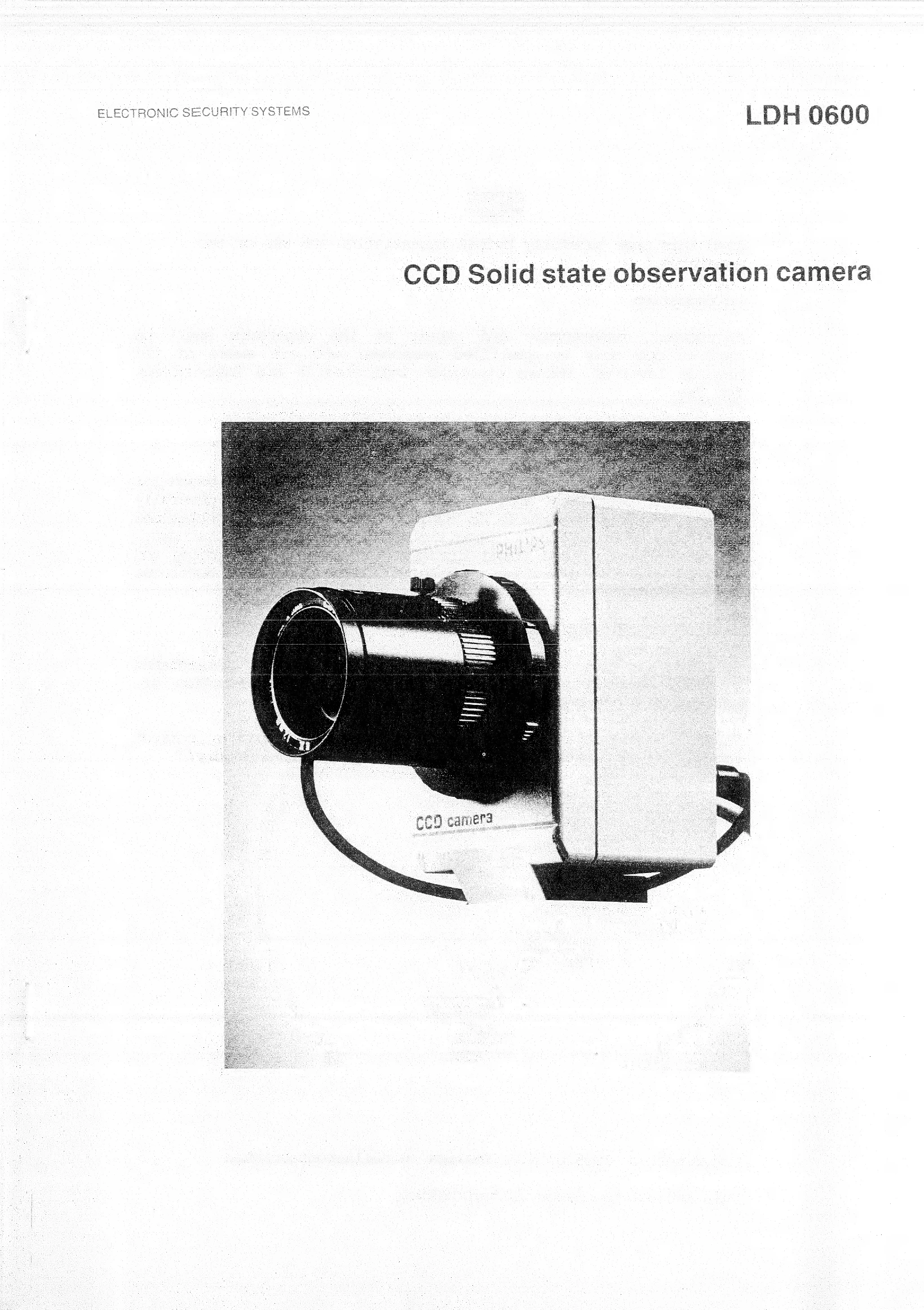
Brand: PHILIPS
Category: Electronics
Document Type: Manual
Language: EN
Uploaded: Nov. 21, 2025, 8:48 p.m.
Manual Publish Date: 1986-01-01
| Problem | Possible Cause | Solution |
|---|---|---|
| No picture | No power | Check power supply connections and voltage. |
| No picture | Camera head not connected | Check camera head connection to power supply unit. |
| No picture | Lens not properly attached | Check lens mounting and focus. |
| No picture | Incorrect synchronization settings | Verify sync. settings (V-lock, H-lock, Mains lock). |
| Poor picture quality | Incorrect iris setting | Adjust iris for optimal exposure. |
| Poor picture quality | Dirty lens or sensor | Clean lens and sensor carefully. |
| Poor picture quality | Incorrect gamma or black level settings | Readjust gamma and black level potentiometers. |
| Noise in picture | Low light conditions | Increase illumination or use cameras with higher sensitivity. |
| Noise in picture | Interference on video signal | Check video cable integrity and shielding. |
| Bloom effect | Excessive highlight or Psub setting too high | Adjust R5 (Psub) and iris. |