Manual for SA5DOT

Manual for SA5DOT

Brand: PHILIPS

Category: Electronics

Document Type: Manual

Language: EN
Uploaded: Nov. 21, 2025, 9:15 p.m.

Manual Publish Date: 2013-01-01

Get started

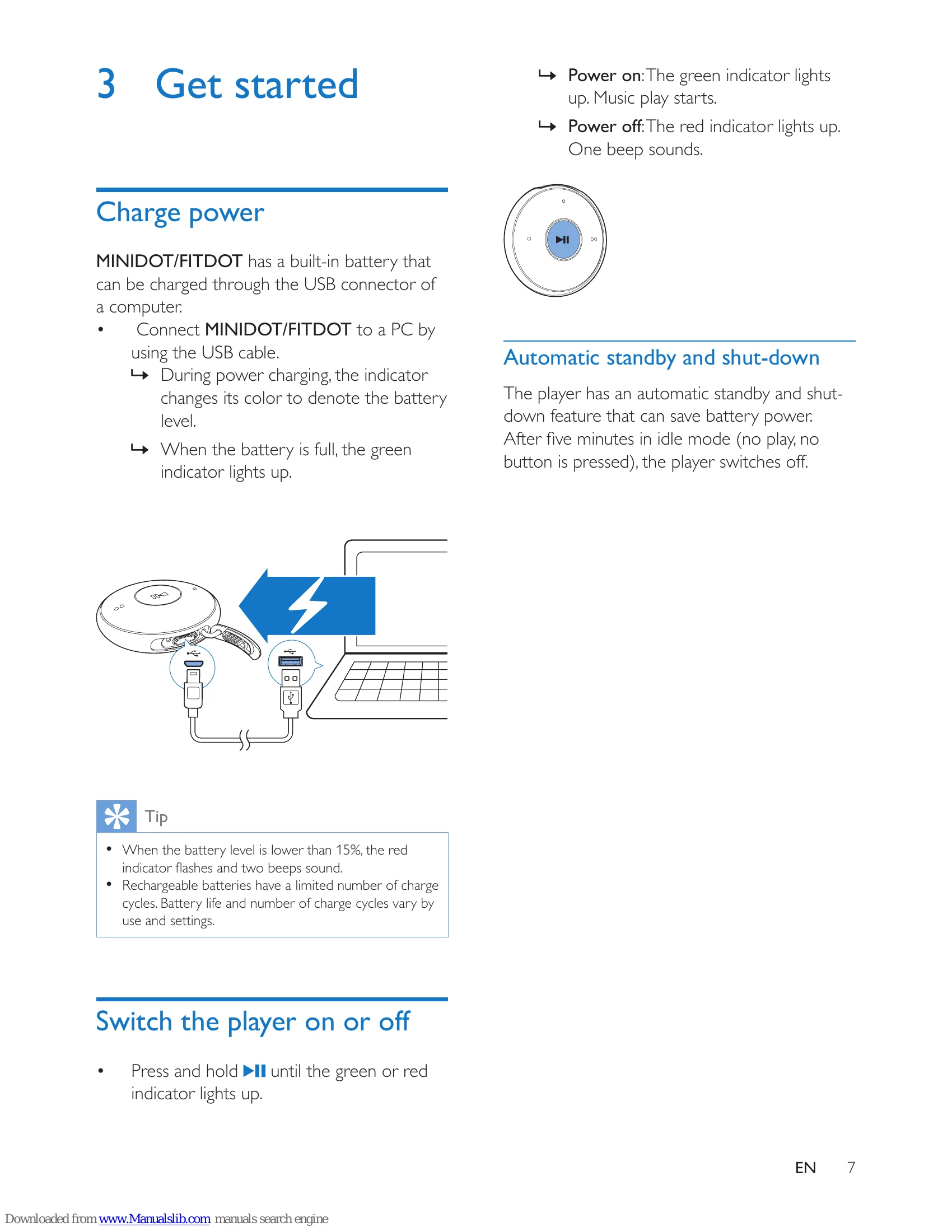
  • Charge power: Connect the player to a PC using the USB cable. The indicator color shows battery level.
  • Switch the player on or off: Press and hold ►II until the indicator lights up (green for on, red for off).
  • Automatic standby and shut-down: The player switches off after five minutes of inactivity.

Play music

  • Transfer music: Connect to PC, then drag and drop music files using Windows Explorer.
  • Play music: Ensure player is on (green indicator). Press ►II to pause/resume.
  • Search for a song: Press and hold or to skip songs.
  • Change volume: Press / .
  • Random play: Press ►II twice to turn on/off.

FM radio

  • Plug in earphones (act as antenna).
  • Press and hold FM to switch to FM mode.
  • Press and hold or to tune in to radio stations.

Update firmware

  • Install Philips Device Manager on your PC.
  • Connect player to PC.
  • Check for updates via Device Manager.
  • Follow instructions to download and install firmware.

Troubleshooting

  • Reset: Insert a pen tip into the reset hole until player shuts down.
  • Recover: Use Philips Device Manager to repair the player if reset fails.

Troubleshooting and error codes

Problem Possible cause Solution
MINIDOT/FITDOT is not working properly or the display freezes. - Reset: Insert a pen tip or other object into the reset hole on MINIDOT/FITDOT. Hold until the player shuts down.
Recover: If reset is unsuccessful, use Philips Device Manager to recover the player.
Privacy Policy