Brand: PIONEER
Category: Audio Player
Document Type: Parts/Service
Language: EN
Brand: PIONEER
Category: Audio Player
Document Type: Parts/Service
Language: EN
Uploaded: Nov. 21, 2025, 8:49 p.m.
Manual Publish Date: 2007-11-01
Refer to the warranty card for specific warranty details.
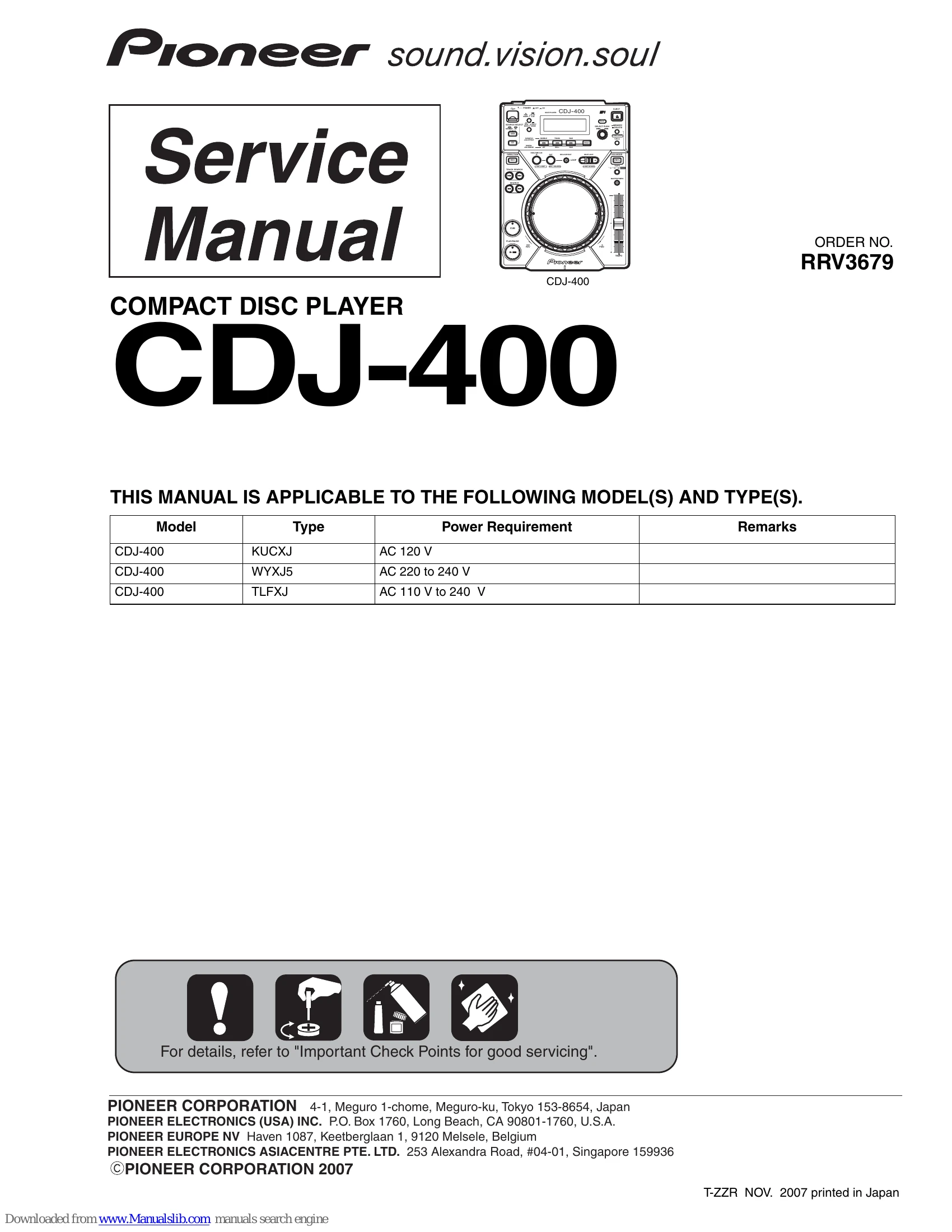
This manual provides service information for the PIONEER CDJ-400 Compact Disc Player.
It covers safety precautions, specifications, accessories, block diagrams, diagnosis, service modes, disassembly, adjustments, and parts lists.
Key sections include checking the pickup assembly, understanding service modes, and detailed PCB location and parts information.
| No. | Procedures | Item to be checked |
|---|---|---|
| 1 | Confirm whether the customer complain has been solved. If the customer complain occurs with the specific disc, use it for the operation check. | The symptoms in question must not be reproduced. |
| 2 | Check the analog audio output. | Audio and operations must be normal. |
| 3 | Play back a CD. (track search) | Audio and operations must be normal. |
| 4 | Check the digital audio output. | Audio and operations must be normal. |
| 5 | Check the outputs when it operated a JOG dial and a TEMPO Vol. | Audio and operations must be normal. |
| 6 | Check the exterior section. | Check for any scratches or dirt that have been made or attached on the exterior section after receiving the product for repair. |