Brand: PIONEER
Category: DVD Player
Document Type: Parts/Service
Language: EN
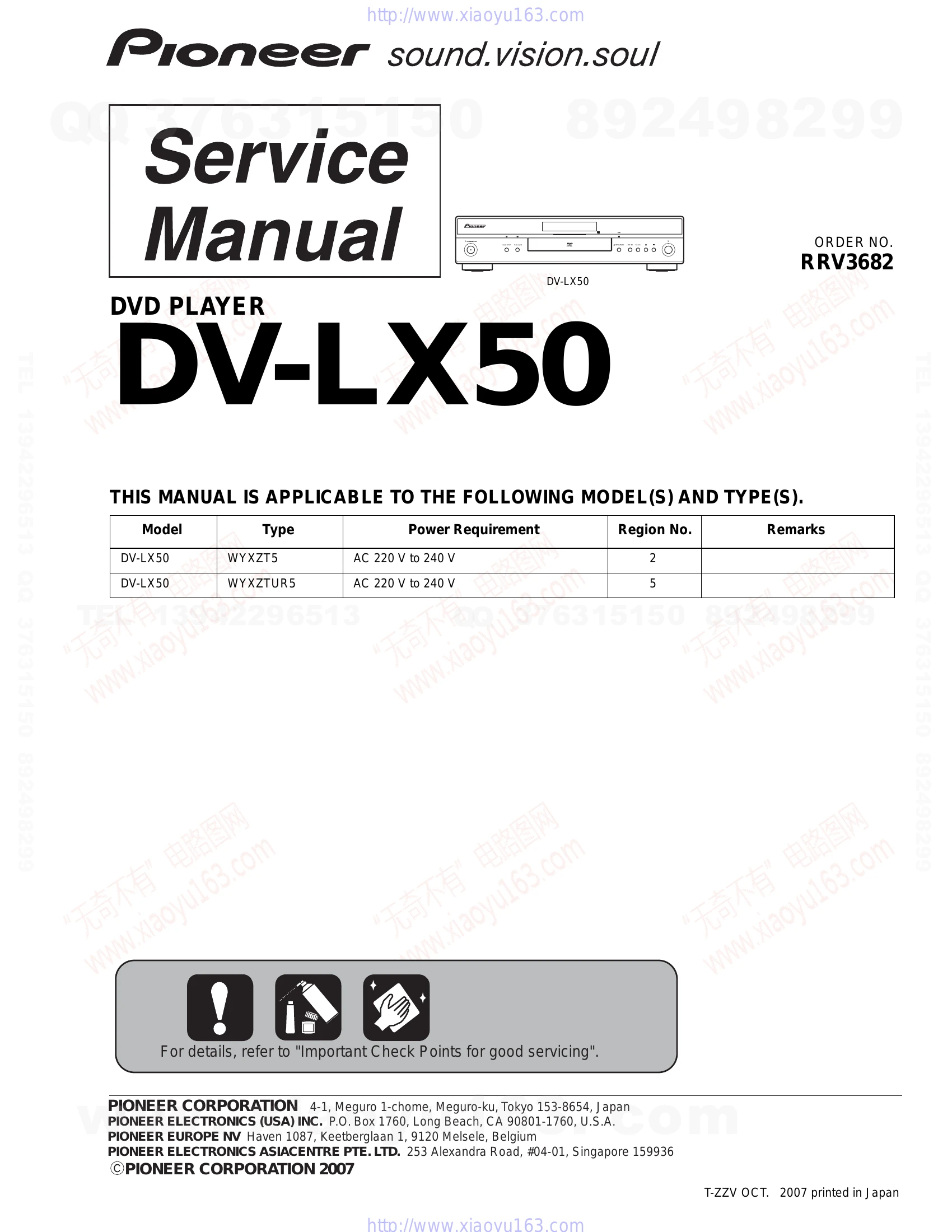
Brand: PIONEER
Category: DVD Player
Document Type: Parts/Service
Language: EN
Uploaded: Nov. 21, 2025, 7:26 p.m.
Manual Publish Date: 2007-10-01
None
| No. | Procedure | Check points |
|---|---|---|
| 1 | Confirm the firmware version on Service Mode. | The version of the firmware must be latest. Update firmware to the latest one, if it is not the latest. |
| 2 | Confirm whether the customer complain has been solved. If the customer complain occurs with the specific disc, use it for the operation check. | The customer complain must not be reappeared. Video, audio and operations must be normal. |
| 3 | Confirm playback error rates at the innermost and outermost tracks by using the following disc. DVD test disc (GGV1025) | The error rates must be less than 5.0e-4. |
| 4 | Play back a DVD. (Menu operation, Title/chapter search) | Audio and operations must be normal. |
| 5 | Play back a DVD. (Menu operation, Title/chapter search) | Video, audio and operations must be normal. |
| 6 | Check the appearance of the product. | No scratches or dirt on its appearance after receiving it for service. |