Brand: PIONEER
Category: Stereo Receiver
Document Type: Manual
Language: EN
Brand: PIONEER
Category: Stereo Receiver
Document Type: Manual
Language: EN
Uploaded: Nov. 21, 2025, 7:20 p.m.
For U.S. models, consult the enclosed warranty card and a Pioneer authorized service center or dealer.
Basic Operation:
| Symptom | Cause | Remedy |
|---|---|---|
| No power is supplied, even when power switch is turned on. | Power plug is disconnected from wall socket. Connection cables are not connected correctly. |
Connect the plug correctly. Consult the preparation and connection sections of your operating instructions and connect correctly. |
| No sound. | Speaker wires, connection cables are disconnected from their terminals. The receiver's input selector is not set properly. |
Consult the preparation and connection sections of your operating instructions and connect correctly. Set to the music source you wish to hear. |
| CASSETTE TAPE | ||
| The cassette door doesn't open. | Power was turned off while tape was running. | Turn on power again, then press the EJECT button. |
| Can't record. | The tape cassette's accidental erasure prevention tab has been broken out. | Either replace the tape cassette, or place a piece of cellophane tape over the tab hole. |
| When rerecording over a previously recorded tape, the sound of the previous recording remains audible, or the sound is muddy. | Heads are dirty. | Clean the heads. |
| Sound is muddy, high-frequency sounds are too strong. | The DOLBY NR switch is set at a position different from that used during recording. | Try changing the position of the DOLBY NR switch. |
| The music search (MS) function doesn't work. | You are using a tape without minimum 4-second non-recorded intervals between tracks. | Use a tape with silent intervals of at least 4 seconds between tracks. |
| RADIO BROADCASTS | ||
| Broadcasts are inaudible or hard to hear. | The antenna isn't connected. The antenna's orientation is incorrect. You are using other electrical appliances (fluorescent lamps, dryer, etc.). |
Connect an antenna correctly. Adjust the direction of the antenna. Stop using the appliances causing the interference. |
| The broadcast is in stereo, but the receiver plays it in mono. | The MONO indicator is lighted in the receiver's display. | Use the remote control unit to press the FM MONO/RANDOM button so that the MONO indicator goes out. |
| OTHER | ||
| The timer doesn't operate. | The current clock time hasn't been set. | Set the current time properly. |
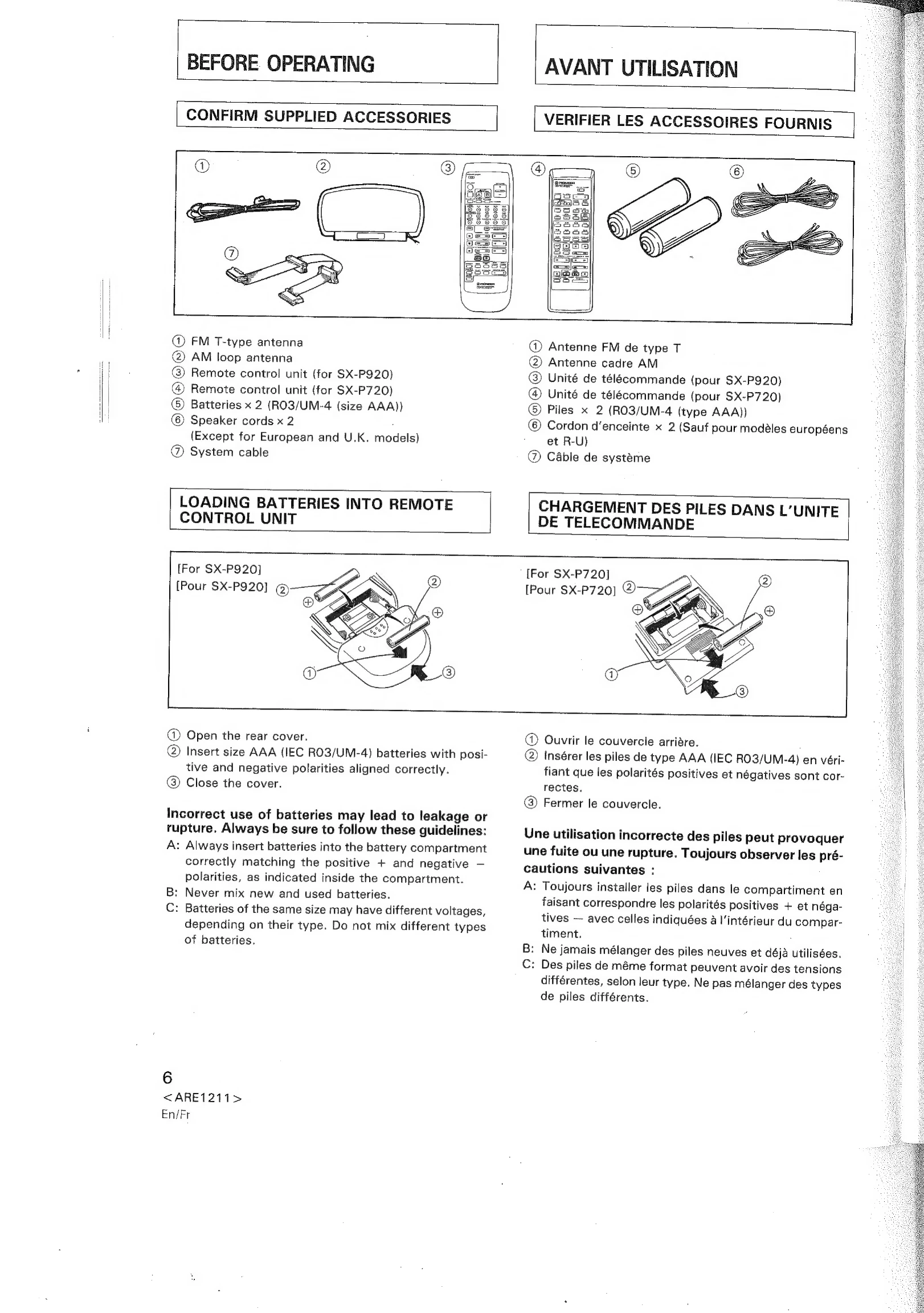
| The remote control unit doesn't work. | The remote control unit's batteries are dead. A fluorescent lamp is shining too close to the remote signal receiver. |
Insert new batteries. Move the fluorescent lamp away. |
| The sound field processor (sound image controller) doesn't work. | The EFFECT ON/OFF button has been set to OFF. | Press the EFFECT ON/OFF button to ON. |
| When using the vocal cancel function with microphone mixing, distorted sound is recorded. | The cassette deck's APSC button is set to ON. | Set the APSC button to OFF. |
| COMPACT DISC PLAYER (PD-P720T, PD-P920M) | ||
| Play stops immediately after play/pause button  is pressed. | The disc has been loaded upside down. Player is in pause mode. The stereo receiver is not being operated correctly. |
Load the disc correctly with label side up (PD-P720T). Load the disc correctly with label side down (PD-P920M). Press play/pause button . Check the settings of the receiver's input selector and VOLUME controls. |
| No sound. | ||
| Sound is distorted, or noise is produced. | Interference is being received from a nearby television set. | Turn off the television, or move the television farther away from the CD player. |
| During playback the playback pauses or stops. | The disc has dirt or smudges on it. | Clean the disc. |
| A great deal of noise is produced when playing a certain CD, or the playback is interrupted and stopped. | The disc has a large scratch or warp. The disc is severely soiled. |
Replace the disc. Clean the disc. |
| PD-P720T only | ||
| The disc tray does not open even when the OPEN/CLOSE button is pressed. | Power is turned off. | Press the POWER switch to turn on power. |
| PD-P920M only | ||
| Magazine is not expelled when eject button () is pressed. | Power is turned off. | Press the POWER switch to turn on power. |