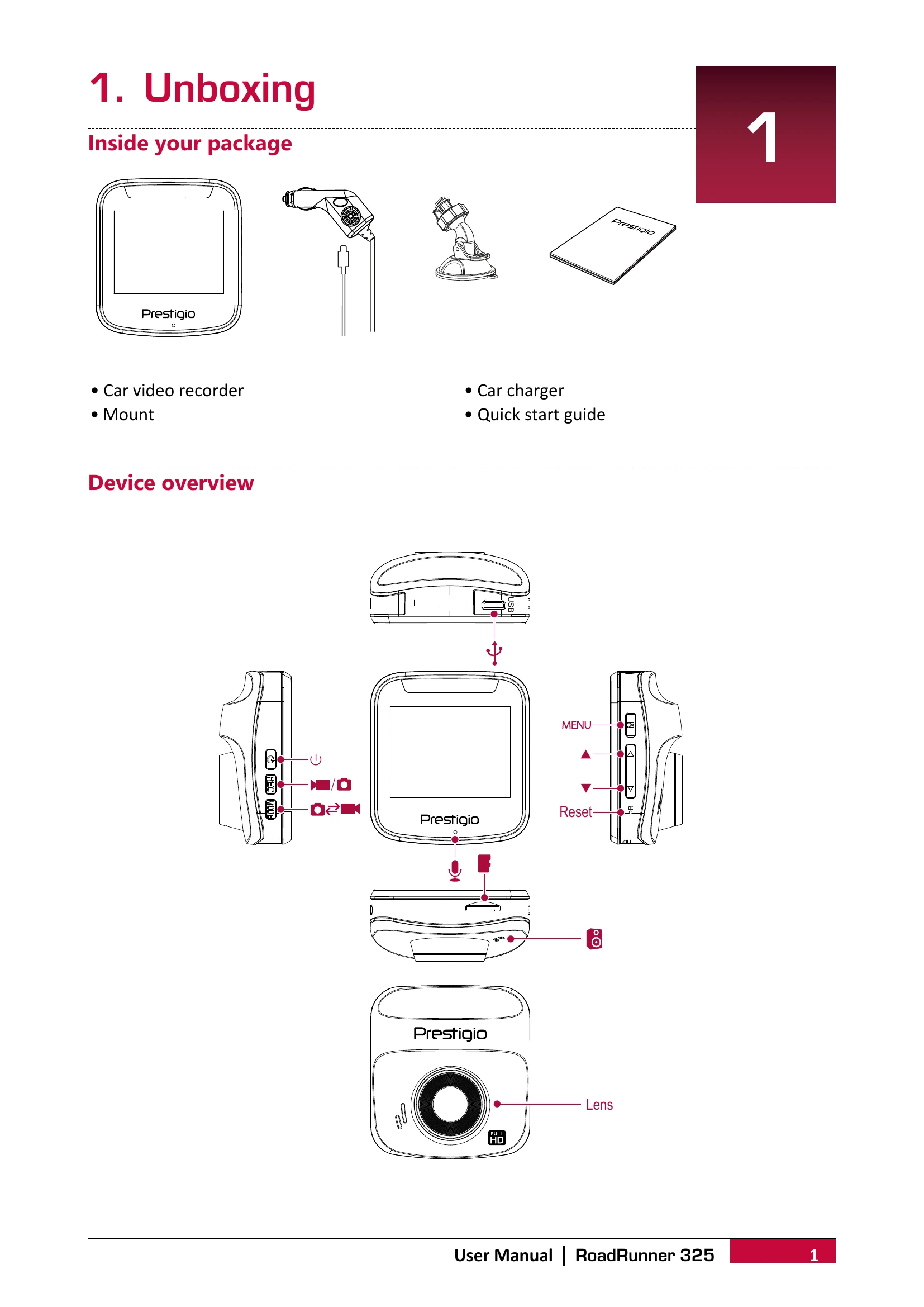
Unboxing: Identify components like the car video recorder, mount, car charger, and quick start guide.
Getting Started: Insert a microSD card, mount the device to the windshield, and charge the battery.
Settings: Configure video resolution, date stamp, motion detection, loop recording, picture size, language, power off options, frequency, and date/time.
Recording: Enable auto or manual video recording, record sound, lock videos, and take pictures.
File Management: Browse, delete, lock, and unlock video and picture files.
Playback: Play videos on the DVR or on a PC by removing the memory card.