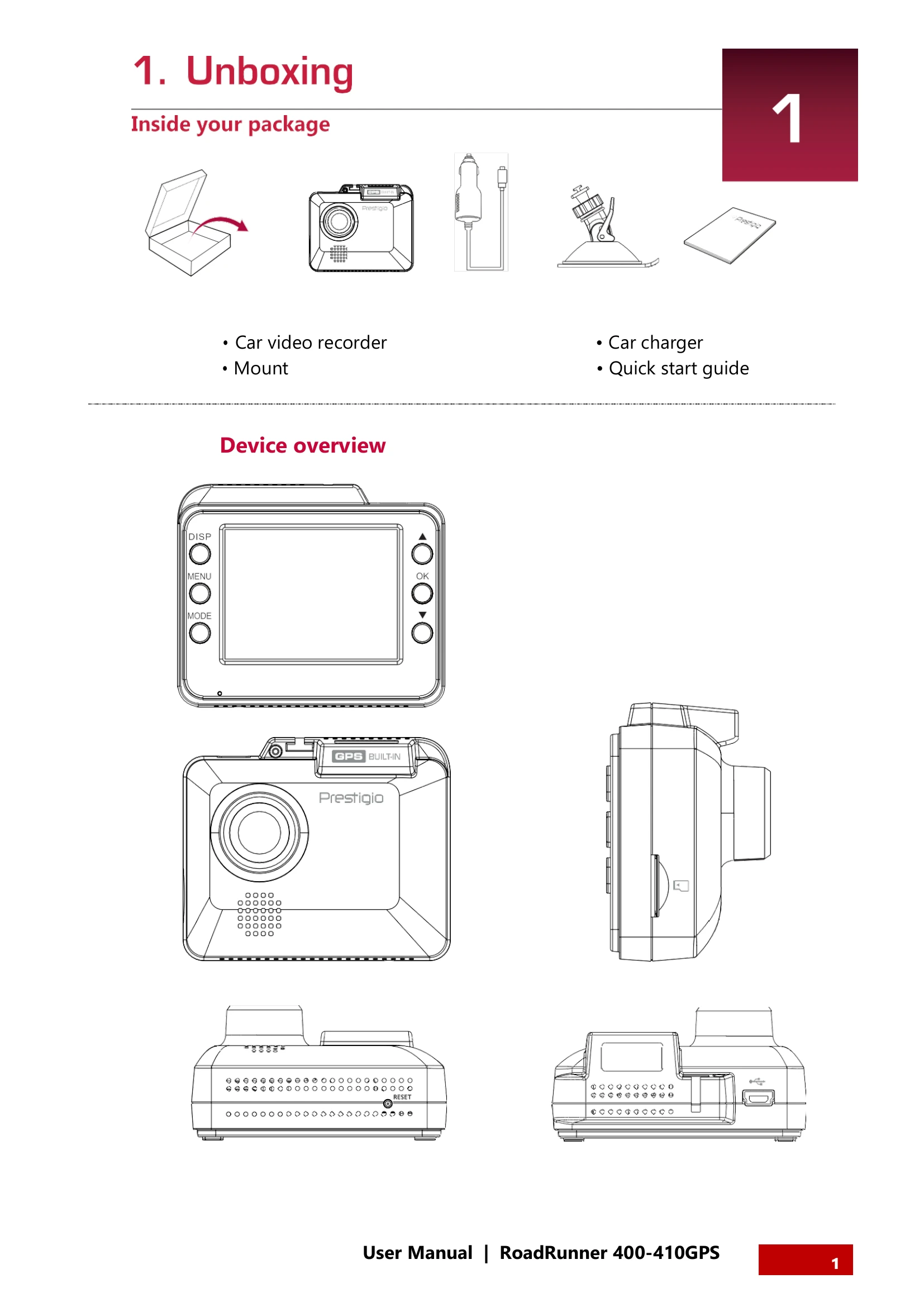
Unboxing: Check package contents: car video recorder, mount, car charger, quick start guide.
Getting Started: Insert microSD card, mount device to windshield, and charge the battery using the car charger or USB cable.
Settings: Configure video settings (resolution, loop recording, WDR, white balance, motion detection, record audio, date stamp, G-sensor), picture settings (resolution, quality, white balance, ISO), and general settings (date/time, beep sound, stamp options, language, frequency, shutdown backlight, anti-shaking, format SD, default settings, version).
Recording: Device automatically records when the car engine starts. Manual recording can be started/stopped with the OK button. Microphone can be turned on/off. Videos can be locked during recording, and the LCD backlight can be turned off. Pictures can be taken using the MODE and OK buttons.
File Management: Browse, delete, lock, and unlock files in playback mode.
Playback: Play videos on the DVR or on a PC by removing the memory card.