Manual for RoadRunner 535W

Manual for RoadRunner 535W

Brand: Prestigio

Category: Car Video Recorder

Document Type: Manual

Language: EN

Uploaded: Aug. 10, 2025, 12:47 a.m.

Warranty Information

None

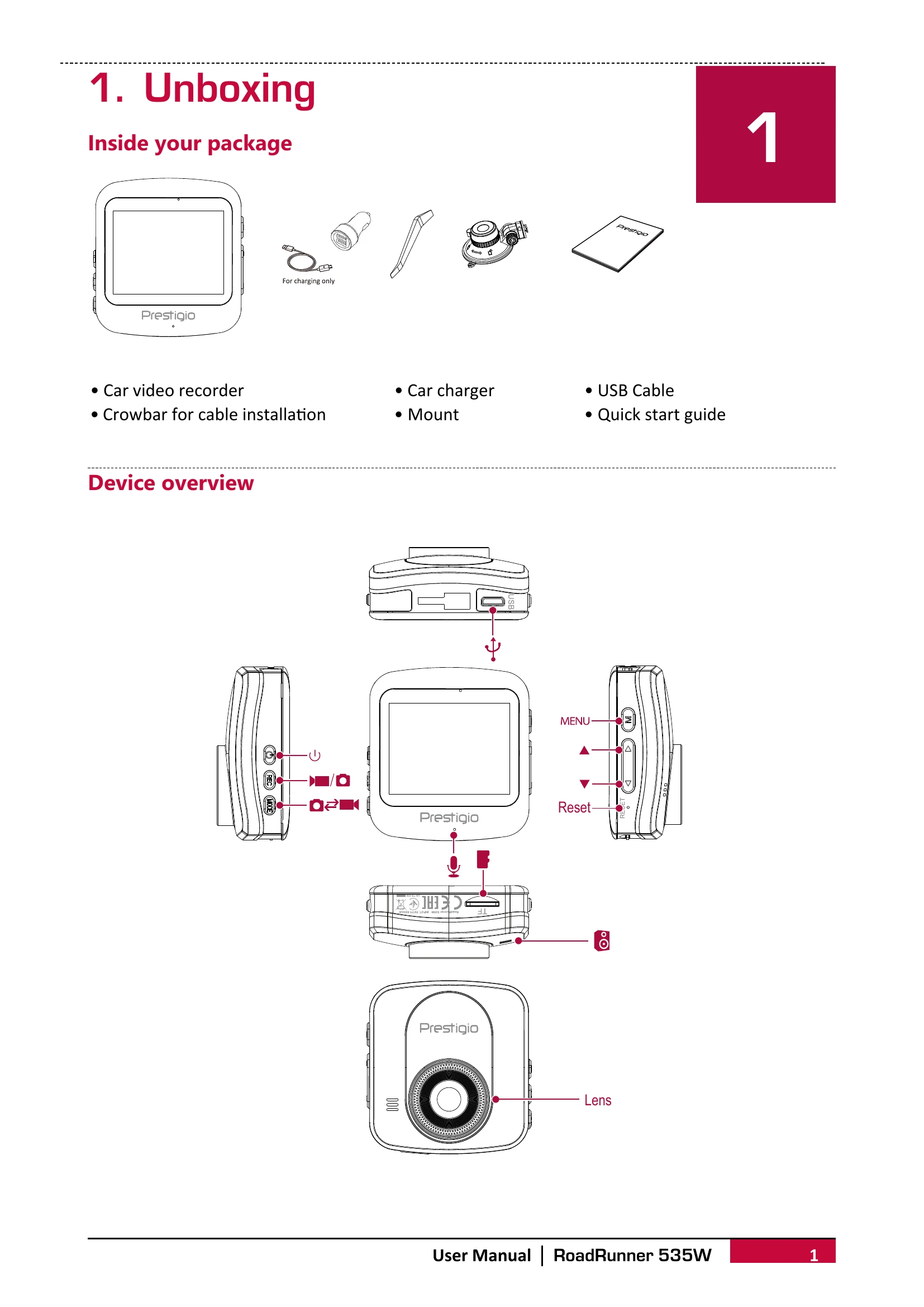
  • Getting Started: Insert a microSD card, mount the device to the windshield, and charge the battery.
  • Settings: Adjust resolution, recording time, sound record, exposure, volume, delete files, protect files, beep sound, power off, clock settings, date format, stamp, language, frequency, LCD power save, G-sensor, parking mode, motion detection, reset setup, Wi-Fi, format SD card, and view firmware version.
  • Recording: Choose between auto and manual video recording, record sound, lock videos, and take pictures.
  • File Management: Browse, delete, lock, and unlock files.
  • Playback: Play videos on the DVR or on a PC by removing the microSD card.
  • Specifications: Details about display, processor, image sensor, view angle, video/photo resolution, video codec, picture format, memory, microphone, motion detection, power source, interfaces, operating temperature, dimensions, and weight.
Privacy Policy