Brand: Redmi
Category: Audio
Document Type: Manual
Language: EN
Brand: Redmi
Category: Audio
Document Type: Manual
Language: EN
Uploaded: April 20, 2026, 8 p.m.
Warranty is valid for 2 years from the date of purchase.
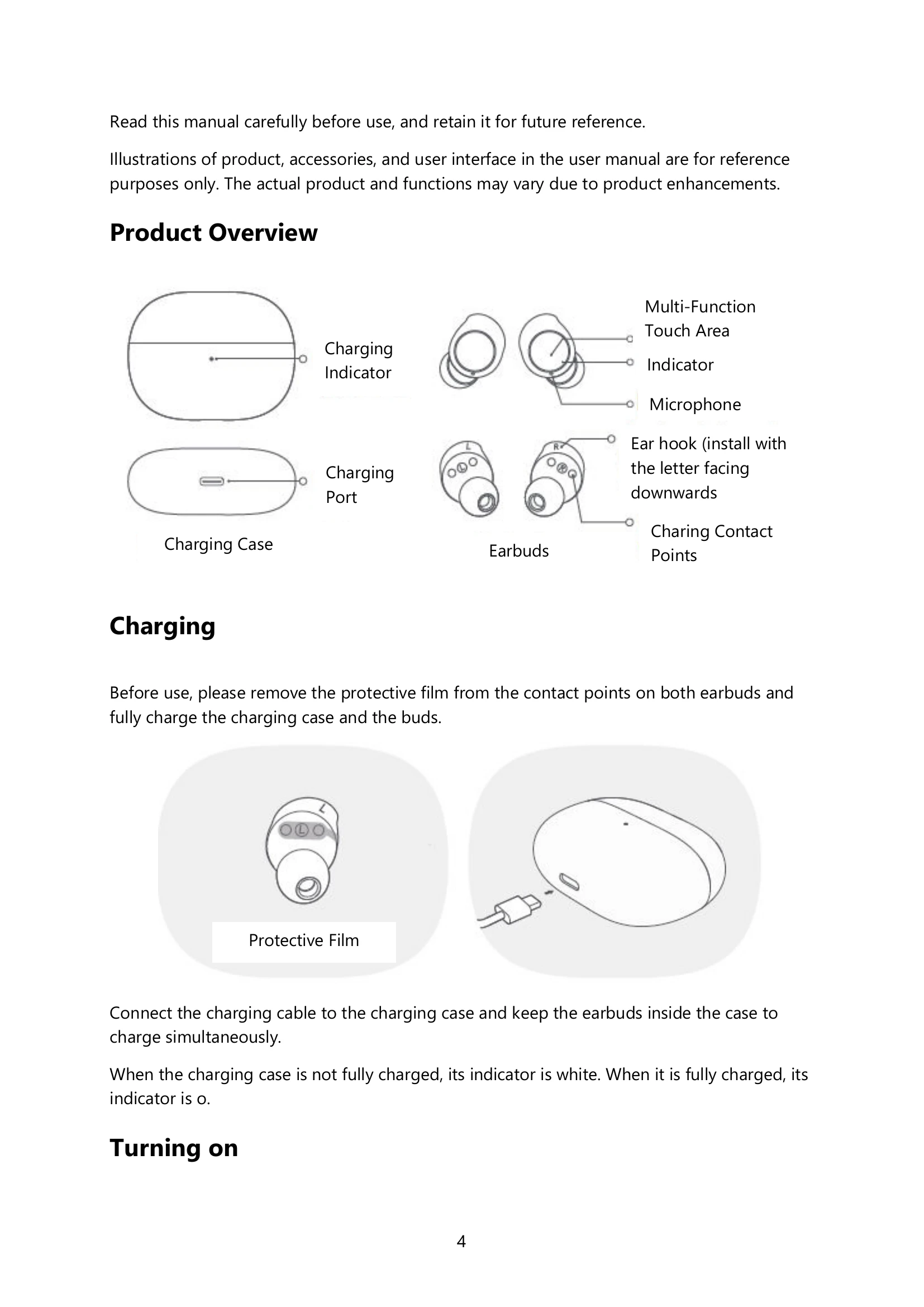
The product consists of charging case and earbuds. Illustrations are for reference only.
Remove protective film from earbuds, then fully charge the case and earbuds. Connect the charging cable to the case. The indicator is white when not fully charged, and off when fully charged.
Earbuds turn on automatically when removed from the charging case if the case has battery.
Place earbuds in the charging case to turn them off and start charging. They turn off automatically if not connected to a device within 10 minutes.
Gently place earbuds in ear canals and adjust. Point primary microphone towards mouth during calls.
For first-time connection, open the lid, take out earbuds. Ensure indicators blink white. Enable Bluetooth on your phone and search for "Redmi Buds 3 Lite".
With earbuds in the case, press and hold touch areas for 5 seconds. Indicators will blink white three times.
Double tap to answer/end calls. Press and hold to play/pause music. Double tap to play next track. Triple tap to wake voice assistant.
Dual-bud mode is default. Placing one bud back into the case switches to single-bud mode.
Earbuds automatically connect to the last used device or enter awaiting connection mode.
Earbuds enter awaiting connection state if disconnected. They turn off if no device is connected within 10 minutes.
Simultaneously press and hold touch areas of both earbuds to enable/disable low latency mode.