Manual for RDC-i500

Manual for RDC-i500

Brand: RICOH

Category: Digital Camera

Document Type:

Language: EN
Uploaded: Aug. 9, 2025, 11:56 p.m.

Warranty Information

This product comes with a one-year limited warranty covering defective parts.

Getting Started:

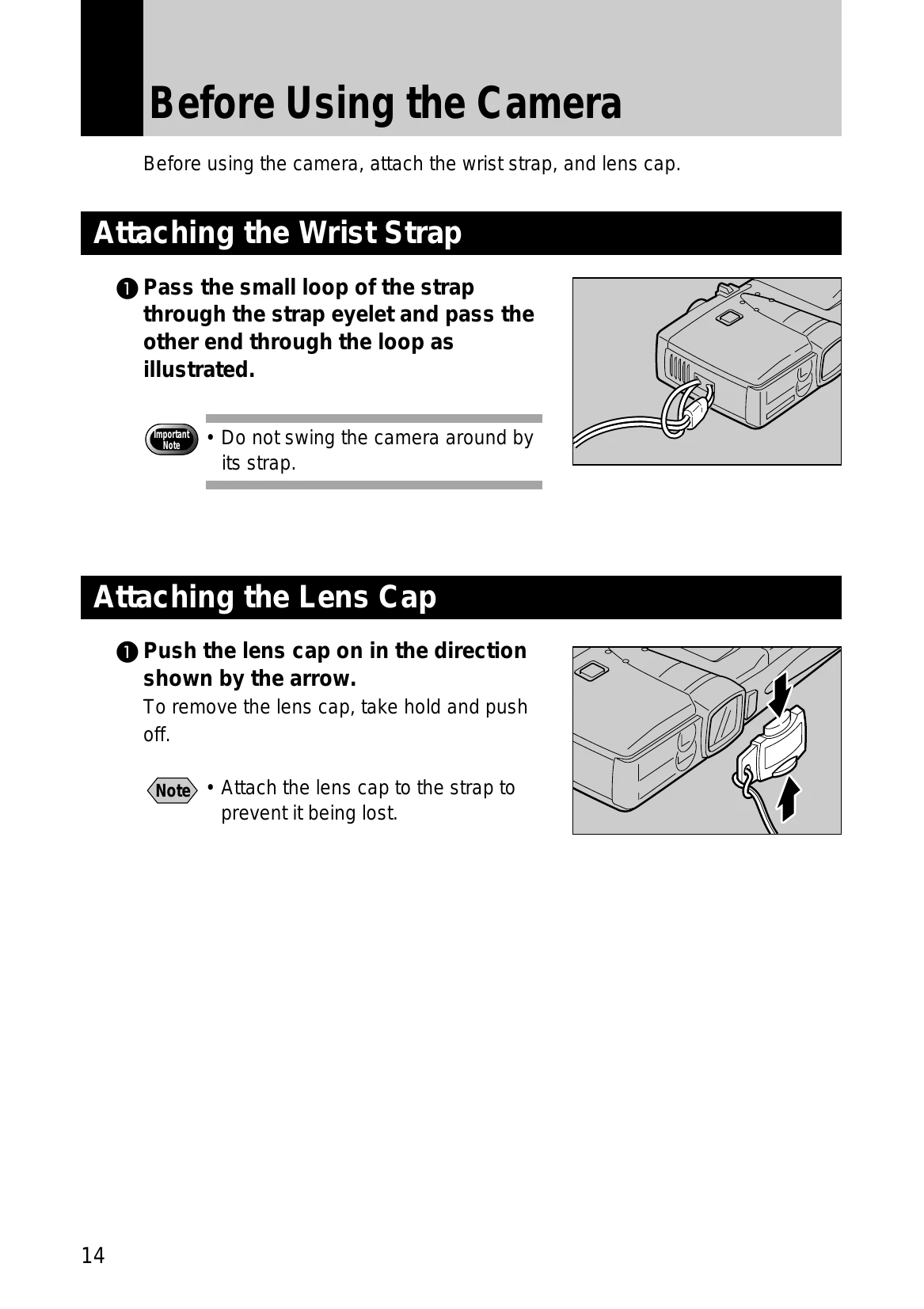
  • Before Using the Camera: Attach the wrist strap and lens cap.
  • Powering the Camera: Charge the battery (DB-20L) fully before first use. Insert the battery into the camera and close the cover. The camera can also be powered by an AC adapter.
  • Storage Memory: Files can be recorded on CF cards or internal memory. Insert a memory card when the camera is turned off. Format new cards before use.

Basic Operations:

  • Turn the camera on/off.
  • Use the Mode Dial to select shooting or playback modes.
  • Navigate menus using the operation panel buttons (FOLDER, DISPLAY, WB, MENU, FUNCTION, ENTER, CANCEL).
  • Adjust settings like date/time, image quality, and exposure.

Troubleshooting and error codes

Issue/Message Cause Solution
Error Messages Refer to page 131 for a list of error messages and their solutions. Consult the troubleshooting section for specific error codes.
Privacy Policy