Starting the Camera:
To turn the camera on, press and hold the Power/Mode Button for about 3 seconds.
To turn the camera off, press and hold the Power/Mode Button for about 3 seconds.
Overview:
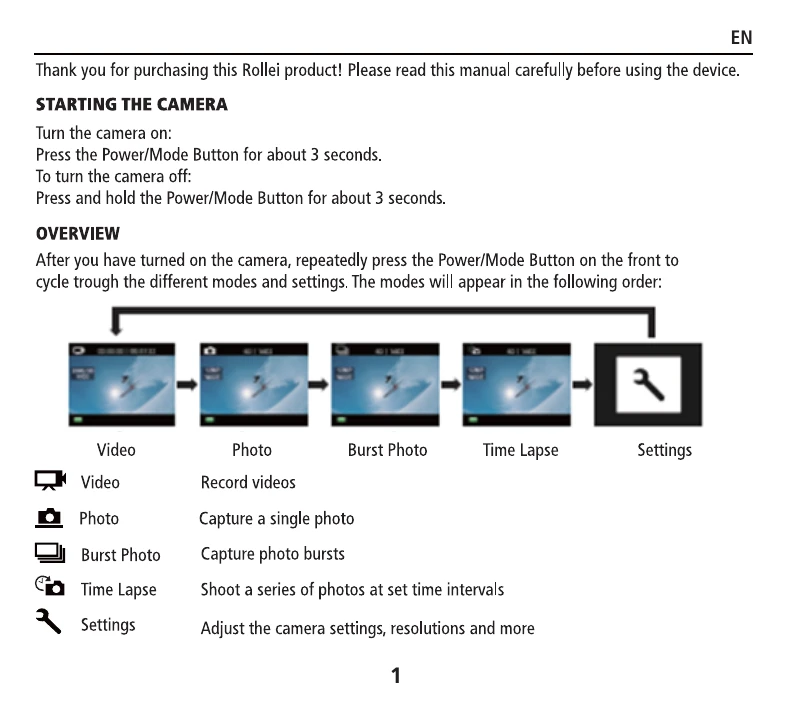
After turning on the camera, press the Power/Mode Button to cycle through modes: Video, Photo, Burst Photo, Time Lapse, and Settings.
- Video: Record videos.
- Photo: Capture a single photo.
- Burst Photo: Capture photo bursts.
- Time Lapse: Shoot a series of photos at set time intervals.
- Settings: Adjust camera settings, resolutions, and more.