Brand: SAMSUNG
Category: Computer
Document Type: Manual
Language: EN
Brand: SAMSUNG
Category: Computer
Document Type: Manual
Language: EN
Uploaded: Nov. 21, 2025, 7:49 p.m.
Manual Publish Date: 2013-01-01
Refer to the manual for details on product warranty and service information.
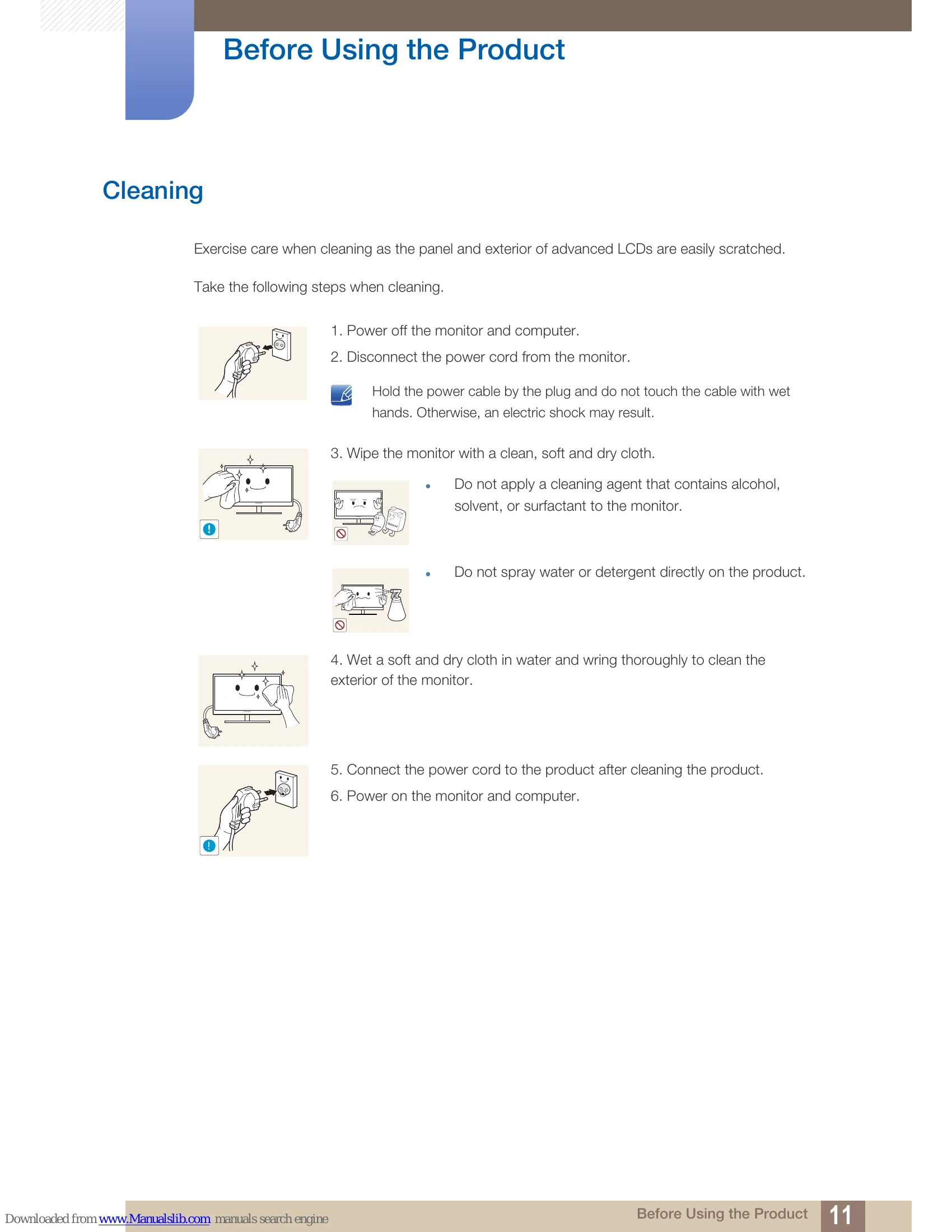
Exercise care when cleaning as the panel and exterior of advanced LCDs are easily scratched. Take the following steps when cleaning:
Ensure some space around the product for ventilation. An internal temperature rise may cause fire and damage the product. Be sure to allow the amount of space as shown below or greater when installing the product.
Be sure to contact Samsung Customer Service Center (page 147) if the inside of the monitor needs cleaning. (Service fee will be charged.)
Warning
Warning
Warning
| Problem | Solution |
|---|---|
| No image is displayed. | - Check if the monitor is powered on. - Check if the signal cable is connected properly. - Check if the computer is powered on. |
| Screen flickering or unstable image. | - Check the scanning rate and resolution settings. - Ensure the signal cable is securely connected. |
| Incorrect colors. | - Adjust the color settings in the OSD menu. |
| No sound. | - This monitor does not have built-in speakers. Use external speakers. |