Manual for DV8700M, DV8600M

Manual for DV8700M, DV8600M

Brand: SAMSUNG

Category: Dryer

Document Type: Manual

Language: EN
Uploaded: Nov. 21, 2025, 6:50 p.m.

  • Safety Instructions: Emphasizes precautions during servicing, including handling electrical components, preventing water damage, and proper installation.
  • Important Safety Information: Details essential safety measures for users to avoid fire, electric shock, and injury, covering installation, operation, and maintenance.
  • Features and Specifications: Outlines key features like large capacity, time-saving cycles, energy efficiency, reversible doors, and smart care technology, along with detailed specifications like dimensions and power requirements.
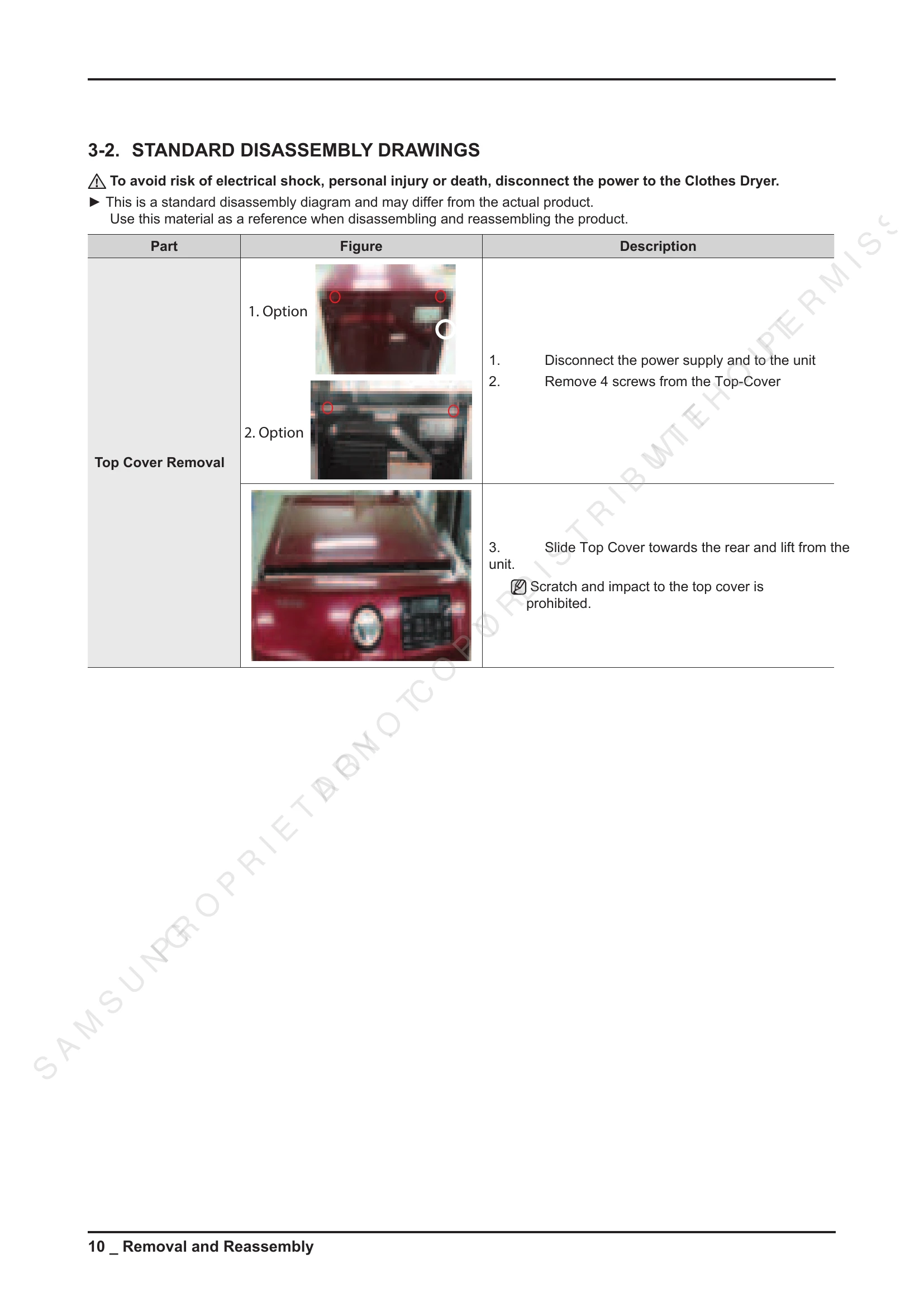
  • Disassembly and Reassembly: Provides a step-by-step guide with tools and diagrams for disassembling and reassembling various parts of the dryer, such as the top cover, console, PCB, door, and motor.
  • Troubleshooting: Offers diagnostic codes, test modes, and a comprehensive table to help identify and resolve common problems related to power, drum operation, drying performance, noise, and component failures.
  • Component Testing Procedures: Details electrical testing methods for various components like thermistors, thermostats, switches, lamps, motor, and gas model specific parts using an ohmmeter.

Troubleshooting and error codes

Information Code Meaning Action
tC The thermistor1 resistance is very low or high.
  • Check for a clogged lint screen.
  • Check if the vent system is restricted.
  • Check the thermistor resistance.
tC5 The thermistor2 resistance is very low or high.
  • Check for a clogged lint screen.
  • Check if the vent system is restricted.
  • Check the thermistor resistance.
dC The dryer is running with the door open.
  • Close the door, and run the dryer again.
  • Check if the door sensor unit is loose or short.
dF Incorrect door switch.
  • Check if the door sensor unit is loose or short.
bC2 Incorrect button state.
  • Check if the display PCB is loose or short.
FC Invalid power source frequency.
  • Check if you are using regular power source frequencies.
  • Check the power frequency sensor circuit.
9C1 Electronic control problem (Invalid Voltage).
  • Check the PCB and wire harness.
  • Check if power is supplied properly.
AC Electronic control problem (Invalid Communication).
  • First check the PCB and wire harness.
  • Replace the PCB if the problem persists.
HC Invalid heating Temp in running the dryer.
  • Check the PCB and Thermistor.
Privacy Policy