Manual for Access

Manual for Access

Brand: SAMSUNG

Category: MOBILE PHONE

Document Type:

Language: EN
Uploaded: Aug. 10, 2025, 12:09 a.m.

Warranty Information

The phone is warranted against defects in material and workmanship for 1 year from the date of purchase.

Getting Started

  • SIM Card Information: Explains the SIM card and its importance for network services.
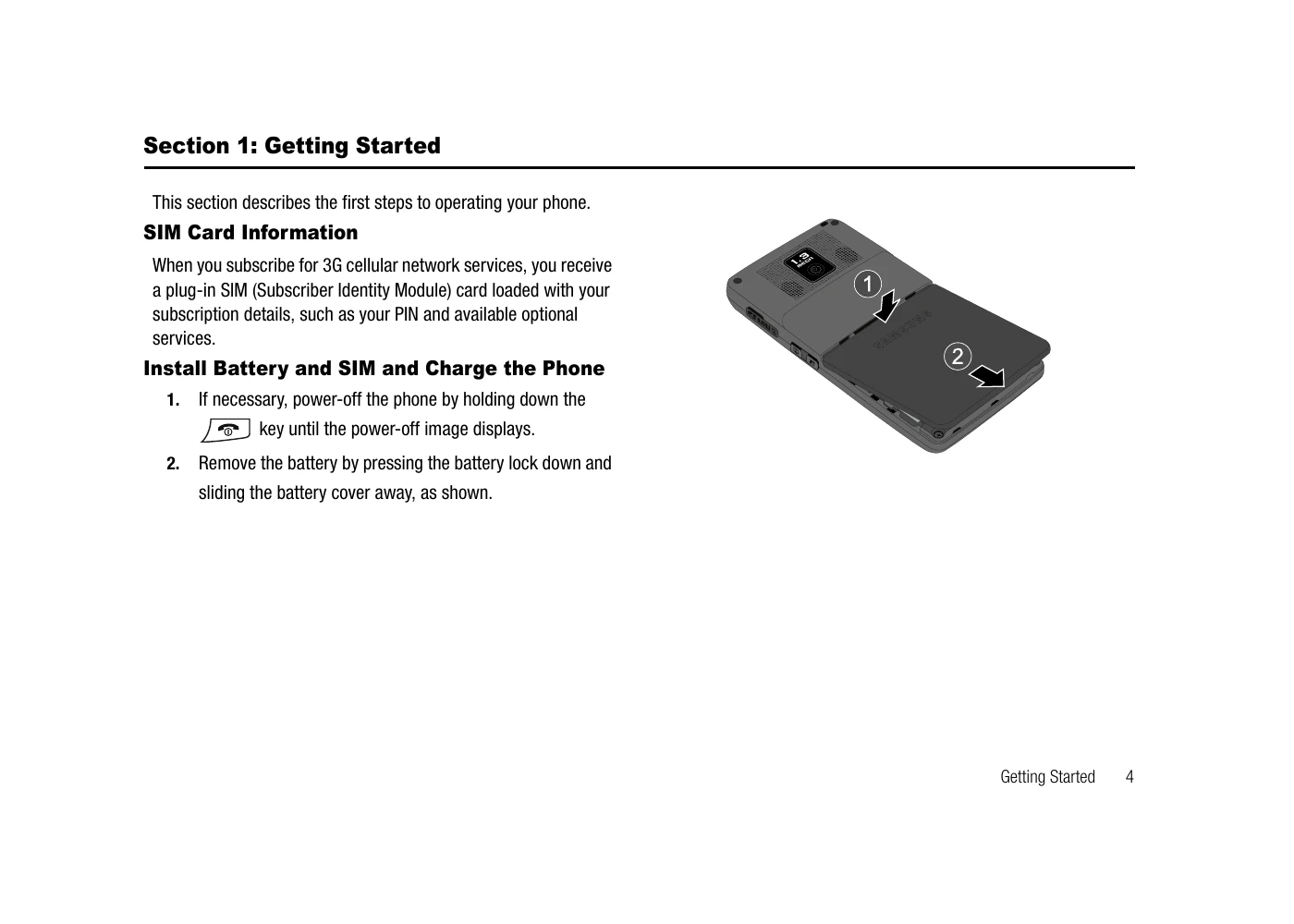
  • Install Battery and SIM and Charge the Phone: Provides step-by-step instructions for installing the battery and SIM card, and charging the device.
  • Charging a Battery: Details how to charge the phone using a travel adapter and notes about initial charging.
  • Turning the Phone On or Off: Instructions on powering the phone on and off using the power key.
  • Setting Up Your Voice Mail: Guides users on how to access and set up their voicemail.

Understanding Your Phone

  • Features of Your Phone: Lists key features such as Bluetooth, camera, AT&T Mobile TV, messaging, applications, and more.
  • Front View of Your Phone: Identifies the main components of the phone's front view.
  • Slots, Controls and Keys: Correlates the physical controls and slots with their functions.
  • Display Layout: Describes the different areas of the display screen and icons.

Troubleshooting and error codes

Issue Solution
Phone does not turn on Ensure the battery is charged and properly inserted. Press and hold the power key.
Cannot make or receive calls Check for network coverage. Ensure the SIM card is correctly inserted.
Low battery Recharge the battery. The phone automatically turns off if the battery is too low.
Data transfer issues Check network configuration and signal strength. Ensure correct WAP profiles are set.
Privacy Policy