Brand: SANYO
Category: Video
Document Type: Parts/Service
Language: EN
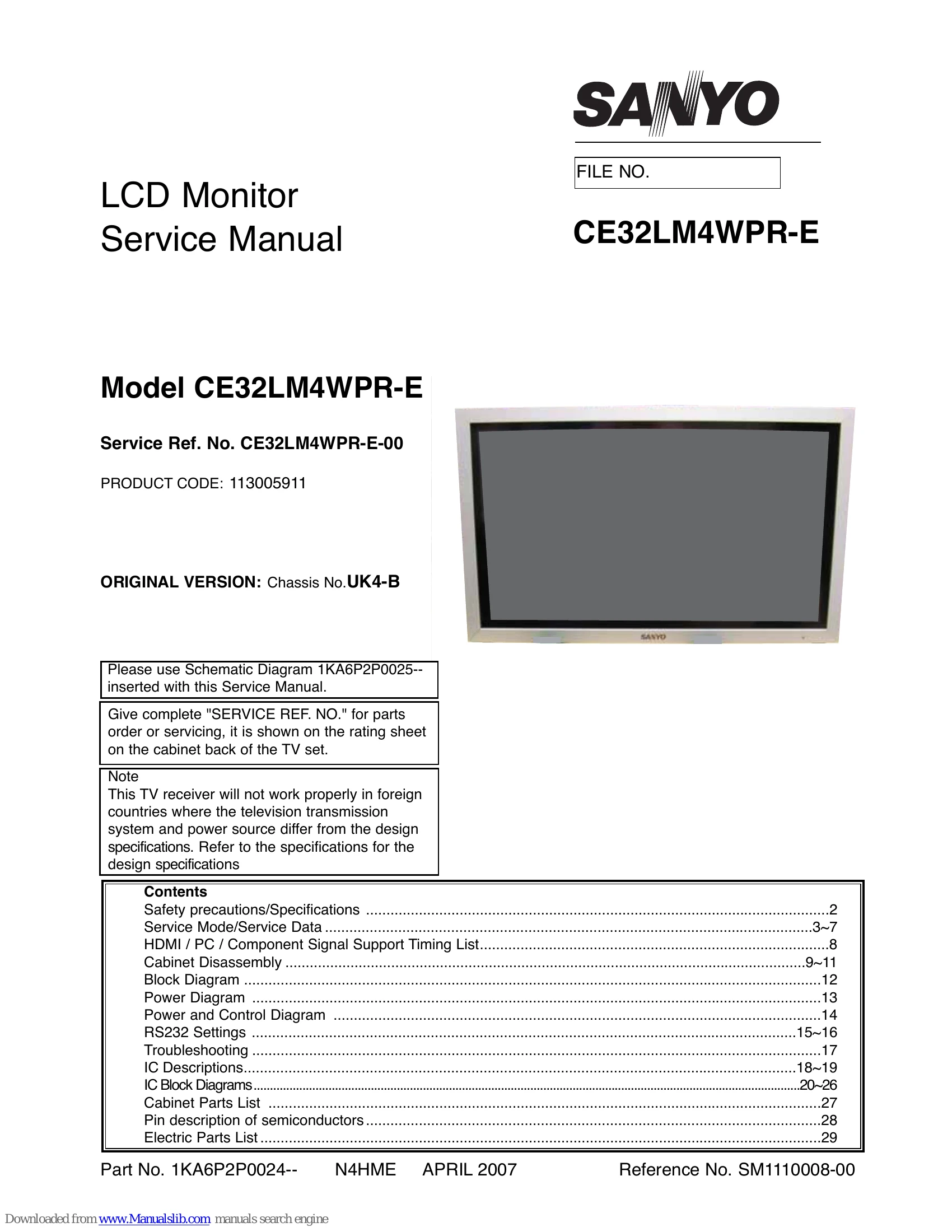
Brand: SANYO
Category: Video
Document Type: Parts/Service
Language: EN
Uploaded: Nov. 21, 2025, 8:16 p.m.
Manual Publish Date: 2007-04-01
Refer to the rating sheet on the cabinet back for warranty information.
To enter Hotel Mode press and hold the green button on the remote control for 3 seconds. Hotel Mode allows the user to set up the function of the set
To enter Service Mode press and hold the green button on the remote control whilst pressing the PV button on the tv cabinet at the same time, alternatively:-
From Hotel Mode press and hold the green button on the remote control for 3 seconds
To select the service item and change data value
| Item | Condition | Check point |
|---|---|---|
| 1 No power | NO LED | Check to voltage of KR-3 ---- 5V >>Change the power board |
| 2 No power | NO LED | Check the fuse on the FILTER board |
| 3 No power | LED brighter | Check the voltage of Housing KQ-2 ----13V IC6602 ---- 9V IC6603 ---- 12V IC6604 ---- 6V Housing KR-1 ---- 24V >>Change the COMP or SUB POWER board ** Refer to the power diagram |
| 4 No backlight | After power on, once panel lights then keep black out |
Change the LCD panel |
| 5 Faulty picture | No colour, poor picture Darker / brighter picture etc. |
Change the COMP board >>If not, change the panel. |
| 6 Faulty picture | Visible line on the picture Part of the display is poor |
Change the panel |
| 7 No RC | No working of RC handset | Change the RC or FRONT board |
| 8 No key SW | No working or the front key Switch | Change the FRONT board |
| 9 Fan faulty | After indication of the display, then 30 seconds later, come into standby |
Change the FAN |