Brand: SANYO
Category: Video
Document Type: Manual
Language: EN
Brand: SANYO
Category: Video
Document Type: Manual
Language: EN
Uploaded: Nov. 21, 2025, 7:29 p.m.
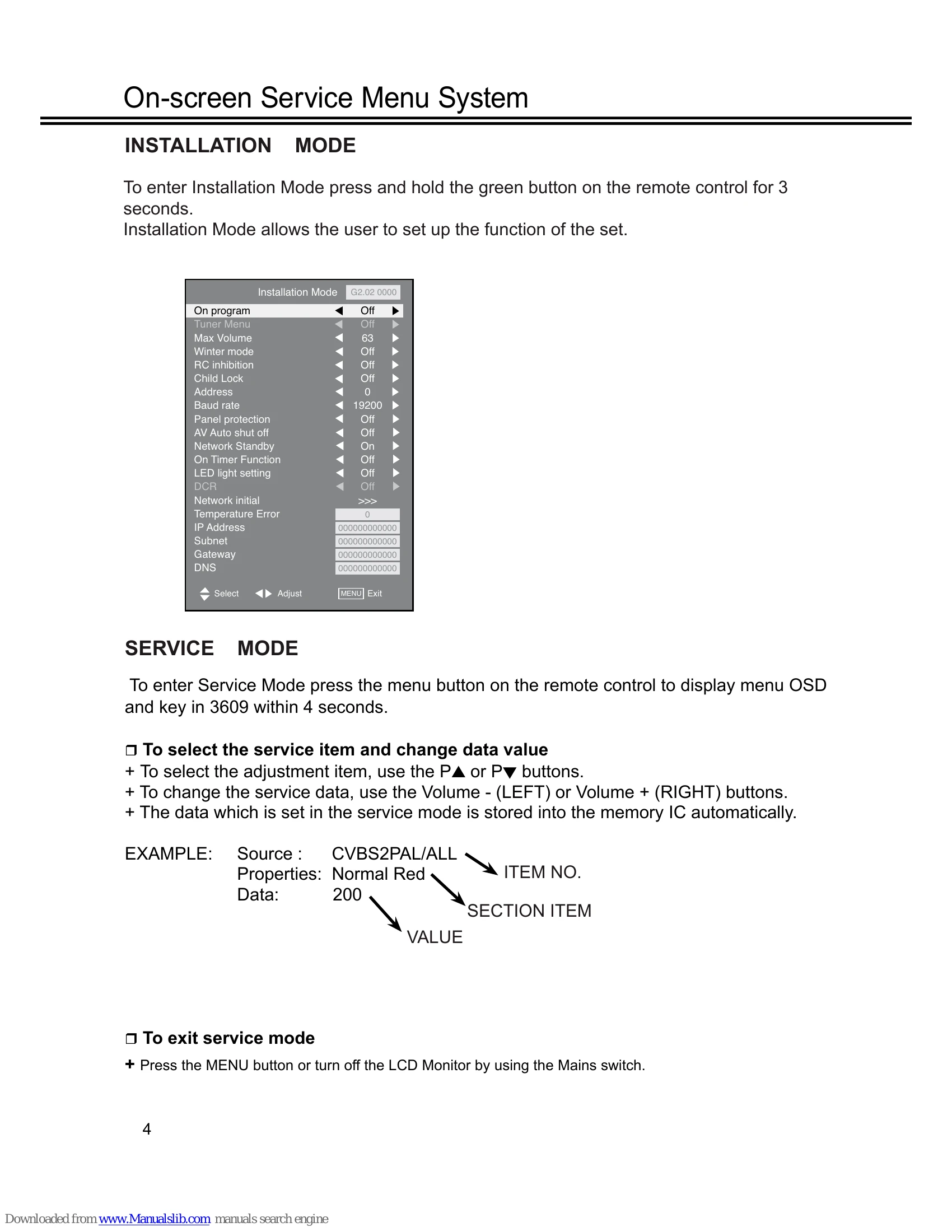
To enter Installation Mode, press and hold the green button on the remote control for 3 seconds. Installation Mode allows the user to set up the function of the set.
To enter Service Mode, press the menu button on the remote control to display menu OSD and key in 3609 within 4 seconds.
| Item | Condition | Check point |
|---|---|---|
| 1 No power | NO LED | Check the connection of the AC cord. (AC plug and connector) |
| 2 No backlight | After power on, backlights on briefly then off. | Change the LCD panel |
| 3 Faulty picture | No colour, poor picture Darker / brighter picture etc. | Change the MAIN board >>If not, change the panel. |
| 4 Faulty picture | Visible line on the picture Part of the display is poor | Change the panel |
| 5 No RC | No operation of RC handset | Change the RC or SW board Check the RC inhibit is off. |
| 6 No key SW | No operation of the key Switch | Change the SW board Check child lock is off. |