Manual for PN-K321/K321H/K322B/K322BH

Manual for PN-K321/K321H/K322B/K322BH

Brand: SHARP

Category: Displays

Document Type: Manual

Language: EN
Uploaded: Nov. 21, 2025, 6:44 p.m.

Manual Publish Date: 2013-12-01

Warranty Information

No warranty period is explicitly stated in the provided document.

Basic Operation

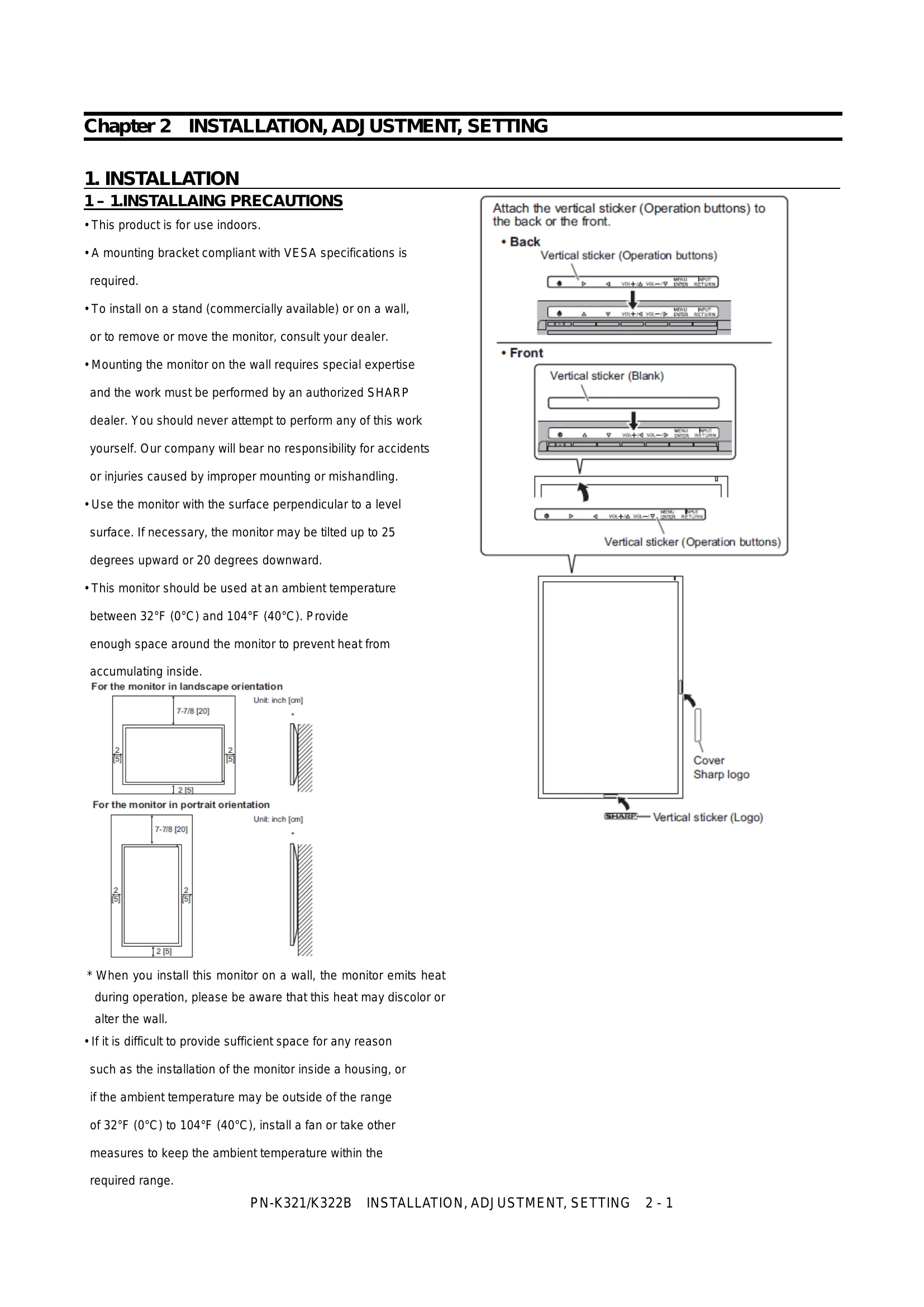
The monitor is operated using the following buttons:

  • Main power switch: Turns the power ON/OFF.
  • Brightness adjustment buttons (⌀/⌁): Access the brightness menu. Adjust brightness using these buttons. The menu automatically disappears after 4 seconds of inactivity.
  • [VOL+/△]/[VOL-/▽] buttons: Access the volume menu. Adjust volume using these buttons. The menu automatically disappears after 4 seconds of inactivity.
  • [MENU/ENTER] button: Displays and turns off the menu screen. Settings can be entered when the menu screen is displayed.
  • [INPUT/RETURN] button: Displays the input selection menu. Use the VOL buttons to select the input mode and press [INPUT/RETURN] to enter.

Note: Touch mode icon is displayed in a single press of the Power ON in K322B; camera will turn OFF Press and hold.

Troubleshooting and error codes

Lighting Status Status Description
Green lit. Power on
Off lit. Power off (Standby mode)
Green flashing. Input signal waiting mode
Flash alternately red and green Temperature trouble
Flash red Hard trouble
Privacy Policy