Manual for AZL66

Manual for AZL66

Brand: SIEMENS

Category: Control Unit

Document Type: Manual

Language: EN
Uploaded: Nov. 21, 2025, 7:44 p.m.

Manual Publish Date: 2022-04-27

Warranty Information

Warranty information is not explicitly detailed in this section of the manual.

Basic Operation of the AZL66 Display and Operating Unit:

  • Status Page: Displays key information about the burner's current status (e.g., flame signal, load, phase).
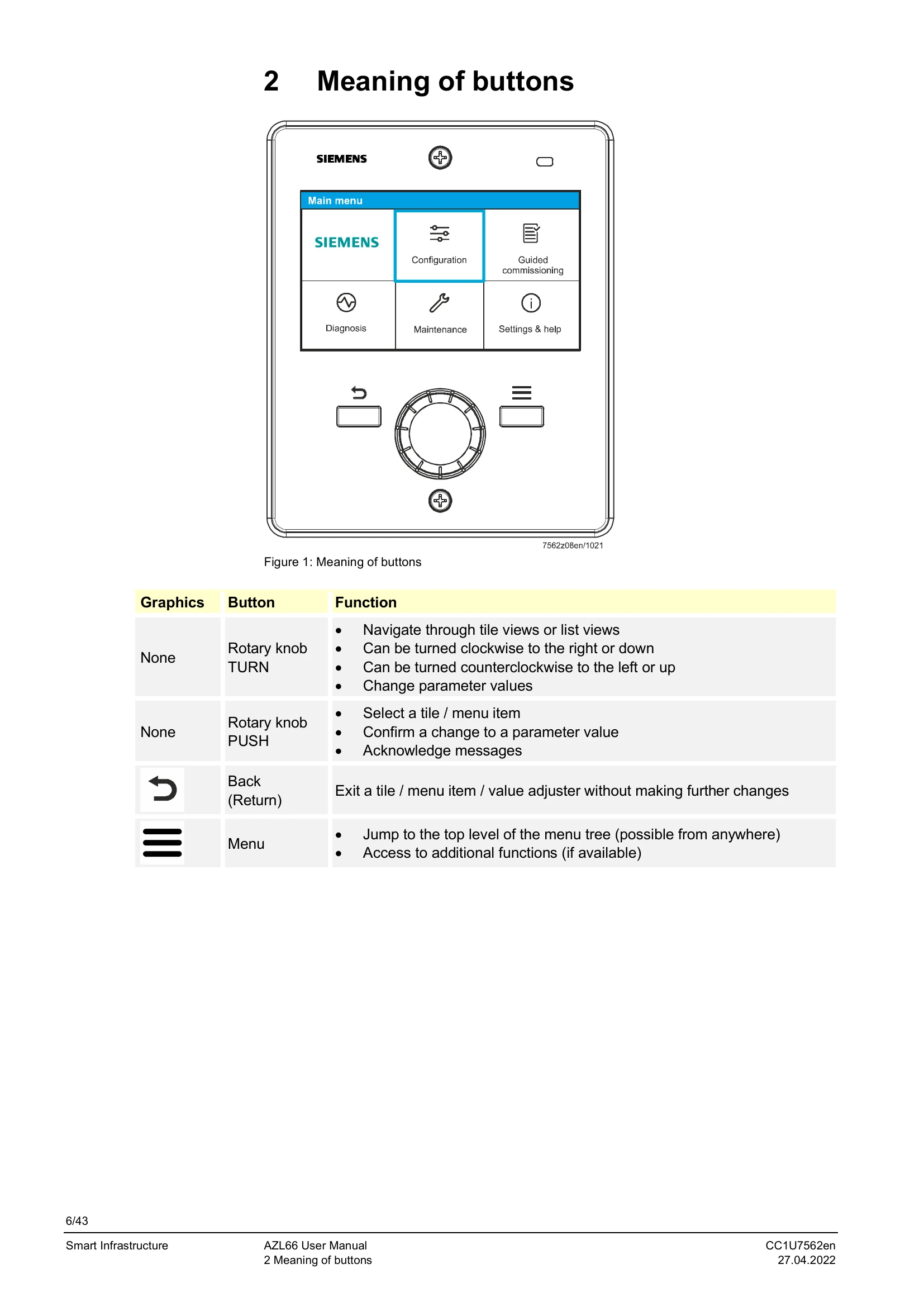
  • Main Menu: Accessed via the Menu button, provides navigation to Configuration, Guided commissioning, Diagnosis, Maintenance, and Settings & help.
  • Navigation: Uses a rotary knob to turn for selection and navigate through menus, and to push for confirmation or selection.
  • Password Entry: Requires a password for access to different parameterization levels. Passwords can be changed by authorized personnel.
  • Parameter Adjustment: Numerical values can be set using the rotary knob, with visual confirmation of successful transfer.
  • Warning Indicators: Yellow screens indicate warnings with options to view the error history. Red screens indicate errors leading to a locked lockout, with options to view error history or reset.
  • Error List: Displays errors chronologically with unique error numbers and status indicators.
  • Ratio Control: Enables adjustment of air-gas mixture and actuator positions to create and manage curve points for optimal burner performance.

Troubleshooting and error codes

Error Code Short Text Page Reference
5100 Manual lockout 21
1009 Start prevention due to extraneous light 21
1042 Fuel 1: Restart counter elapsed: No flame 21
1005 No flame in the first safety time (TSA1) 21
1041 Restart counter elapsed: Extraneous light 21
(See Error list for details) 21
(See Detailed error view for more information) 22
Privacy Policy