Brand: SIEMENS
Category: Control Unit
Document Type: Installation Guide
Language: EN
Brand: SIEMENS
Category: Control Unit
Document Type: Installation Guide
Language: EN
Uploaded: Nov. 21, 2025, 6:30 p.m.
Manual Publish Date: 2011-08-24
No specific warranty period is detailed in this installation guide.
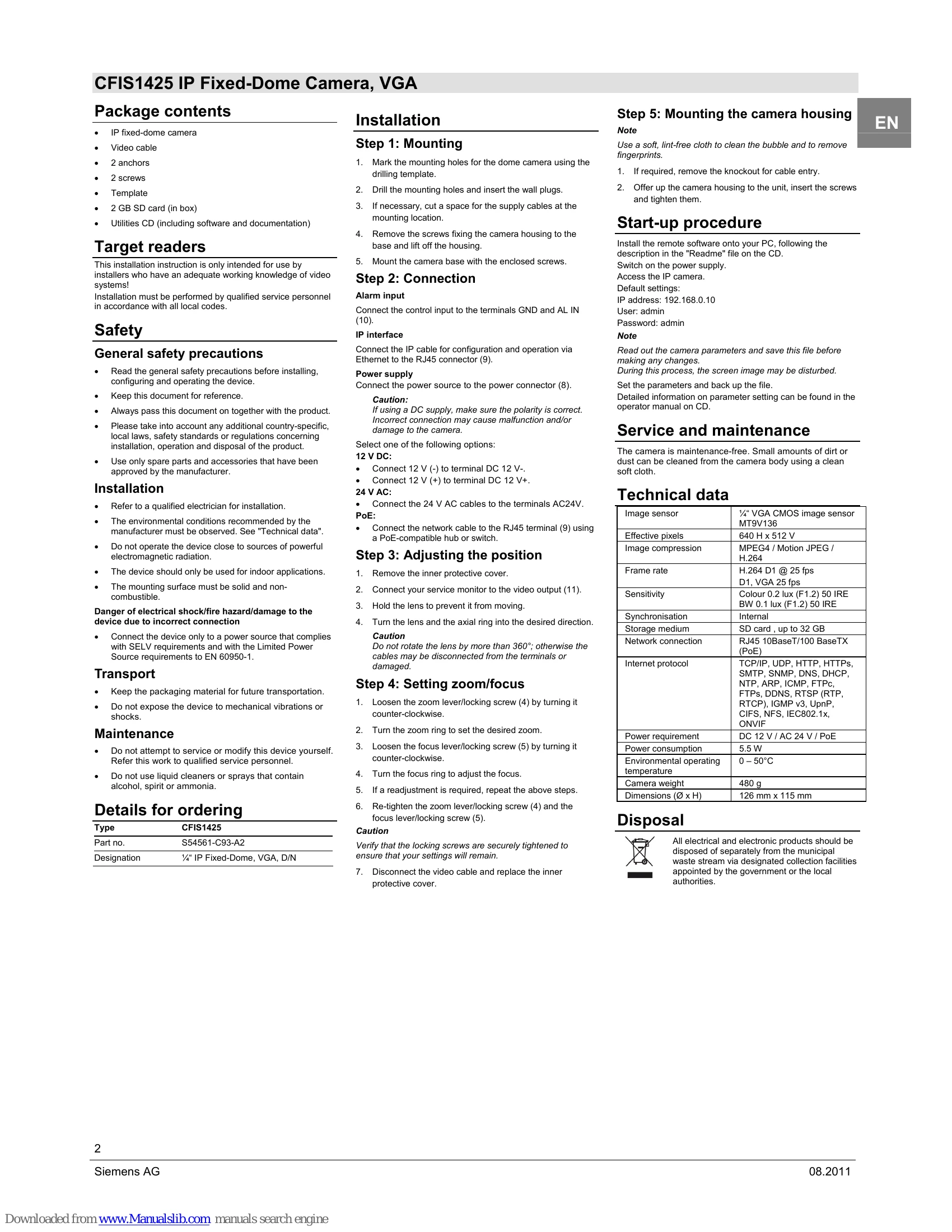
This guide covers the installation and initial setup of the Siemens CFIS1425 IP Fixed-Dome Camera. It includes package contents, safety precautions, step-by-step mounting and connection instructions, positioning, zoom/focus adjustment, and start-up procedures. It also provides technical data and disposal information.