Brand: SIEMENS
Category: Mobile Phone
Document Type: Manual
Language: EN
Brand: SIEMENS
Category: Mobile Phone
Document Type: Manual
Language: EN
Uploaded: Nov. 21, 2025, 6:25 p.m.
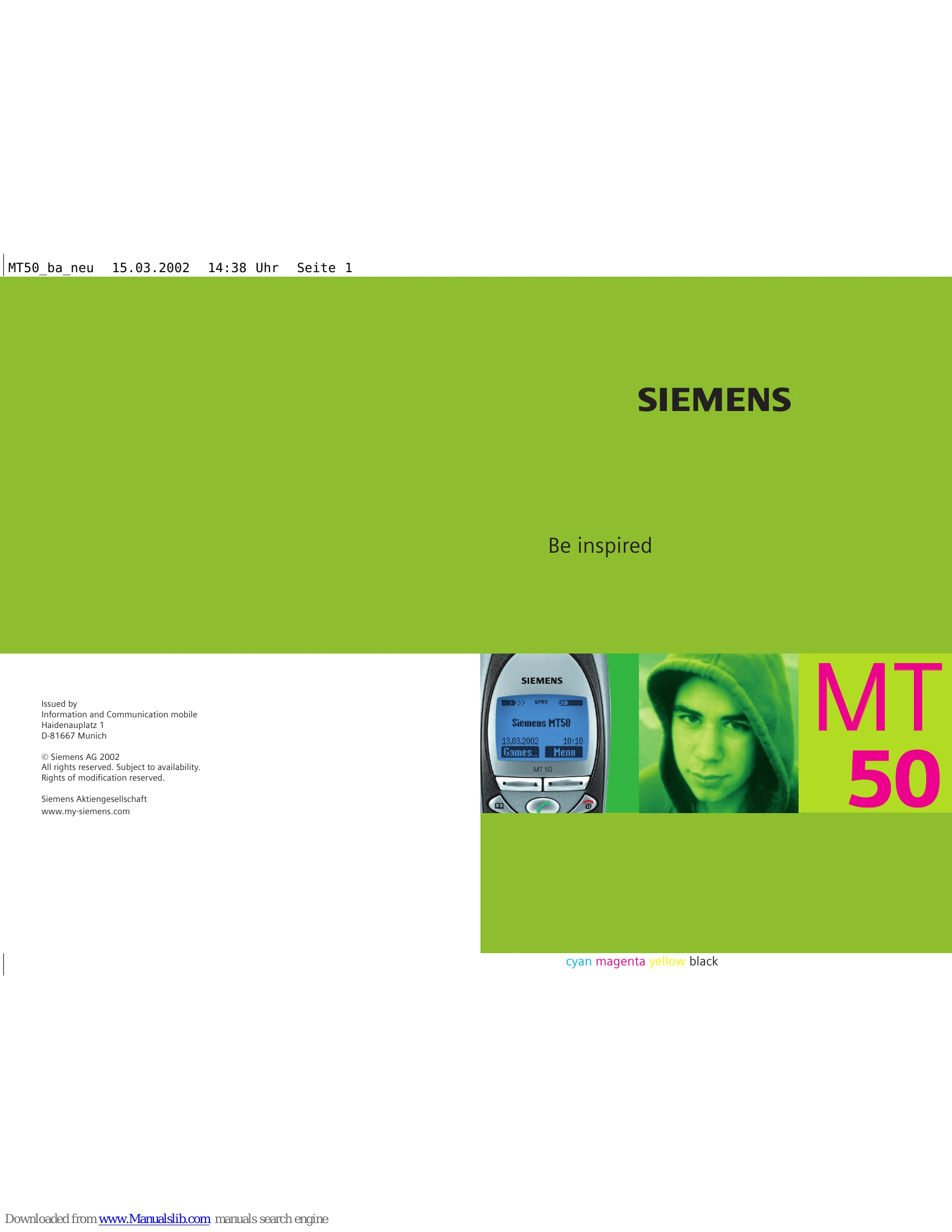
All rights reserved. Subject to availability. Rights of modification reserved.
Insert SIM card/battery: Follow the diagrams to insert the SIM card and battery correctly. Ensure the angled corner of the SIM card is in the right position. Replace the cover until it engages.
Charging: Plug the charger cable into the phone and the power supply unit. Charge for at least two hours. A beep indicates a nearly empty battery. The phone battery is not fully charged when delivered.
Switch On/Off: Hold down the On/Off/End key.
Enter PIN: Enter the 4-8 digit PIN using the number keys. Press OK to confirm. The phone will log on to the network.
Making a Phone Call: Dial using number keys or redial previous numbers. Press the Call key to dial. Press End key to end call. Adjust volume during the call.
Accepting/Rejecting Calls: Press Reply to accept or Reject to decline an incoming call.
| Question | Possible causes | Possible solution |
|---|---|---|
| Phone cannot be switched on. | On/Off key not pressed long enough. | Press On/Off key for at least two seconds. |
| Flat battery. | Charge battery. Check charging indicator in the display. | |
| Battery contacts dirty. | Clean contacts. | |
| Standby time is too short. | Frequent use of the organiser and games. | Restrict use if necessary. |
| Speed search active. | Deactivate speed search (p. 62). | |
| Display illumination on. | Switch off display illumination (p. 61). | |
| Unintentional keystrokes (illumination!). | Activate key lock (p. 61). | |
| Charging error (charge icon not displayed). | Battery totally discharged. | 1) Plug in charger cable. 2) Wait up to 2 hours until the charge icon is displayed. 3) Charge battery as usual. |
| Temperature out of range: 5 °C to 40 °C. | Make sure the ambient temperature is right, wait a while, then recharge. | |
| Contact problem. | Check power supply and connection to the phone. Check battery contacts and device interface, clean them if necessary, then insert battery again. | |
| No mains voltage. | Use different mains power socket, check mains voltage. | |
| Wrong charger. | Only use original Siemens accessories. | |
| Battery faulty. | Replace battery. | |
| SIM error. | SIM card not correctly inserted. | Make sure that the SIM card is correctly inserted (p. 7). |
| SIM card contacts dirty. | Clean the SIM card with a dry cloth. | |
| SIM card with wrong voltage. | Use 3 V SIM cards only. | |
| SIM card damaged (e.g. broken). | Inspect the damage. Return the SIM card to service provider. | |
| No connection to network. | Signal weak. | Move higher, to a window or open space. |
| Outside GSM range. | Check service provider coverage map. | |
| SIM card not valid. | Reclaim at the service provider. | |
| New network not authorised. | Try manual selection or select a different network (p. 64). | |
| Network barring is set. | Check barrings (p. 65). | |
| Network overloaded. | Try again later. | |
| Phone loses network. | Signal too weak. | Reconnection to another service provider is automatic (p. 64). Switching the phone off and on may speed this up. |
| Calls not possible. | 2nd line set. | Set line 1 (arrow icon) > (p. 64). |
| New SIM card inserted. | Check for new restrictions. | |
| Charge limit reached. | Reset limit with PIN 2 (p. 43). | |
| Credit used up. | Load credit. | |
| Certain uses of the phone not possible. | Call restrictions are set. | Barrings may be set by your service provider. Check barrings (p. 65). |
| No entries possible in Phonebook. | Phonebook is full. | Delete entries in Phonebook (p. 20). |
| Voice mail does not work. | Call divert to the mailbox not set. | Set call divert to the mailbox (p. 44). |
| SMS (text message) flashes. | SMS memory full. | Delete (p. 25) or store messages (SMS) in the archive (p. 25) to make room. |
| Function cannot be set. | Not supported by service provider or registration required. | Contact your service provider. |
| Memory problems with Games & More, ring tones, pictures, SMS archive. | Phone memory full. | Delete files where necessary. |
| Message cannot be sent. | Some service providers do not support this service. | Check with your service provider. |
| Phone number of the service centre is not set or is wrong. | Set service centre (p. 30). | |
| SIM card contract does not support this service. | Contact your service provider. | |
| Service centre overloaded. | Repeat message. | |
| Addressee does not have a compatible phone. | Check. | |
| EMS pictures & sounds are not displayed at the addressee. | The addressee's phone does not support the EMS standard. | |
| No Internet access possible. | Wrong WAP profile set or settings wrong, incomplete. | Check settings, if necessary consult your service provider. |
| PIN error/PIN2 error. | Three wrong entries. | Enter the PUK (MASTER PIN) provided with the SIM card according to the instructions. If the PUK (MASTER PIN) has been lost, contact your service provider. |
| Phone code error. | Three wrong entries. | Contact Siemens Service (p. 85). |
| Service provider code error. | No authorisation for this service. | Contact your service provider. |
| Too few/too many menu entries. | Functions may have been added or removed by your service provider via the SIM card. | Check with your service provider. |
| No fax possible. | Incorrect settings in the PC. | Check settings (p. 72). |
| No authorisation for this service. | Contact your service provider. | |
| Charge counter does not work. | Charge pulse not transmitted. | Contact your service provider. |
| Severe shock. | Remove battery and SIM and insert them again. Do not dismantle phone! | |
| Phone became wet. | Remove battery and SIM card. Dry immediately with cloth, do not heat. Dry connector contacts thoroughly. Stand unit upright in an air current. Do not dismantle phone! |