Manual for DV-1000HD

Manual for DV-1000HD

Brand: SILVER CREST

Category: Electronics

Document Type: Manual

Language: EN
Uploaded: Nov. 21, 2025, 6:35 p.m.

Manual Publish Date: 2010-06-24

Warranty Information

Offers a 36-month warranty from the date of purchase, with a 12-month warranty for rechargeable batteries.

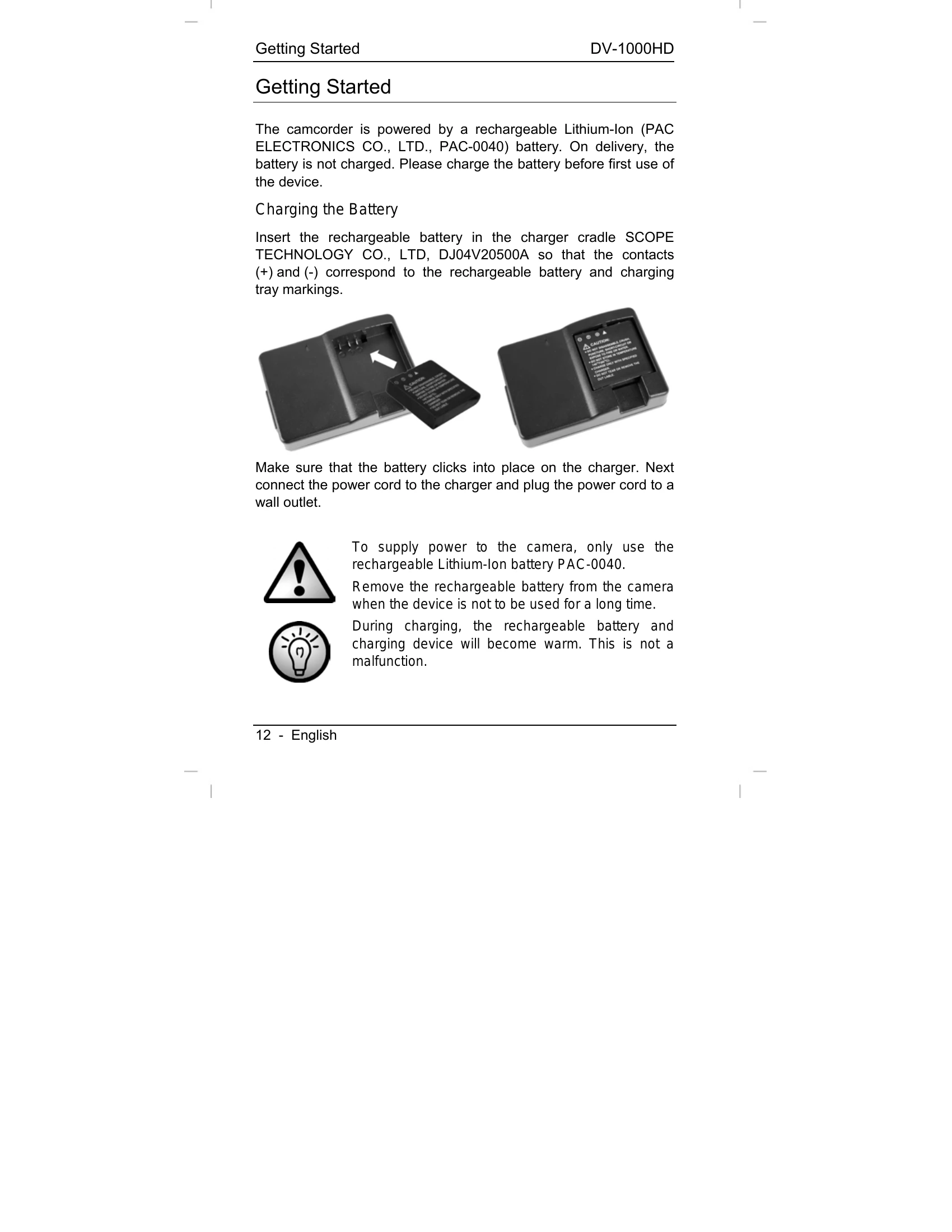
Charging the Battery: Insert the rechargeable battery into the charger cradle, connect the power cord, and plug it into a wall outlet. The status indicator lights orange during charging and green when complete.
Inserting the Battery: Once fully charged, open the battery compartment, insert the battery, and close the compartment.
Inserting an SD Card: Power off the camcorder, open the compartment, and insert the SD card with metal contacts facing forward.
Switching On/Off: Press the On/Off button (9) to power the camcorder on or off.
Setting Date and Time: Power on the camcorder, press Delete (DEL) and Mode (MODE) buttons simultaneously to open the setup menu, navigate to Date and Time, and adjust using the direction buttons.
Switching Operating Mode: Power on the camcorder and use the direction buttons to toggle between Video Recording HD, Video Recording WVGA, and Photo Camera modes.
Recording Videos: Select video mode, press the record button (4) to start, and press again to stop.
Capturing Pictures: Select Photo mode, press the record button (4) to take a picture.

Troubleshooting and error codes

Problem Possible Cause Solution
No power Battery is discharged. Charge the battery.
No recording possible Memory is full. Transfer recorded files to the computer or delete them.
No recording possible Memory card is write-protected. Disable write-protection on the memory card.
Display shows "MEM" Memory is full. Transfer recorded files to the computer or delete them.
No sound Volume is set to minimum. Increase the volume.
Device is not detected by the computer USB cable is not connected properly. Reconnect the USB cable.
Device is not detected by the computer Software is not installed. Install the supplied software.
Privacy Policy