Brand: SILVER CREST
Category: Electronics
Document Type: Manual
Language: EN
Brand: SILVER CREST
Category: Electronics
Document Type: Manual
Language: EN
Uploaded: Nov. 21, 2025, 7:09 p.m.
Manual Publish Date: 2020-01-01
A 3-year warranty covers material or manufacturing faults, requiring proof of purchase for repair or replacement.
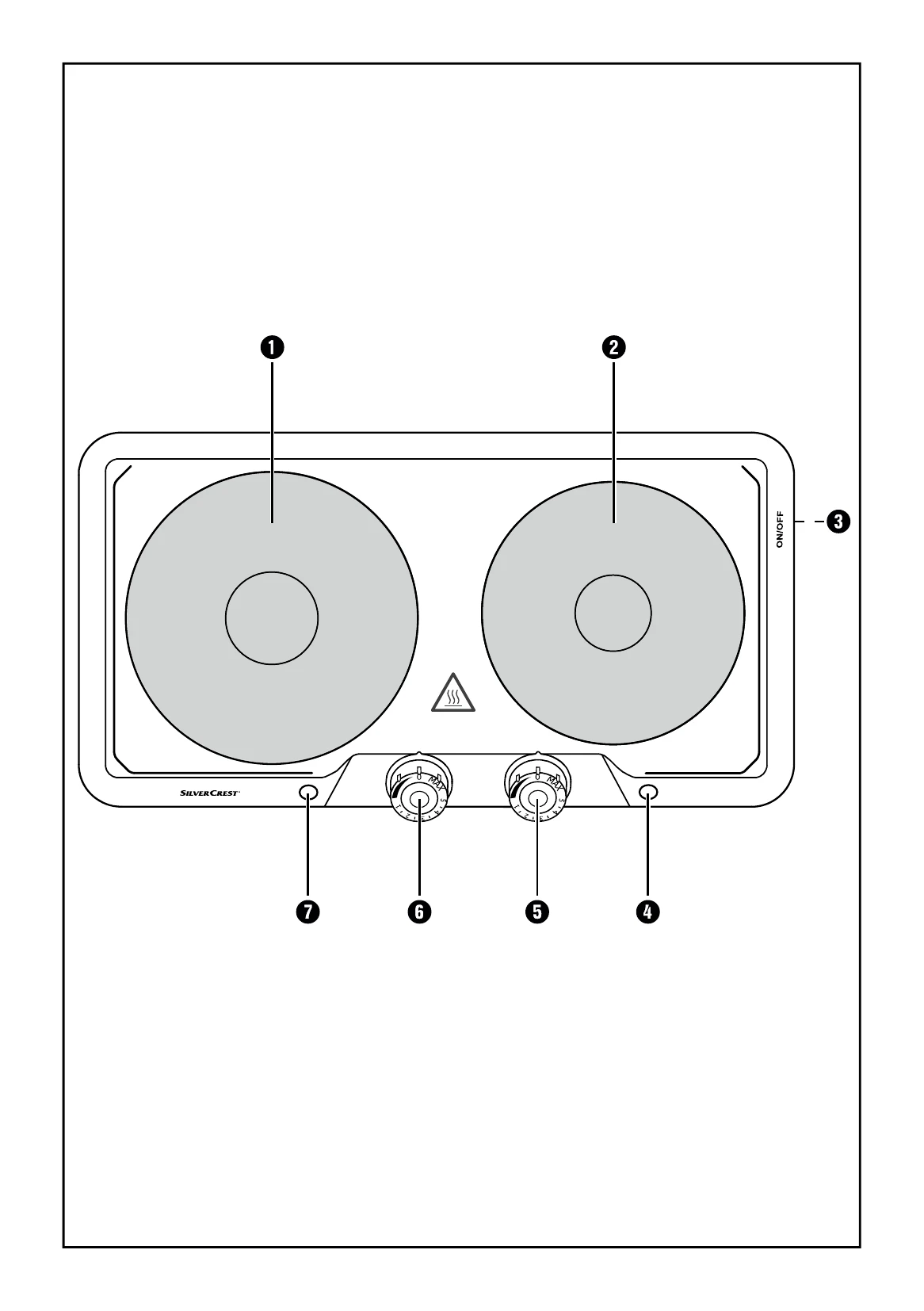
To operate the dual hotplate:
NOTE: Use cookware with flat, even bases. Use cookware that matches the hotplate size for best results. Energy can be saved by turning off the hotplate before cooking is completely finished, utilizing residual heat.
| Malfunction | Cause | Solution |
|---|---|---|
| The appliance is not working. | The plug is not inserted into a mains power socket. | Connect the plug to the power supply. |
| The appliance is defective. | In this case, contact the Customer Service. | |
| The appliance is not switched on. | Switch the appliance on using the On/Off switch 3. |