Brand: SILVER CREST
Category: Electronics
Document Type: Manual
Language: EN
Brand: SILVER CREST
Category: Electronics
Document Type: Manual
Language: EN
Uploaded: Nov. 21, 2025, 6:16 p.m.
Manual Publish Date: 2016-11-01
3-year warranty from the date of purchase for material or manufacturing defects.
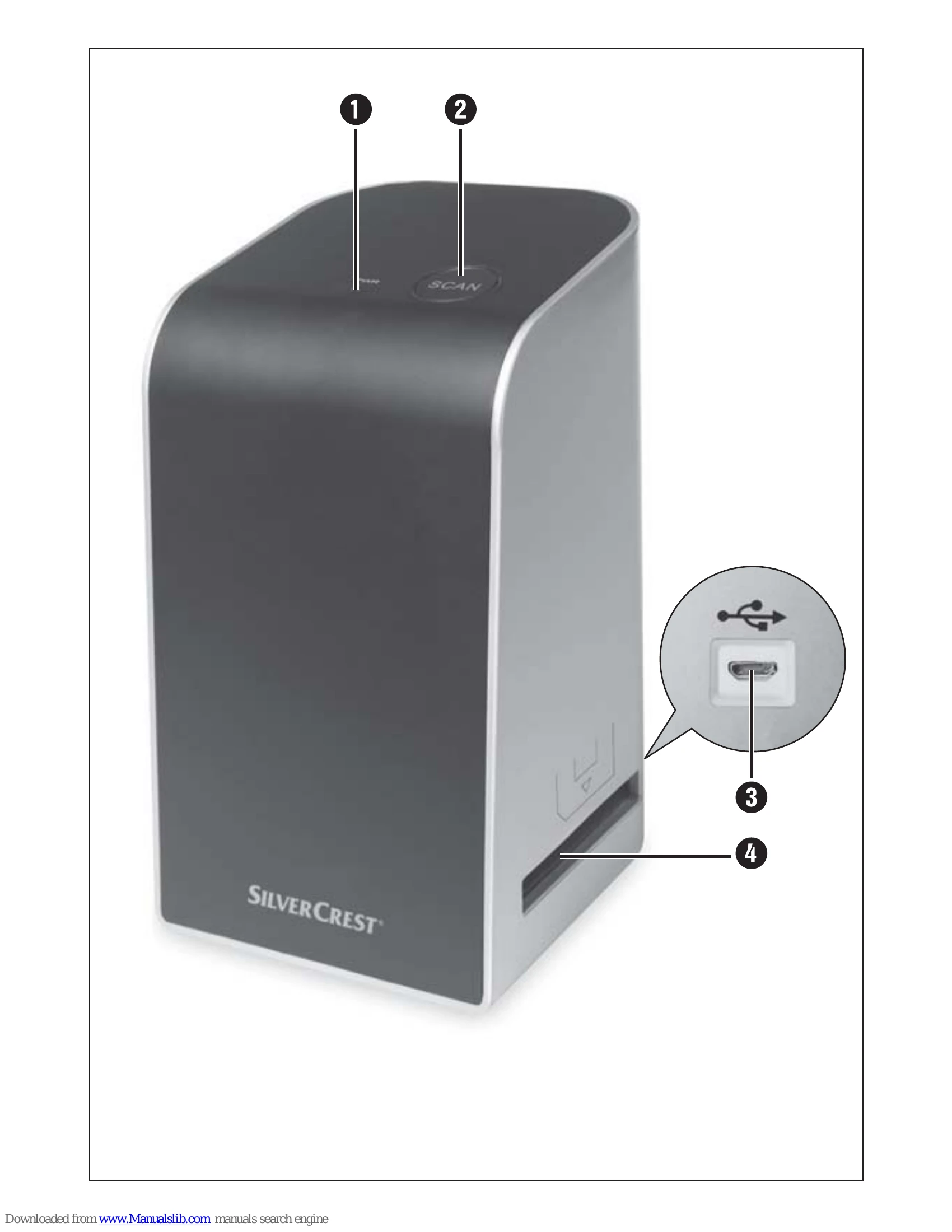
Initial Operation: Check package contents for all components: scanner, slide magazine, negative holders, program CD, cleaning brush, USB cable, and operating instructions. Dispose of packaging materials responsibly.
Connecting to a Computer: Connect the scanner via USB cable to a powered-on PC. Install the necessary software from the provided CD.
Handling and Use: Insert negatives into the negative holder and slides into the slide magazine. Insert the holders/magazines into the scanner. Use the "Image Scan Tool" software to scan, adjust, and save images.
After Use: Remove holders/magazines, disconnect the USB cable.
| Fault | Possible cause | Remedy |
|---|---|---|
| PWR LED does not light up. | The device is not correctly connected. | Connect the device. |
| Poor image quality. | Dust on the scanner's background lighting. | Clean the background lighting (see section "Cleaning"). |
| The scanned images are blurred. | Dust on the film/slide. | Clean the film/slide. |
| The lens of the scanner has fogged up due to temperature differences. | Wait until the device has acclimatised to room temperature. |