Brand: SILVER CREST
Category: Electronics
Document Type: Manual
Language: EN
Brand: SILVER CREST
Category: Electronics
Document Type: Manual
Language: EN
Uploaded: Nov. 21, 2025, 6:19 p.m.
This product comes with a 3-year warranty from the date of purchase covering material or manufacturing defects.
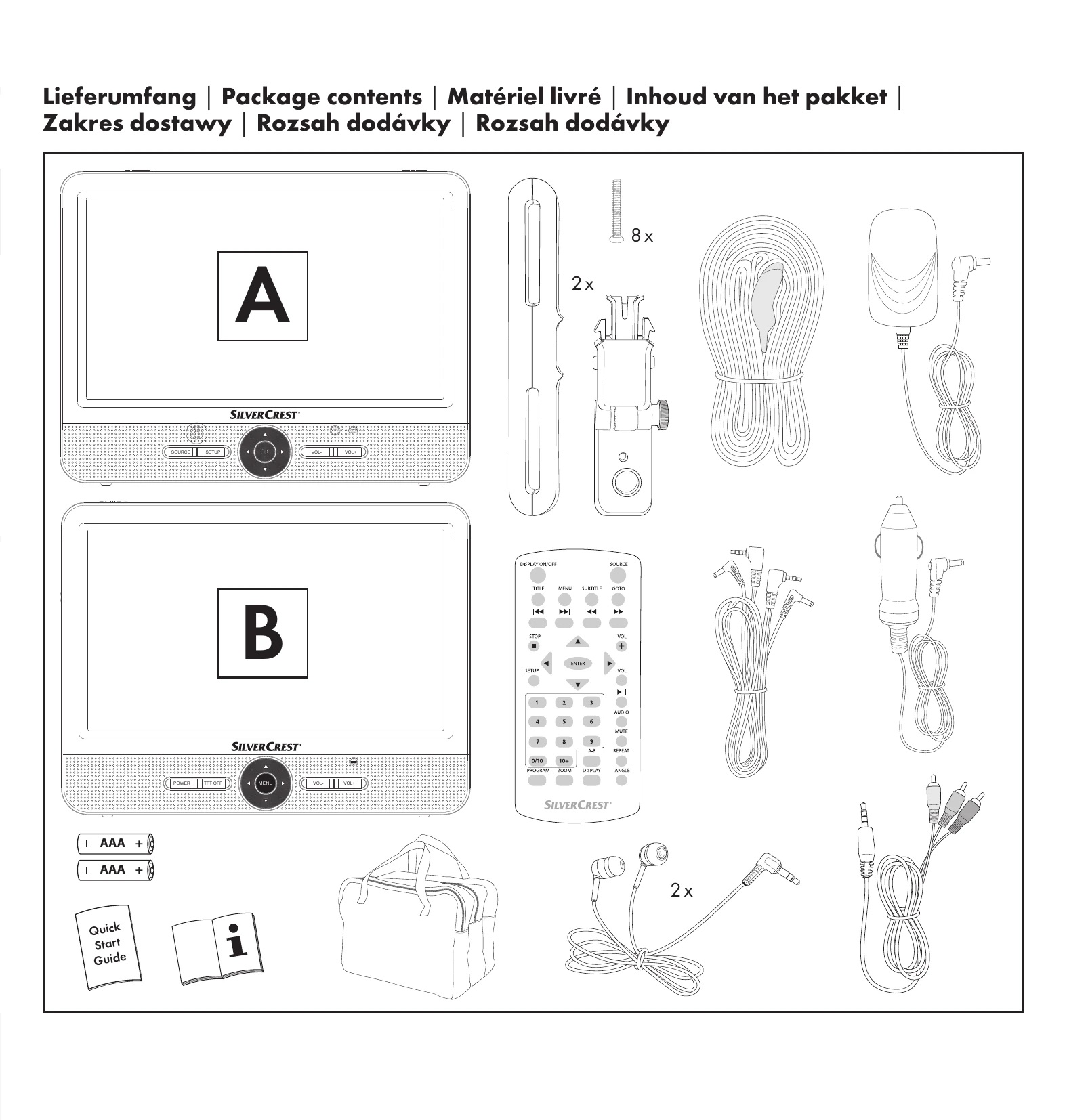
Inserting Batteries: Open the battery compartment on the remote control, insert two AAA/Micro batteries, and close the compartment.
Connecting Power: Connect the mains adapter or car adapter to the DC IN socket of the DVD player and then to a power source. The integrated battery will charge automatically.
Mounting in Vehicle: Secure the DVD player using the headrest bracket and securing strap to a headrest, avoiding airbag deployment zones.
Switching On/Off: Use the ON/OFF switch on the device. The power LEDs indicate the status.
Inserting Media: Open the disc compartment to insert DVDs/CDs, or use the USB port or memory card slot for other media types.
Playback: Press PLAY/PAUSE to start/pause, STOP to stop. Use navigation keys for skipping and fast forward/rewind.
Volume: Adjust volume using controls on the device or remote.
| Problem | Solution |
|---|---|
| No function in battery mode | The built-in battery may be discharged. Connect the mains adapter or car adapter to charge the battery. |
| Screen displays "No disc available" although a disc is inserted | Check if the disc is inserted with the label side facing up. Clean the disc or try another disc if it is dirty, scratched, or damaged. |
| Remote control not functioning | Check battery polarity, battery charge, and ensure no obstructions between the remote and the device sensor. Reduce the distance between the remote and the device. |
| No picture on second monitor | Verify all cables are securely connected. Ensure the second monitor is switched on and its screen is active. |
| No sound | Check if the DVD player is muted and ensure the main volume is not set to minimum. |