Manual for KH 2307

Manual for KH 2307

Brand: SilverCrest

Category: Electronics

Document Type: Manual

Language: EN
Uploaded: Nov. 21, 2025, 6:30 p.m.

Warranty Information

A 3-year warranty applies to this device, covering material or factory defects.

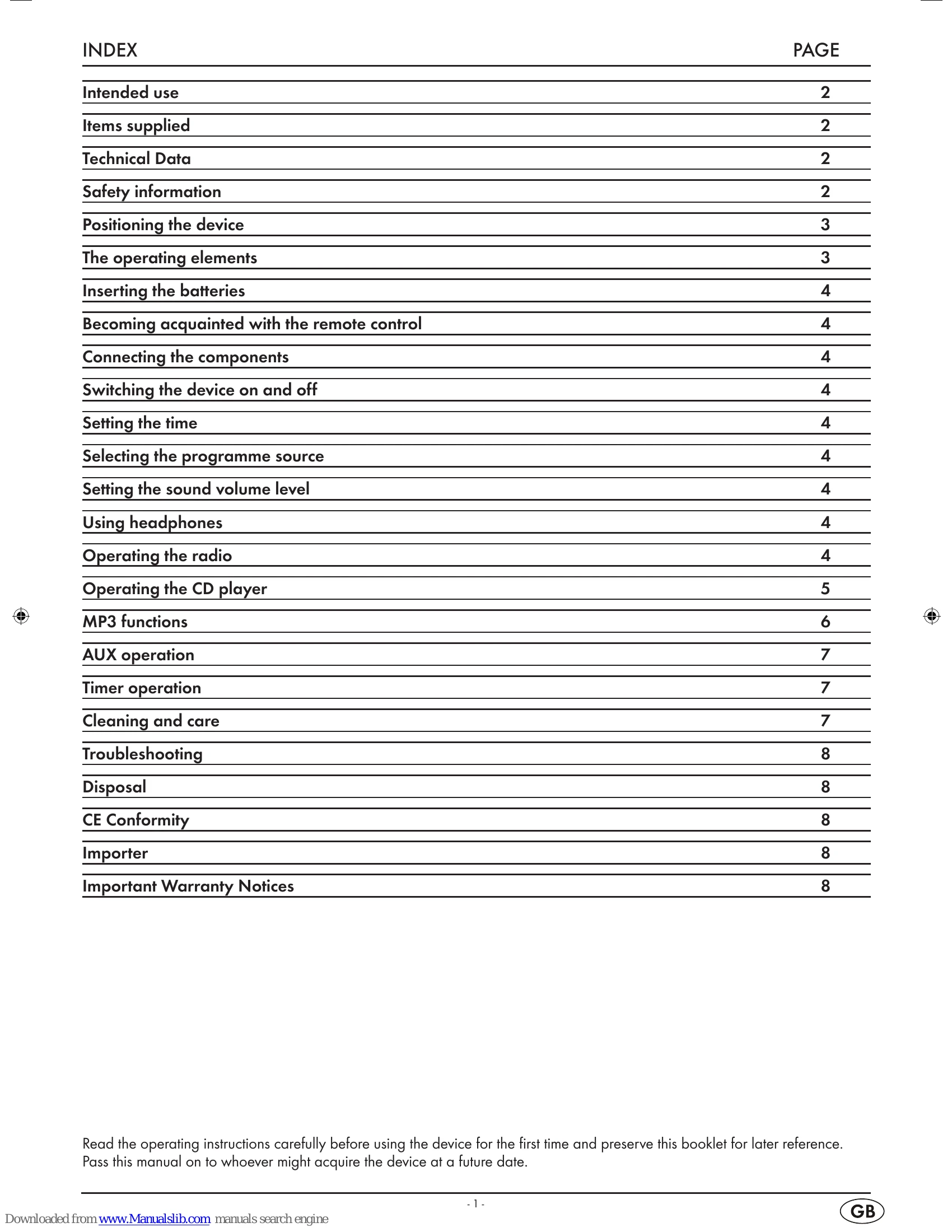
  • To switch the device on, move the function switch to CD/MP3, RADIO, or AUX position and press the POWER button.
  • The display shows the currently playing title number and playback symbol.
  • To stop playback, press the II button or PLAY/PAUSE.
  • To resume playback, press II or PLAY/PAUSE again.
  • To start playback, press II or PLAY/PAUSE.
  • To switch the device off, move the function switch to BUZZ or press POWER.
  • To disconnect from mains power, pull the power cord.
  • To set the time, hold TIME SET and use HOUR/MIN buttons.
  • To select a program source, move the FUNCTION switch to CD/MP3, RADIO, or AUX.
  • To adjust volume, use VOL + and VOL – buttons.
  • Connect headphones to the 3.5mm jackplug socket.
  • For radio, unwind the dipole antenna and use TUNING controller.
  • For CD player, insert CD, close compartment, and use playback controls.
  • MP3 functions allow repeat and random playback.
  • AUX operation for external devices.
  • Timer function for automatic switch on/off.
  • Clean housing with a slightly damp cloth. Clean laser with a commercial cleaning CD.

Troubleshooting and error codes

Trouble Possible Cause Remedy
No or poor radio reception MW reception insufficient Check device positioning; ensure USW dipole antenna is unwound and optimally aimed.
No or poor radio reception Noisy USW stereo reception Switch to mono position (FM MO) with the Radio band switch.
No sound from the device Power cord not firmly inserted Ensure power cord is firmly inserted into the socket.
No sound from the device Plug inserted into headphones output Remove plug from headphones output; this will switch off the speaker.
Privacy Policy