FIRST THINGS FIRST
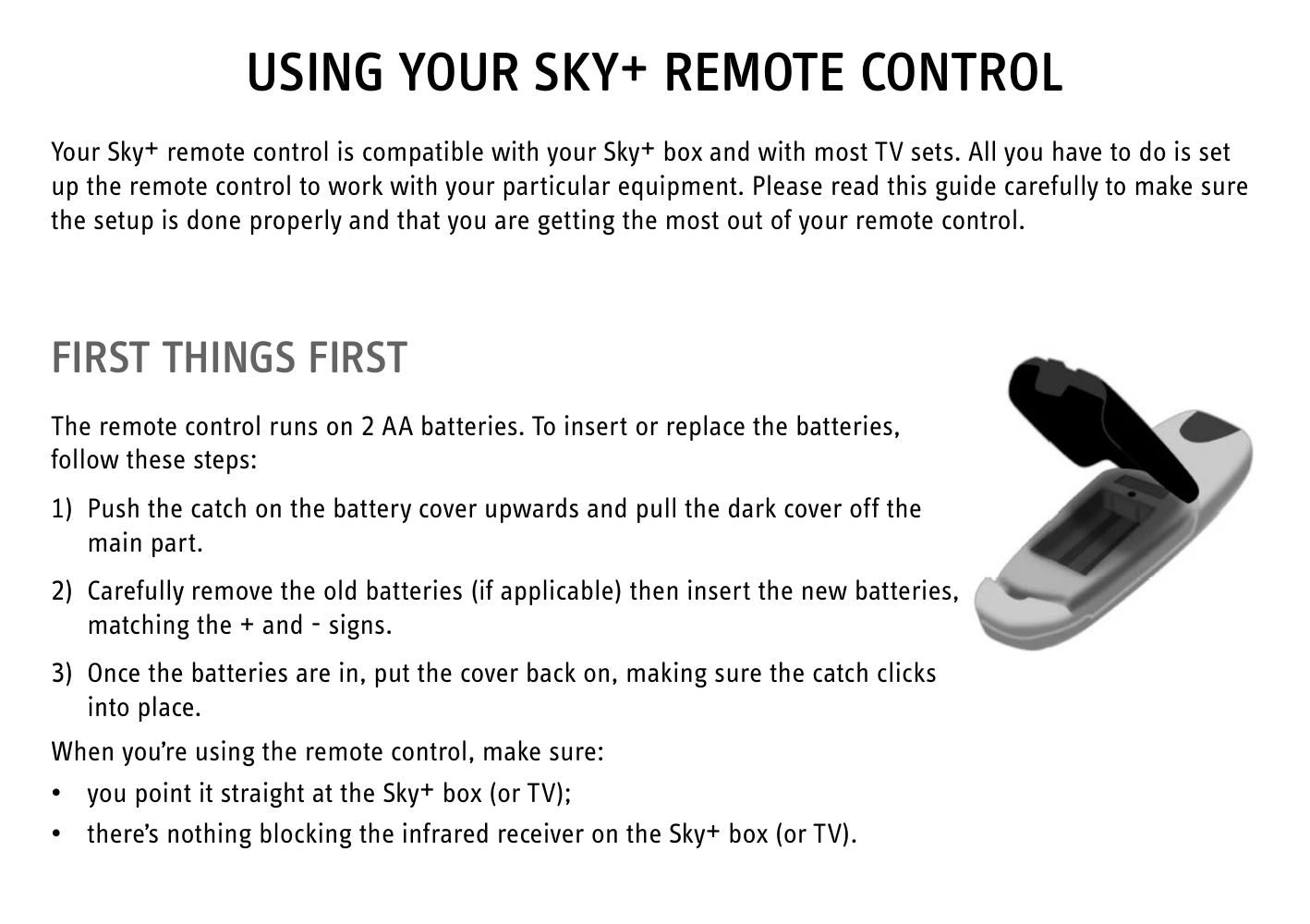
The remote control runs on 2 AA batteries. To insert or replace the batteries, follow these steps:
- Push the catch on the battery cover upwards and pull the dark cover off the main part.
- Carefully remove the old batteries (if applicable) then insert the new batteries, matching the + and - signs.
- Once the batteries are in, put the cover back on, making sure the catch clicks into place.
When you're using the remote control, make sure:
- you point it straight at the Sky+ box (or TV);
- there's nothing blocking the infrared receiver on the Sky+ box (or TV).
IMPORTANT NOTES ON THE BATTERIES
- When the batteries are low, Sky Guide shows you a message onscreen. Replace the batteries as soon as you see the message.
- If you leave your remote control without working batteries for longer than 10 minutes, the TV compatibility settings are lost. After replacing the batteries you can control your Sky+ box as usual but you have to set it up to work with your TV, as described in this leaflet.
- Don't leave flat batteries in your remote control.
- Always replace both batteries at the same time; don't mix old and new batteries or mix different battery types.
- When you throw away old batteries, make sure they go to an environmentally-friendly collection point.
MAKE YOUR REMOTE CONTROL LAST LONGER
- Don't drop it!
- Don't let it come into contact with any liquids!
- Use a dry cloth to clean it!
SETTING UP THE REMOTE CONTROL TO WORK WITH YOUR TV
If your TV is made by Sony then your remote control is already set up for your TV set as well as your Sky+ box. If you have a different brand of TV, you'll have to change the settings, as follows:
- Turn on your TV and Sky+ box.
- Find your TV's brand code. Click here to show the brand code list. If you can't find the brand, press interactive on the remote control, go to Sky Customer Service and the Technical Assistance pages where you'll find a more detailed list. Write the number here: ____
- Press tv on your Sky remote control.
- Hold down select and the red key together for about 2 seconds until the light on your remote control flashes twice.
- Press tv again.
- Key in the 4-digit code of your TV brand. The light on your remote control flashes twice. If you see it flash only once, check you've got the right code and enter it again.
- Press the standby key on your remote control. If the TV switches off, press select. The light on your remote control flashes twice. If the TV doesn't switch off, press tv then standby. Keep doing this (press tv then standby) until the TV turns off, then press select.
The settings are done and your Sky remote control should now work with your TV.
To go back to the factory settings, press tv then hold down select and the red key together for about 2 seconds until the red light on the remote control flashes twice. Then key in the sequence 9-8-1.
IF YOU HAVE ANY PROBLEMS
For more information or troubleshooting tips, refer to:
- your Sky+ box user guide;
- the Sky Accessory pages of sky.com, see Related Links;
- the tips on your Sky Guide (Interactive > Sky Customer Service > My Sky or use tv guide on your Sky+ box).
Otherwise, call us on the number shown on Sky Guide (services > Telephone Numbers > Technical Help or use tv guide on your Sky+ box).