Manual for DVP-S7700

Manual for DVP-S7700

Brand: SONY

Category: Audio

Document Type: Manual

Language: EN
Uploaded: Nov. 21, 2025, 7:19 p.m.

Manual Publish Date: 1998-11

Getting Started
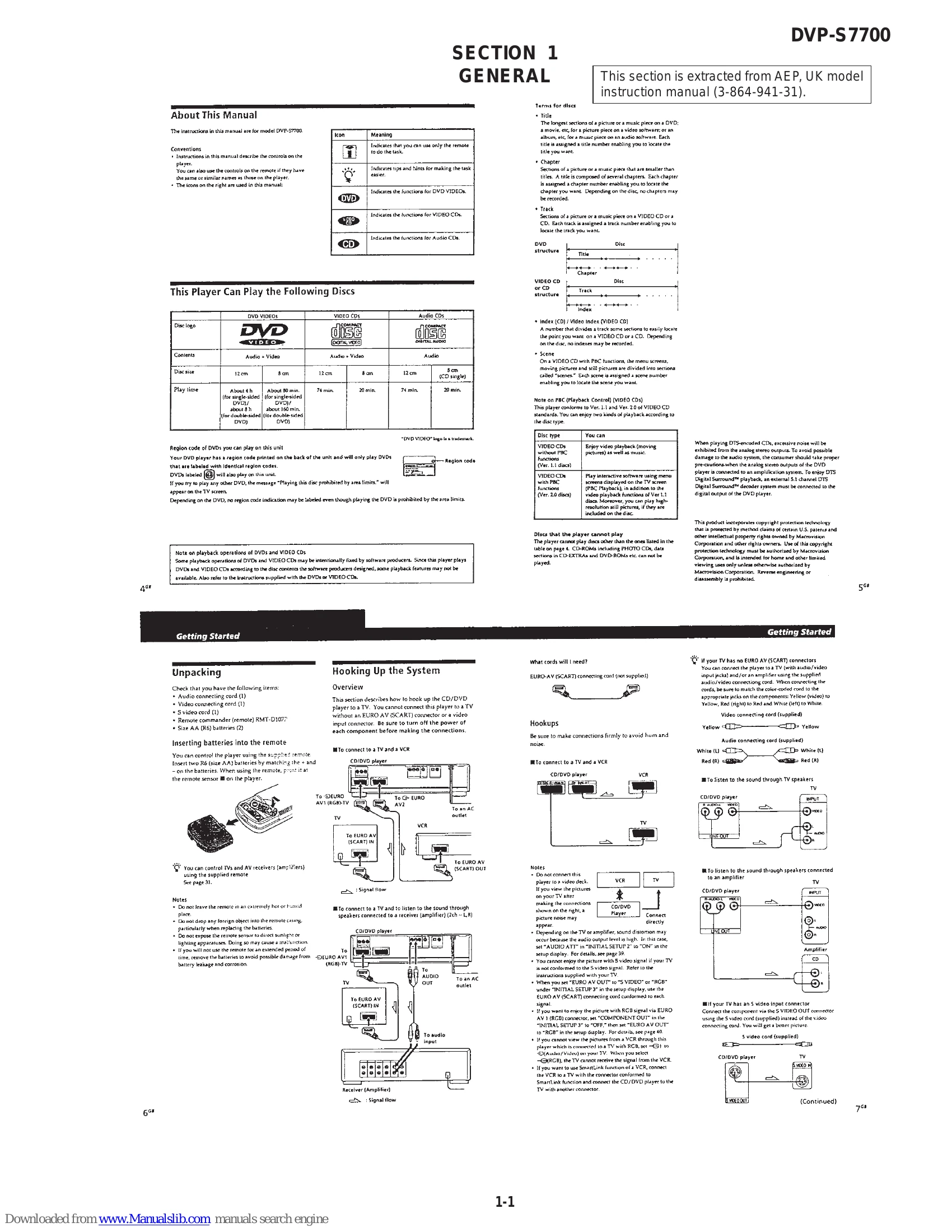
Unpacking: Check for supplied accessories: audio cord, video cord, S-video cord, remote commander, and batteries.
Hooking Up the System: Connect player to TV/VCR using appropriate cables (SCART, video, audio, S-video). Ensure secure connections. Can control TV/AV receiver with remote.
Necessary Setup Before Using the Player: Use setup display to configure player based on connected TV/components (aspect ratio, audio outputs, language settings).
Selecting the Language for On-screen Display: Use SET UP button to choose language for menus and messages.
Playing a DVD: Set up TV, turn on player, insert DVD, press PLAY. Control playback using remote or front panel buttons (play, pause, stop, search).
Playing a CD/VIDEO CD: Similar to DVD playback, with specific controls for CD/VCD features.
Playing Discs in Various Modes: Offers options like repeat play (all, track, chapter, section), shuffle play, program play, speed/frame-by-frame playback, subtitles, audio selection, and parental controls.
Controlling TV/AV Receiver: Use remote commander with specific codes for different brands.

Troubleshooting and error codes

Trouble Possible Cause Remedy
No picture or sound from TV. The player is not connected to the TV correctly. Check the connection of the video and audio cables.
No sound. The volume is turned down on the player or TV. Turn up the volume on the player or TV.
Disc cannot be played. The disc is dirty or inserted incorrectly. Clean the disc and re-insert it correctly.
Privacy Policy