Manual for 2006

Manual for 2006

Brand: SONY

Category: Camcorder

Document Type: Manual

Language: EN

Uploaded: Aug. 10, 2025, 12:16 a.m.

Warranty Information

No warranty information is available in the provided text.
Basic Operation:

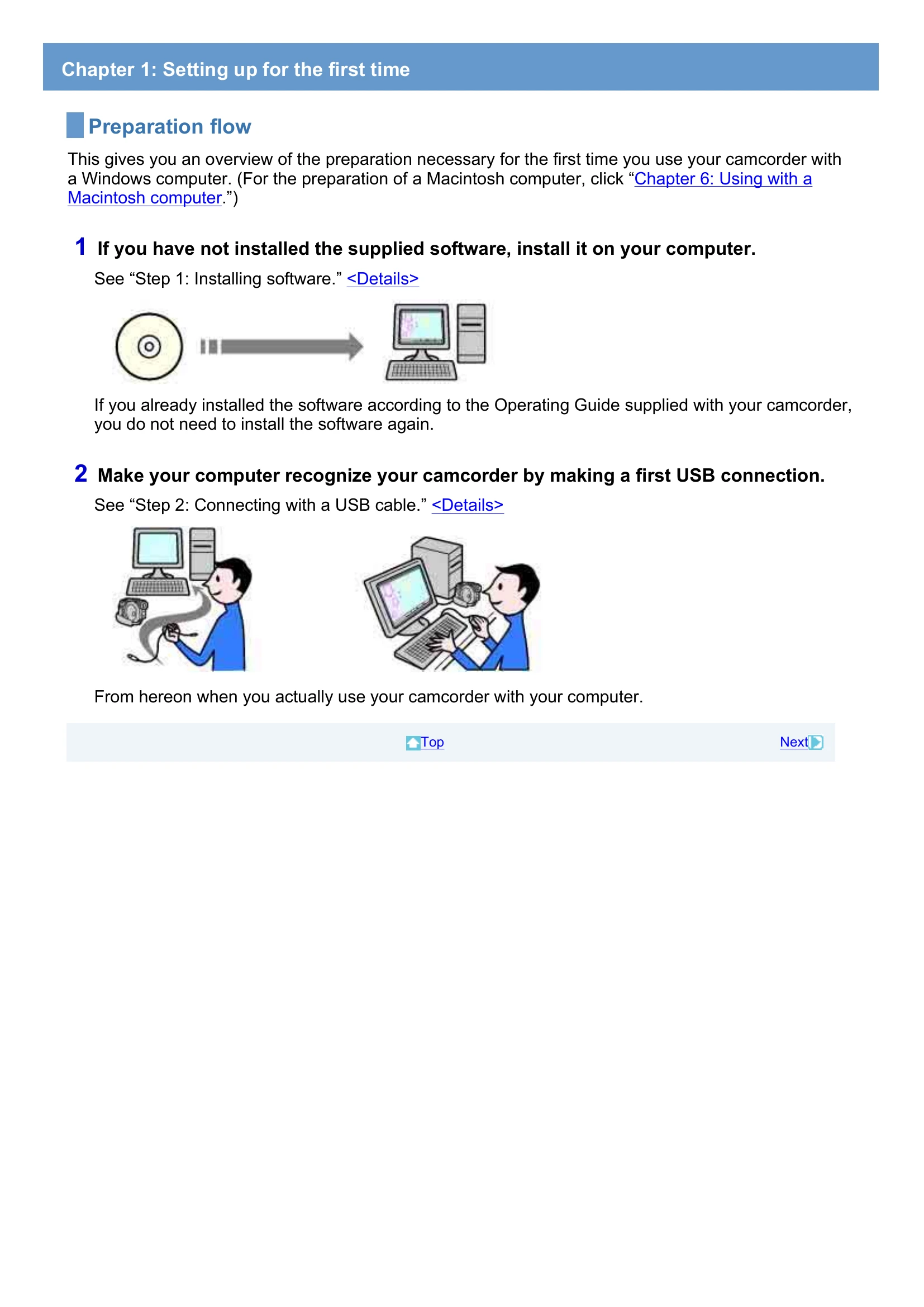
  1. Setup: Install Picture Motion Browser software and connect the camcorder to your computer via USB.
    • Ensure the camcorder is powered on.
    • Select 'COMPUTER' on the camcorder's USB SELECT screen.
  2. Importing Media:
    • Import videos from a disc by inserting it into your camcorder and connecting to the PC, or import still images from a Memory Stick Duo.
    • Select destination folders and click 'Import'.
  3. Viewing Media:
    • Browse imported videos and images in the Picture Motion Browser software, either by folder or by date (Calendar view).
    • Double-click a thumbnail to view it in full screen.
    • Play images consecutively as a slideshow.
  4. Editing:
    • Use 'Video Trimming' to cut specific parts of a video.
    • Set IN and OUT points, then save the trimmed video.
    • Save a frame from a video as a still image.
  5. Disc Creation: Create discs with HD or SD picture quality by assembling your recorded videos and images.
  6. Disc Copying: Copy images onto another disc.
  7. Macintosh Connection: Specific instructions for connecting and importing to a Macintosh computer are provided in Chapter 6.
Privacy Policy