Accessing the Network: Navigate to the Network Menu on your camcorder to access various functions.
Using the Stylus: Tap on-screen buttons lightly with the provided stylus to operate the camcorder. Avoid tapping too hard or with wet hands.
Inputting Characters: Use the on-screen keyboard to enter text for email addresses or web pages. You can switch between alphabetical and numerical input, and between upper and lower case letters.
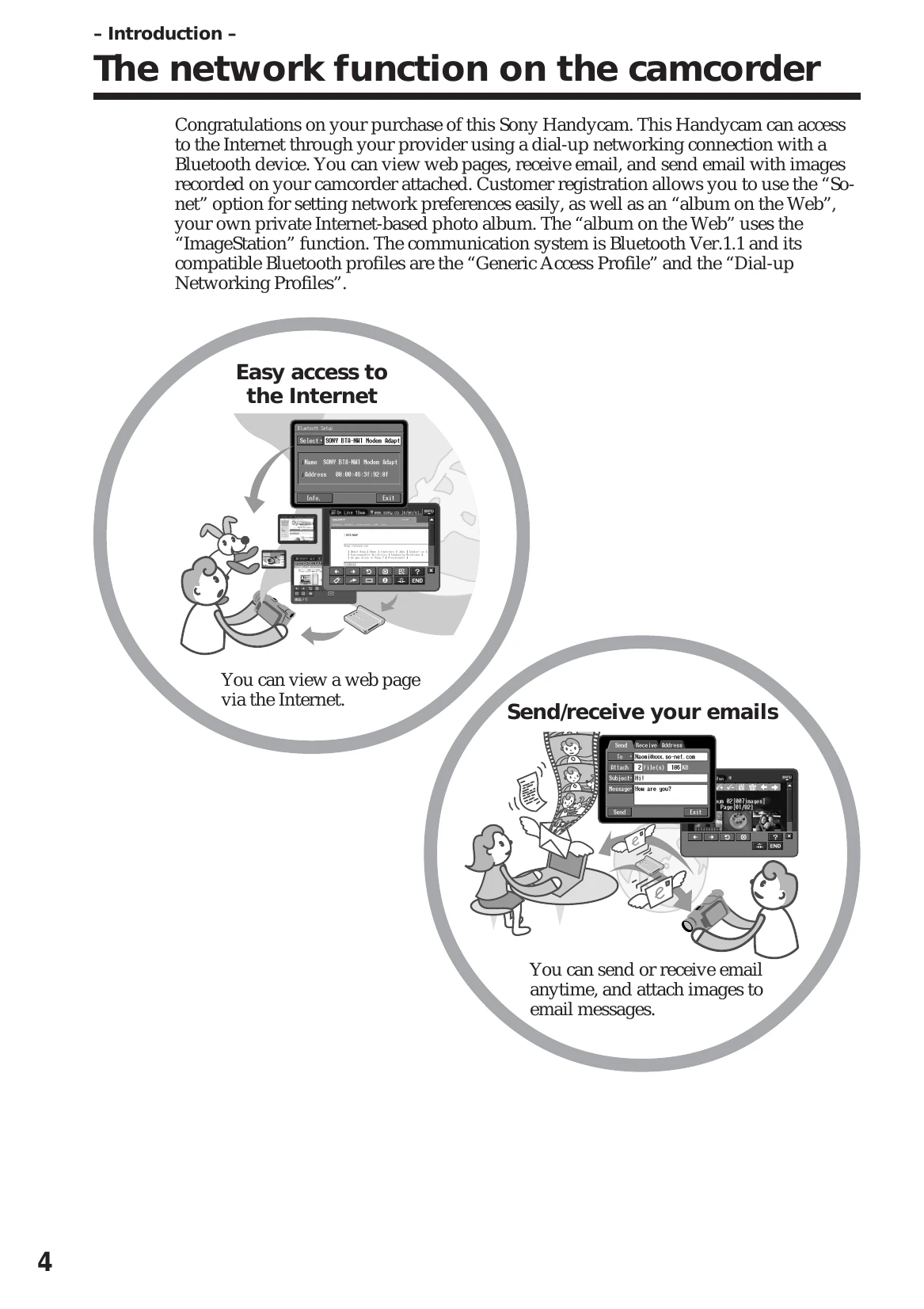
Sending/Receiving Email: Compose and send emails, attaching images from your camcorder. You can also receive emails.
Browsing the Web: View web pages directly on your camcorder.
Making Albums on the Web: Upload images to create a private photo album on the web. You can view and edit your album.
Network Preferences: Set up internet and email preferences, possibly using a provider like "So-net".