Brand: SONY
Category: Camcorder
Document Type: Manual
Language: EN
Brand: SONY
Category: Camcorder
Document Type: Manual
Language: EN
Uploaded: Aug. 10, 2025, 12:16 a.m.
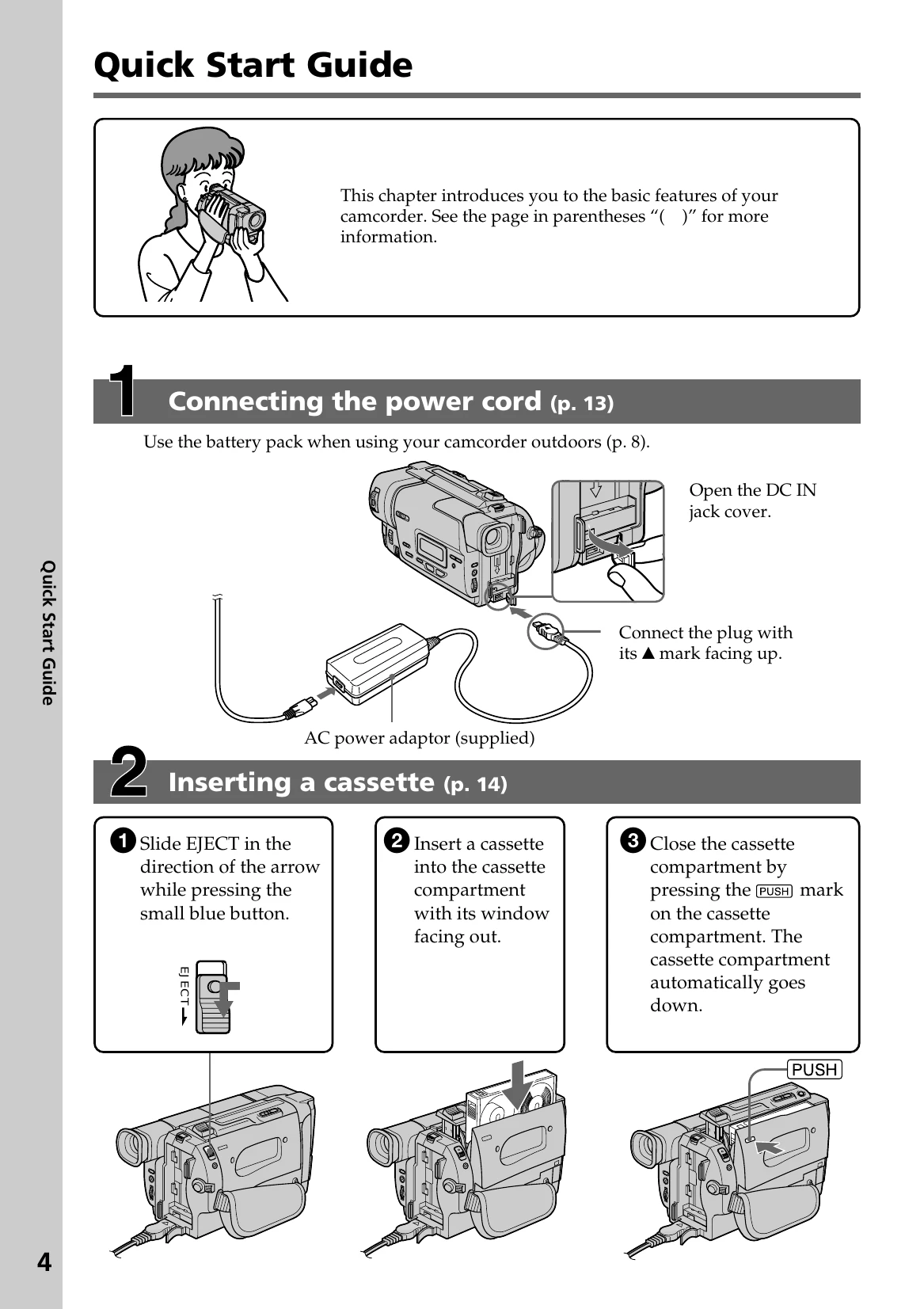
This section introduces basic features for quick operation.
Using this manual: Buttons and settings are in capital letters. Beep indicates operation. Note on TV color systems requires NTSC. Respect copyright laws.
Precautions on camcorder care: Avoid moisture, extreme temperatures, and pointing the viewfinder at the sun. Clean with a soft cloth.